This fixed video supplies the dance and stage structure. Your uploaded image supplies the central lead appearance.
History
Video history
Loading history…
A graphic character in a short concert movement
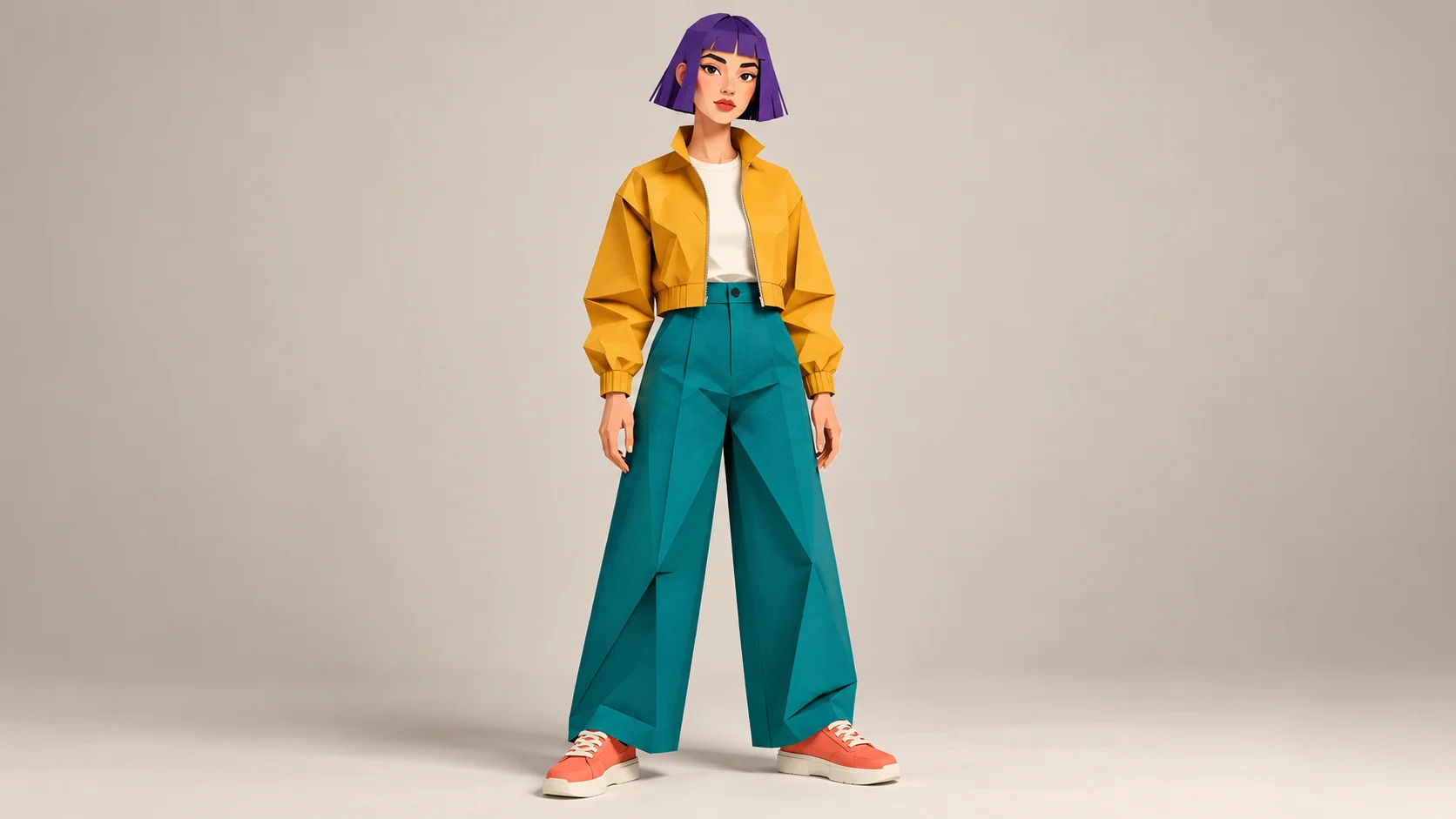
Give a graphic character a lead role in a compact stage performance. Talk Dirty Dance AI uses one appearance image and a prepared concert reference. Our original paper-cut character brings a purple bob, mustard jacket and teal trousers into the scene. The creative choice is who takes the central role, while the reference supplies the movement to follow.
Upload one clearly defined subject in the lead slot. The page starts with an eight-second output setting and includes the fixed motion video. Optional style notes can support the character treatment, but no extra performance recording is required. Review the whole result, because a generated interpretation can change details between poses.
A clear silhouette makes the lead easier to recognize in motion.
How to create your Talk Dirty Dance AI remake
1. Choose a clean character silhouette
Use a single figure with a visible face and readable clothing. Large color shapes work well for a graphic design. Leave enough room around the head, hands and shoes, and avoid a source where props hide much of the body.
2. Inspect the costume cues
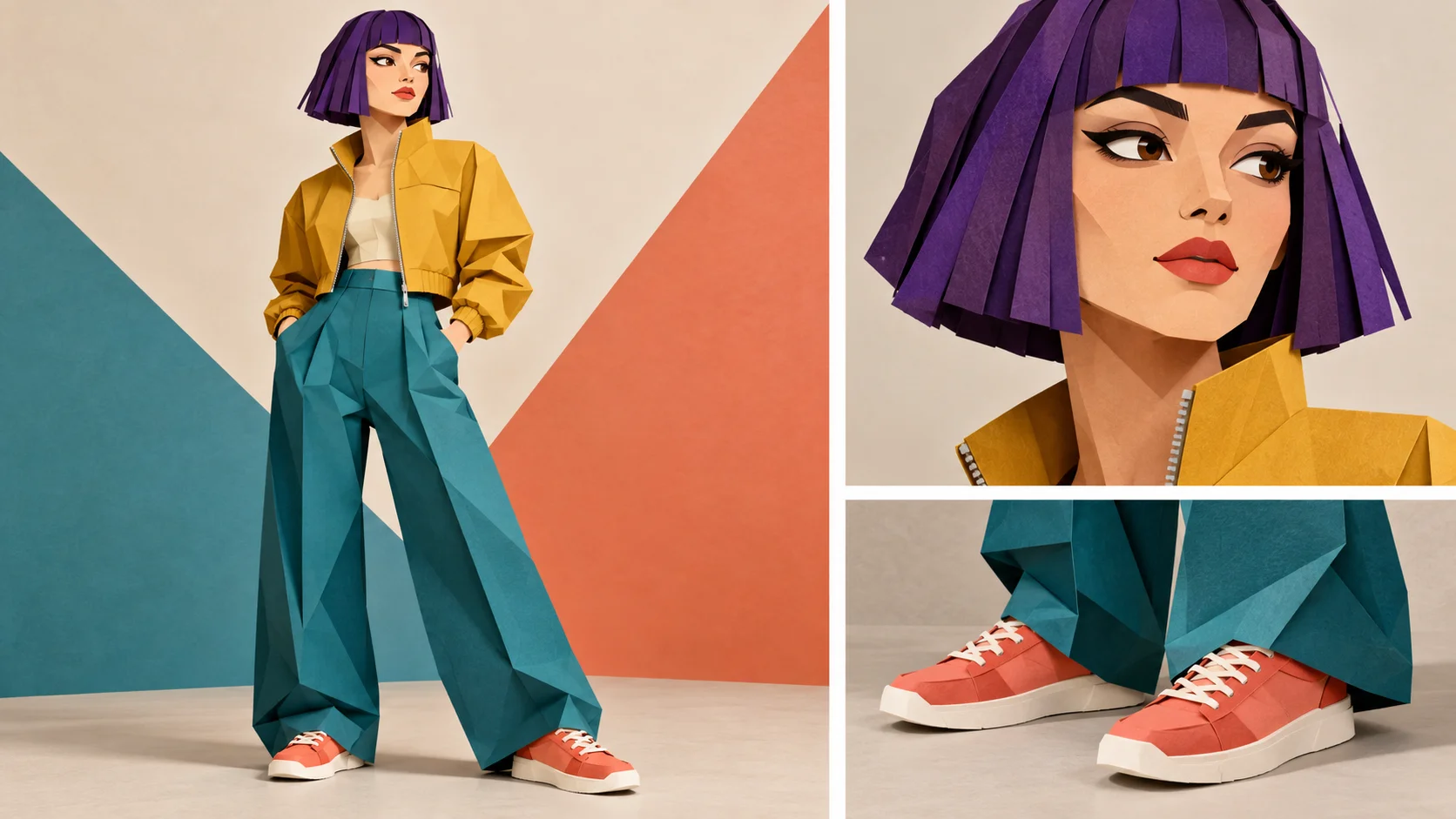
Decide which features make the character recognizable. In the guide, the purple hair, yellow jacket and coral shoes are the main cues. Check that those features are consistent in the source rather than scattered across several alternative sketches.
3. Play the prepared dance
Watch the reference from start to finish. Confirm the lead upload, available settings and current task quote before creating. Use optional notes for a small compatible style preference, not a long list of new moves that conflicts with the supplied routine.
4. Review the animation as a sequence
Find the finished take in History. Check the lead's face, color blocks and shoe shapes through the strongest movement and recovery. Look for merged limbs or distracting changes around background performers. Listen to the returned sound before choosing a version to keep.
Let a few bold details identify the lead
Check the design details, then upload one consistent view.
The paper character's purple hair and mustard jacket remain readable without small patterns or labels. That makes it easier to compare the source with a moving result. When preparing your own design, decide what the viewer should notice first. If every part of the costume uses a different elaborate pattern, the scene may become difficult to read once the body starts moving under stage lighting.
Use the preparation board to inspect the full figure, face and shoes, then export one consistent view for upload. The board itself contains multiple crops and should not replace a clean appearance image. Keep major edges distinct and leave some space around the silhouette. A small amount of background is useful; a crowded environment with several other figures can make the intended subject ambiguous.
Expect the style to be interpreted in motion
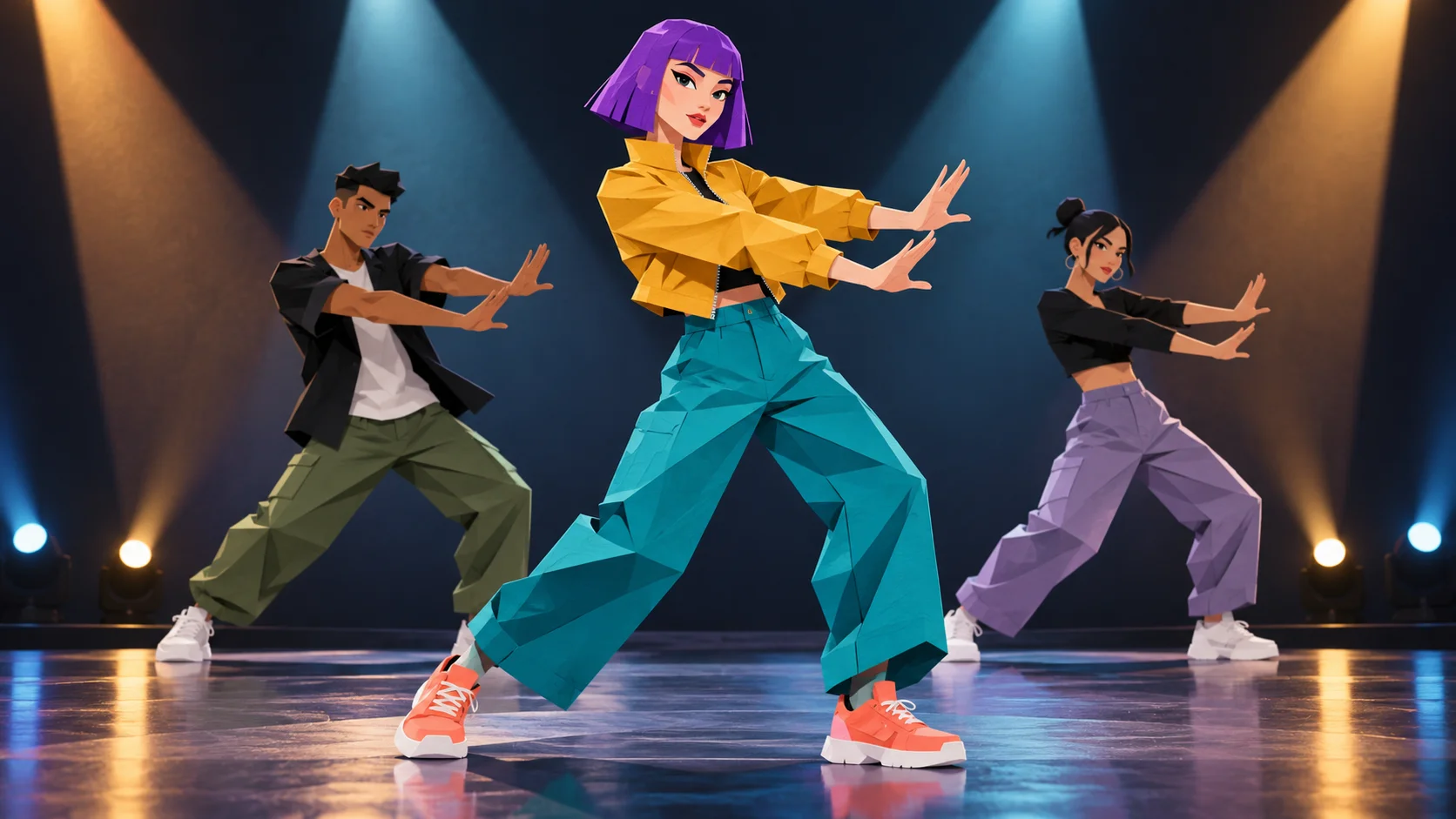
Concept art shows a graphic lead in a performance setting.
A flat or folded-paper design may gain shading, soften at the edges or change surface detail during generation. The concert illustration shows one possible treatment, not a guaranteed rendering style. The fixed reference supplies the broad dance and stage arrangement, while your image guides the central appearance. Evaluate whether the result still feels like the character even when it does not preserve every drawn line.
Optional notes can reinforce a simple visual direction, such as graphic color blocks and a consistent costume. Keep those notes compatible with the uploaded design. Asking for several unrelated styles or a new choreography makes the intended comparison less clear. If the character loses its shape, try a stronger source silhouette before adding more descriptive detail to the prompt.
Look for clean transitions and grounded feet
Review the transition and foot contact as well as the pose.
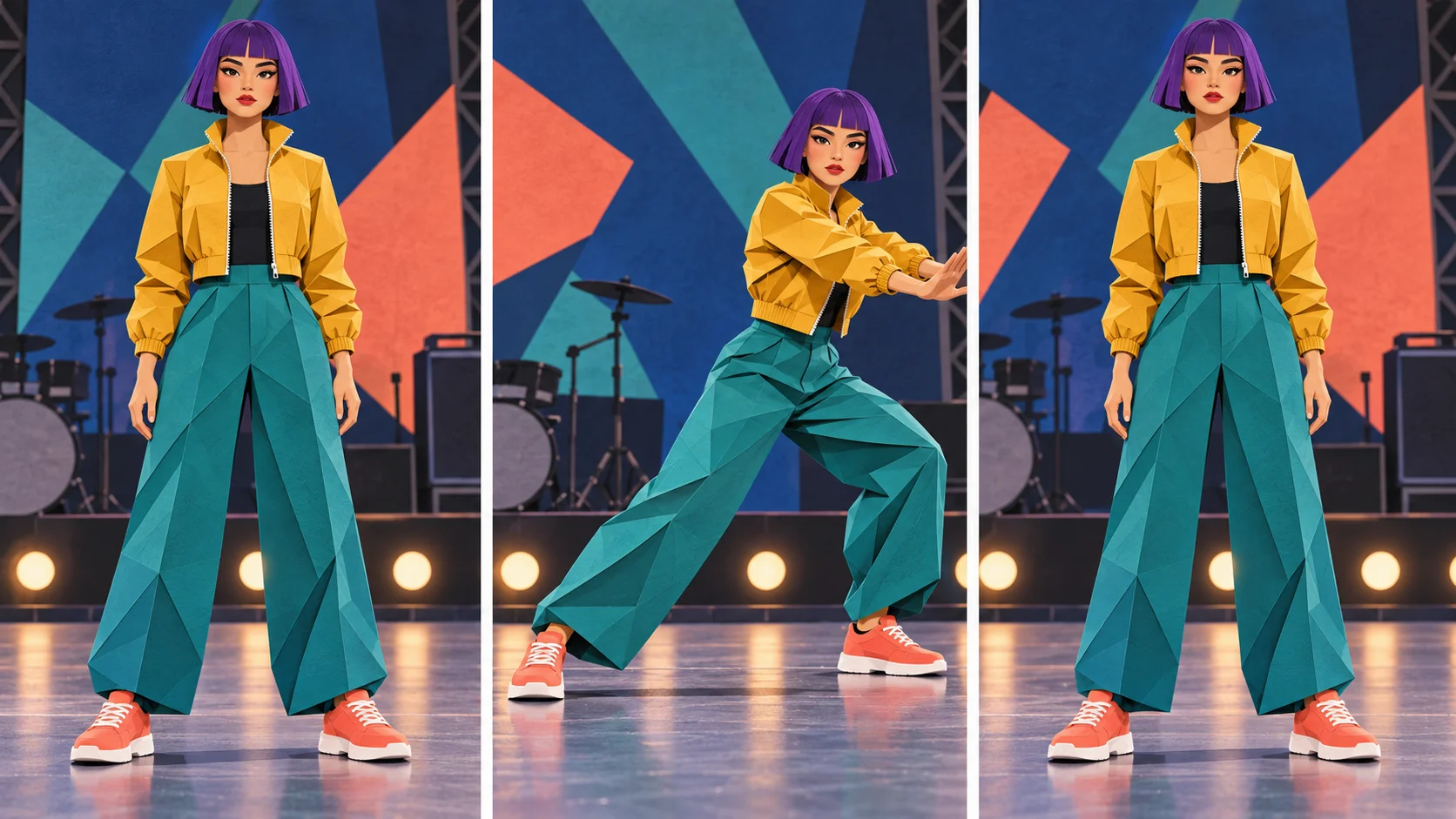
The motion-review triptych moves from a ready pose through a side-step and back into an upright stance. It suggests checkpoints for your actual video rather than additional preset choreography. Follow the coral shoes against the floor and the hands against the yellow sleeves. Watch for a sudden change in limb length or a face that becomes a different character during the middle of the movement.
Review once at full speed and once at the size you plan to share. Graphic artwork can look very different when reduced to a small player. Add captions afterward where they do not cover the face or footwork. Exact songs, voices and timing are not guaranteed, so listen before using the clip. Keep the take whose character remains understandable throughout, rather than choosing only by the most dramatic frame.
Input, cost and result questions
Can I use an original cartoon character?
Yes. A clear single-subject image can guide the lead appearance. Check how proportions and linework are interpreted in the completed video.
Do I need several reference poses?
No. This page accepts one lead image and already includes a performance reference. Choose a coherent appearance view instead of a pose sheet.
Can the character perform a different routine?
The workflow follows its fixed dance reference. Use another video setup if you need a different performance structure.
Are the guide images actual video frames?
They are editorial illustrations for preparation and review. Inspect the result returned to History for the actual generated sequence.
Is generation free?
Access follows your account and the active model policy. Read the current task quote and Pricing options before submitting.
Will the original soundtrack be exact?
No exact music or vocal match is promised. Preview the returned audio and handle a specific soundtrack separately in your editing workflow.