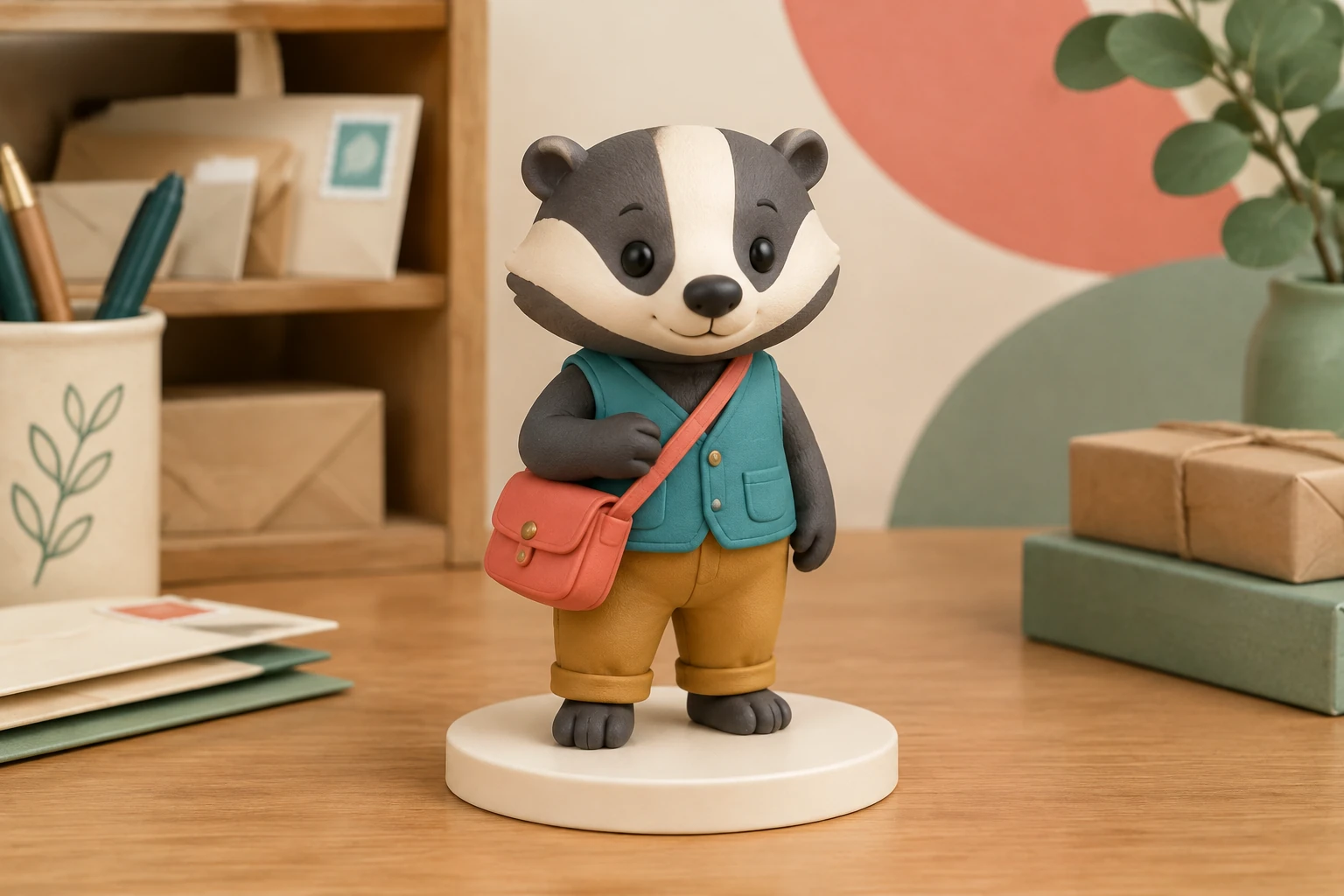
AI Sculpture Filter
Explore the separate task of giving an image a sculpture-like filter treatment.

The AI 3D Figure Generator turns an original character idea or one clear drawing into a collectible-style still image. Try the badger-messenger scene or upload your own design, then review its silhouette, color blocks and accessories. This creates a picture with dimensional styling; it does not supply a printable 3D model.
For Text to Image, describe your own character and the collectible display you want; this mode does not require an upload. For Image to Image, supply one clear image of your original drawing or other image you have permission to use. Keep the full figure visible where possible.
Describe the subject, material, and display setting. With a reference, ask for a collectible-style interpretation that preserves its visible outfit or markings, colors, pose, and accessories. Treat those details as goals, not guarantees: iteration can change them.
This guide prioritizes the enabled Seedream 5.5 and Minimax H3 Image options; the model selector may expose others. Choose a model and aspect or resolution settings that suit the composition, then check the current required-credit quote before generating. Requirements depend on the selected model and settings.
Check recognition, silhouette, hands or paws, accessories, base, and unwanted text in the ready image. History shows generation status and ready images. Download or use the actual image once it is ready and you have reviewed it.
The transformation is successful when the original design still reads beneath the toy-like treatment. For the badger example, inspect the overall upright silhouette first, then the two cream cheek stripes, small coral satchel, and separation between dark gray, teal, and ochre shapes. A clean background and visible base help the figure feel like a display piece without crowding its outline. You can instead describe a simple desktop or shelf scene, but keep the requested setting secondary to the subject.
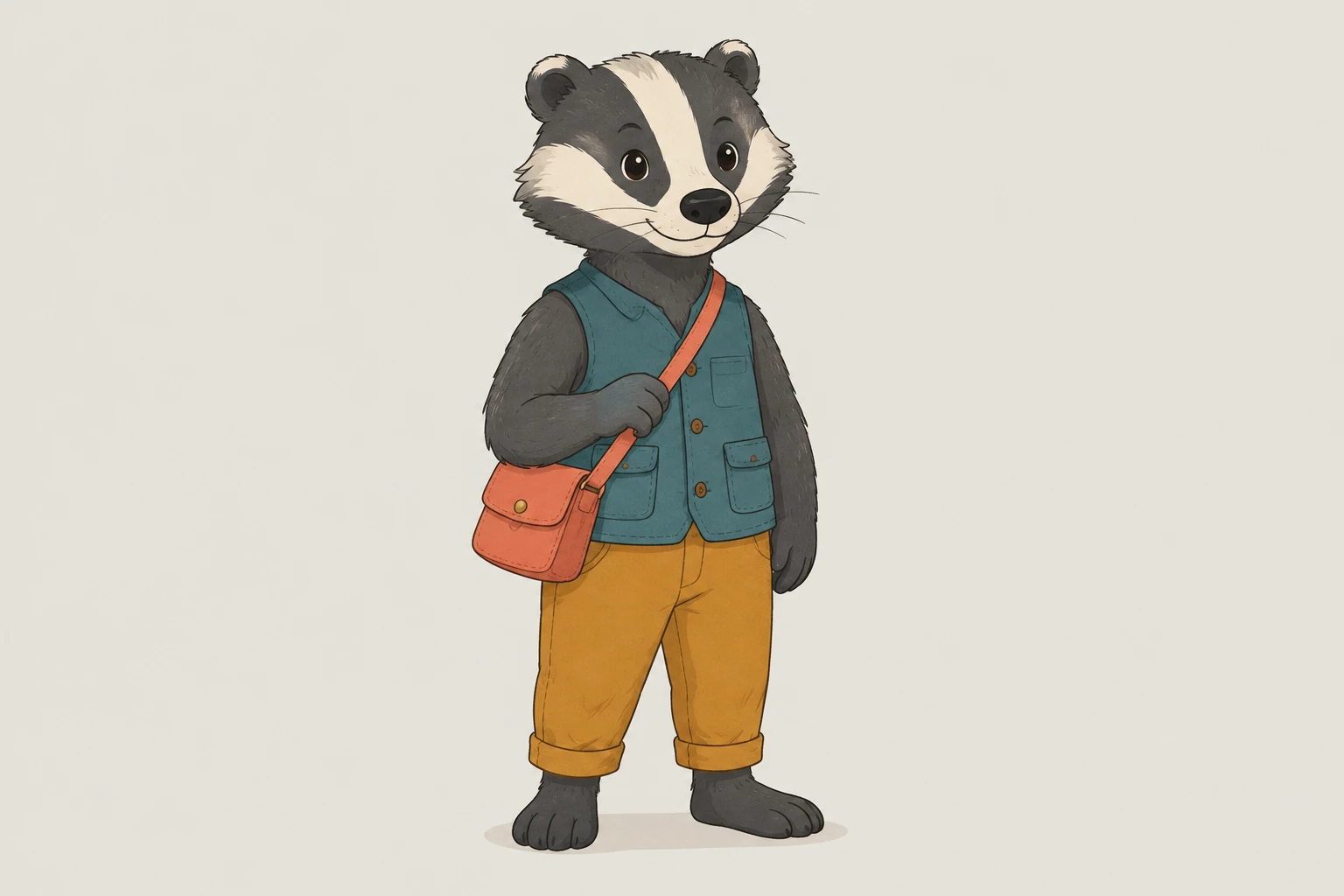
Use Text to Image when you want to create the complete collectible scene from a written description without uploading a reference. Use Image to Image when you have one supplied image to guide the interpretation. Both modes have editable prompts: adjust wording to emphasize the details you care about, such as the pose, color blocks, accessory, or display base. A reference guides the result; it does not guarantee exact identity or detail preservation.
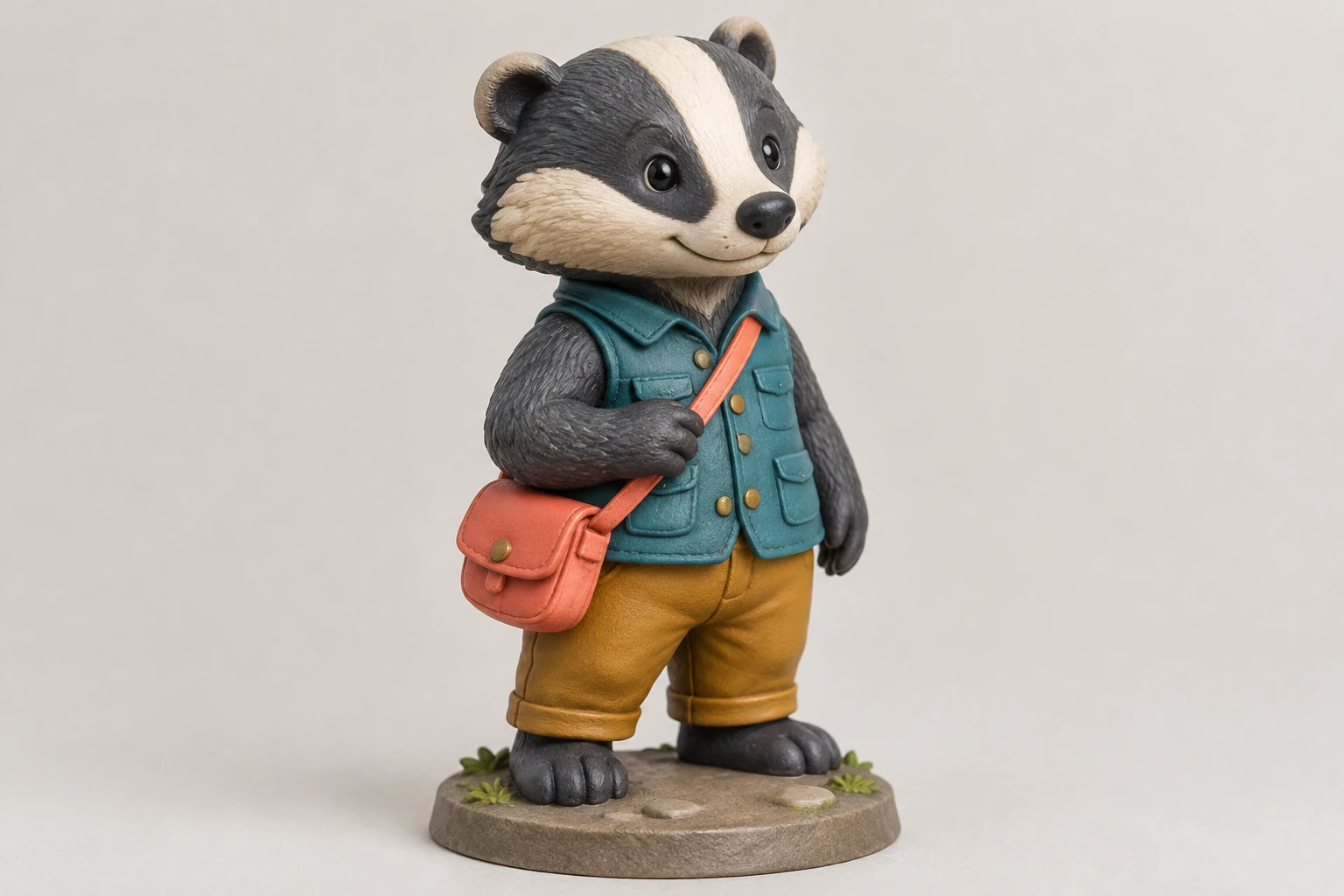
This guide is about a still image with a dimensional collectible or toy appearance. It does not create a 3D mesh, STL, rotatable model, rig, 360-degree view, printable file, or physical manufactured figure. It is also distinct from applying a sculpture-like filter to a photo or turning a photo into an animal; those are different image tasks. Choose this guide when your goal is specifically a rounded collectible-style interpretation of an original cartoon design.
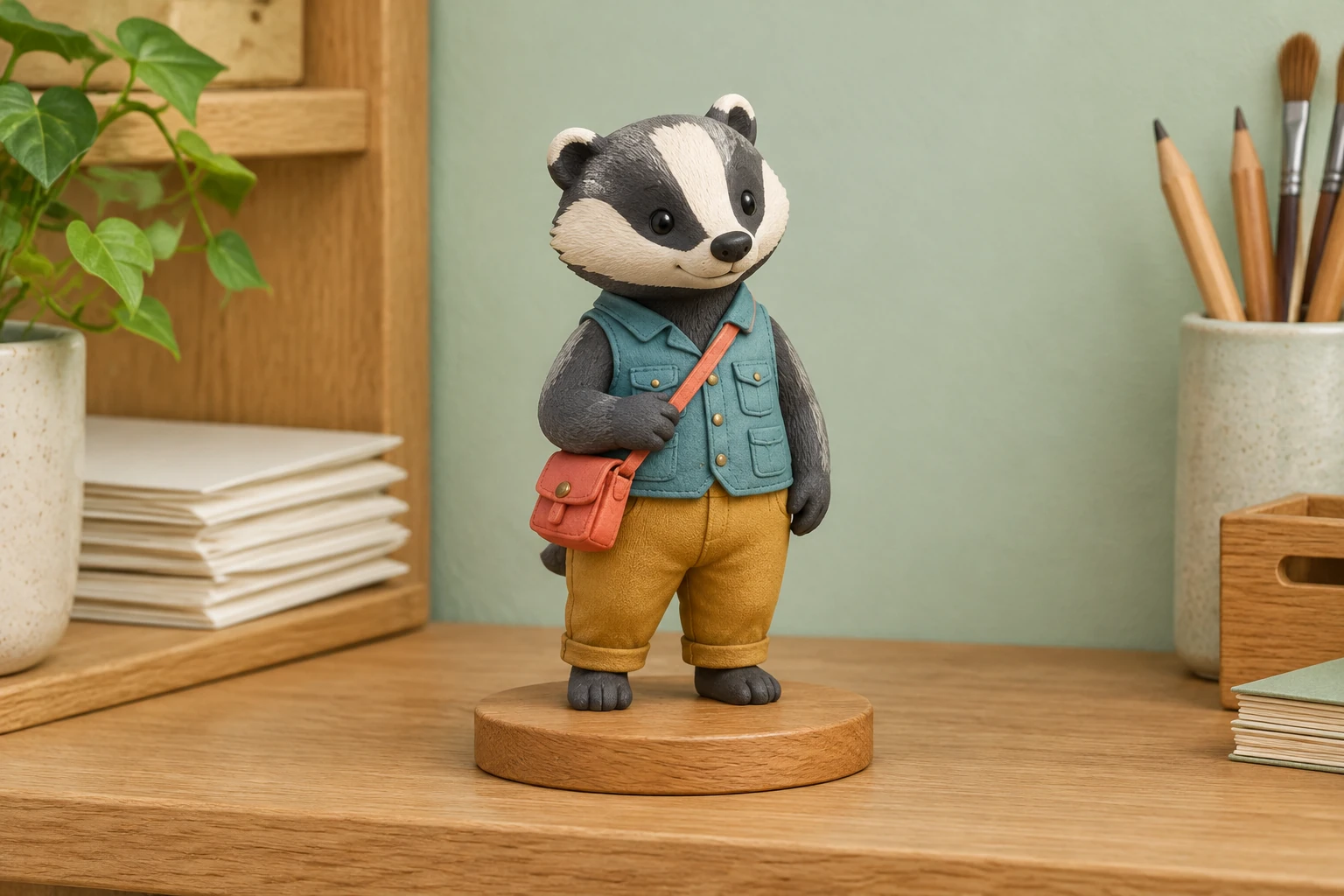
Neither prioritized model has free-eligible access here. The current required credits depend on the chosen model and aspect or resolution settings, so check the live quote for your account before starting; there is no fixed price stated here. Review the actual ready image rather than assuming details survived unchanged. If the silhouette, paws, markings, accessory, base, or text are wrong, edit the prompt and try another iteration, knowing details may shift.
It creates an ordinary still image with a dimensional collectible-style appearance. It is not a mesh, STL, rotatable model, rig, 360-degree view, printable file, or manufactured figure.
Yes. Text to Image uses a written description and requires zero uploads. Image to Image uses one supplied image as a reference. Both modes have editable prompts.
Choose a crisp image with the full silhouette visible and important colors, markings, clothing, and accessories easy to see. Use your own drawing or an image you have permission to use; do not assume a reference will be preserved exactly.
Seedream 5.5 and Minimax H3 Image do not have free-eligible access here. Required credits depend on the current model and aspect or resolution settings, so check the live quote for your account before generating.
This guide prioritizes the enabled Seedream 5.5 and Minimax H3 Image options, while the model menu may show other models. Choose from the options available to your account and check the current quote; this guide does not claim one is faster or produces better results.
History shows status and ready images. Inspect the actual image for recognition, silhouette, hands or paws, accessories, base, and unwanted text before downloading or using it. Generation can alter details, so identity and exact feature preservation are not guaranteed.
southparkcharacter.com · Updated