Earth Zoom Generator
Explore another portrait-to-video guide for a different visual direction.

Loading history…
Create an original 8-second solo clip from one permitted adult photo. This Like Jennie AI Dance Trend guide on southpark character uses a prepared small side-step, light shoulder accent, one hand gesture and a calm finish with Seedance 2.0. Your photo supplies the adult, hair, outfit and setting. Leave Optional visual notes empty for the starting routine, or add one short preference for light or mood. The movement is independently written; it does not match a particular recorded choreography.
Upload one permitted photo of one adult. Prefer a full-body or three-quarter view with a clear face and hair outline. Keep both hands and feet visible when possible, and leave space around the body. Your photo provides the intended person, clothing and setting.
The 8-second direction starts with a relaxed stance, moves through a small side-step out and back, a light shoulder accent and one small open-hand gesture near the chest, then holds a calm balanced finish. Keep Optional visual notes empty to begin, or add a short visual preference. No second photo or reference-video upload is required.
The built-in direction calls for a relaxed stance, a small side-step out and back, a light shoulder accent, one small open-hand gesture near the chest, and a calm, balanced finish. It also calls for a steady full-body camera. This is an original simple solo movement, not exact recorded choreography.
Choose from the actual aspect-ratio, resolution and audio controls, then check the current credit quote and paid-account eligibility before Generate. Follow the task in History; waiting time varies. Watch the whole clip when ready and inspect the face, hands, feet and background before downloading.
Choose a photo of an adult you are permitted to use. For a useful starting composition, prefer a full-body or three-quarter view where the face, hands, and feet are clear. The native workflow uses that one photo and its written movement direction; it does not require a second image or a video input. Keep in mind that the photo’s person, hair, outfit, and photographed setting are the source details to preserve, not choices the sample scene can impose.
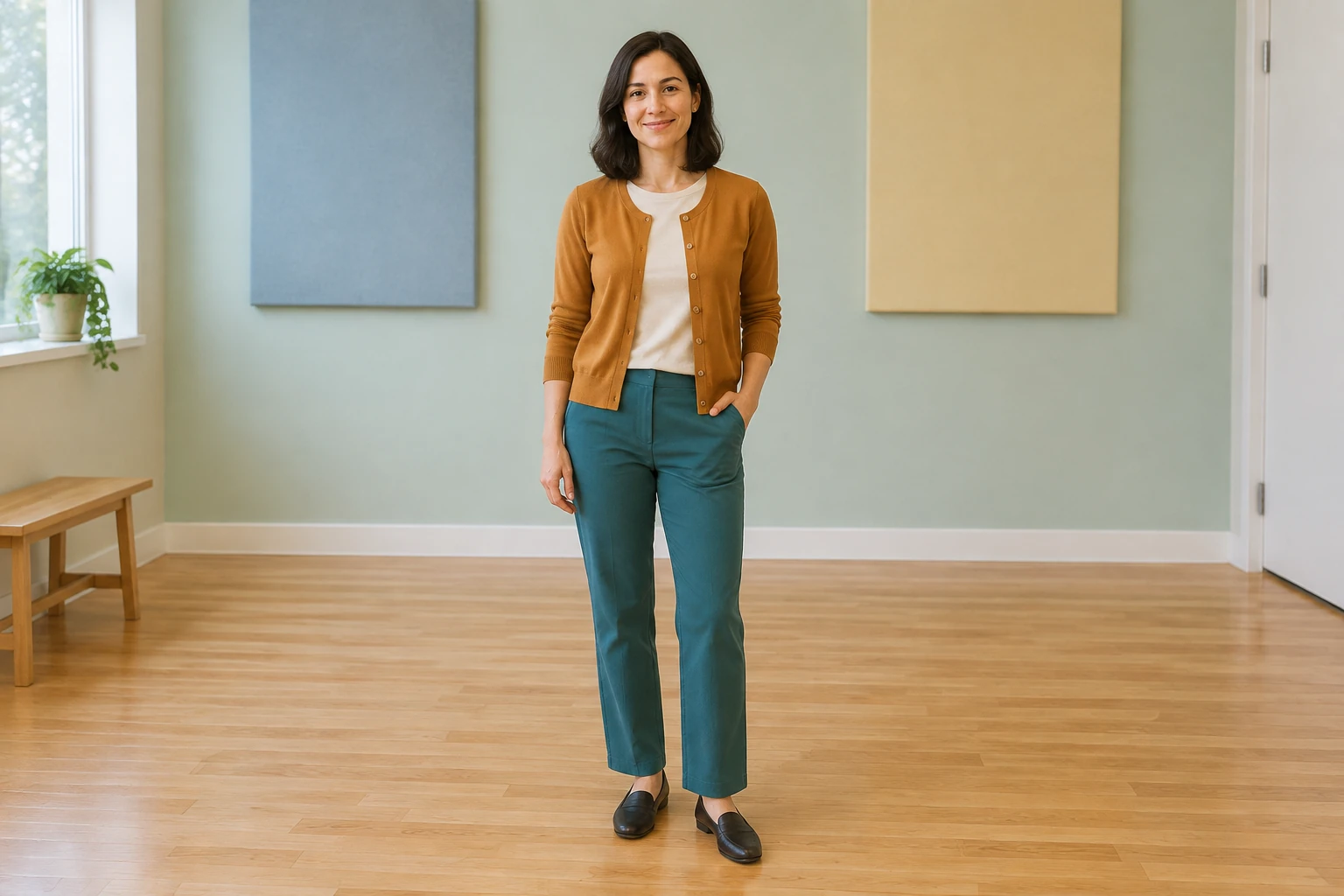
Plan the photo around an original character-led solo greeting with a relaxed two-step and small shoulder accent. Keep the head and feet away from the frame edge and leave room beside the arms. A simple background makes changes in silhouette easier to notice. The sample clothes and room are visual examples; your uploaded photo supplies the adult and setting. If a hand is hidden or a foot is cut off, choose a clearer source image when you can.
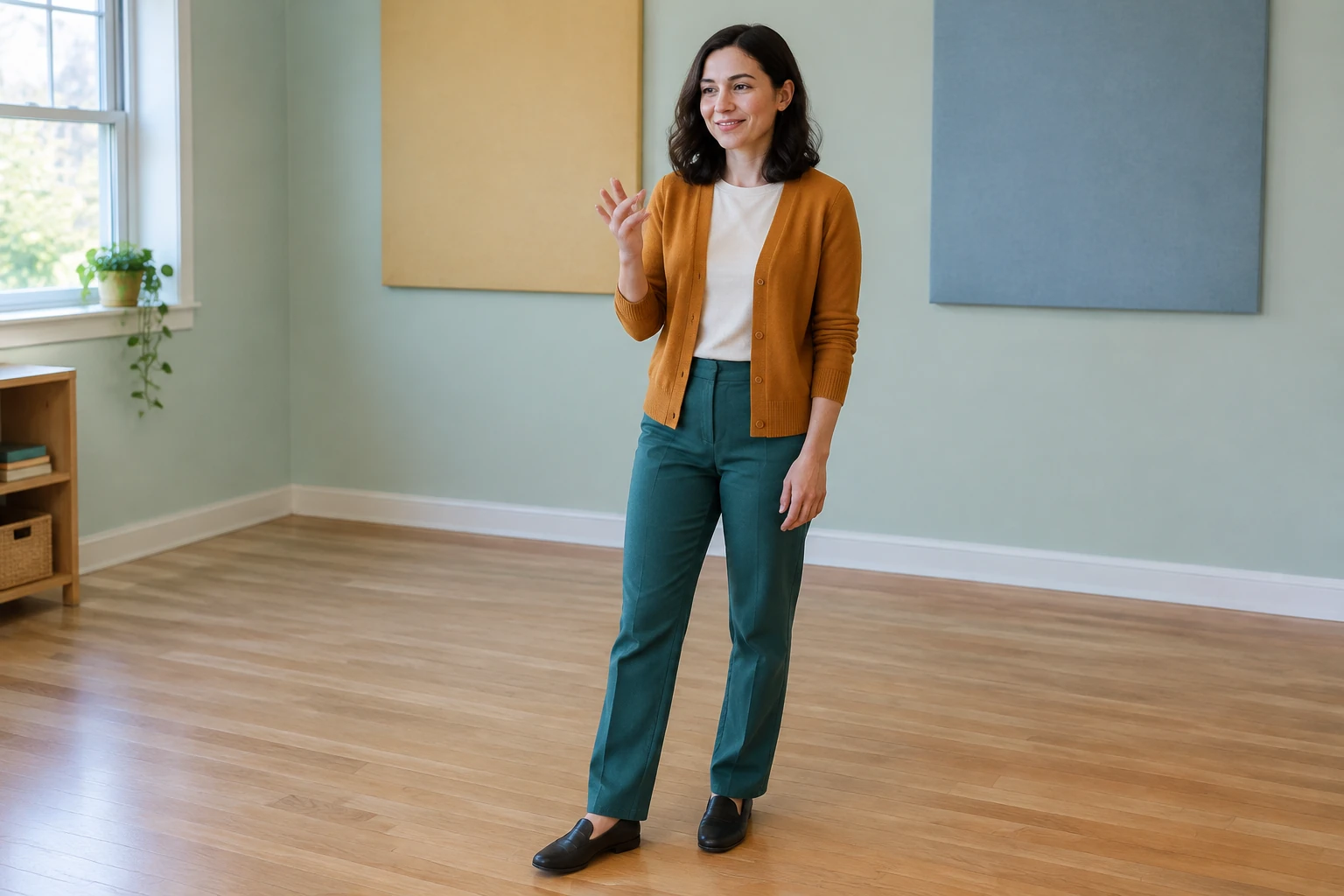
The prepared routine lasts 8 seconds. Choose the aspect ratio, resolution and audio options from the controls actually shown. Keep the desired full-body frame in mind when selecting an aspect ratio. Read the current credit quote and paid-account eligibility before Generate; the required credits depend on the available settings. Processing time varies, so follow the task in History and review the clip once it is ready.
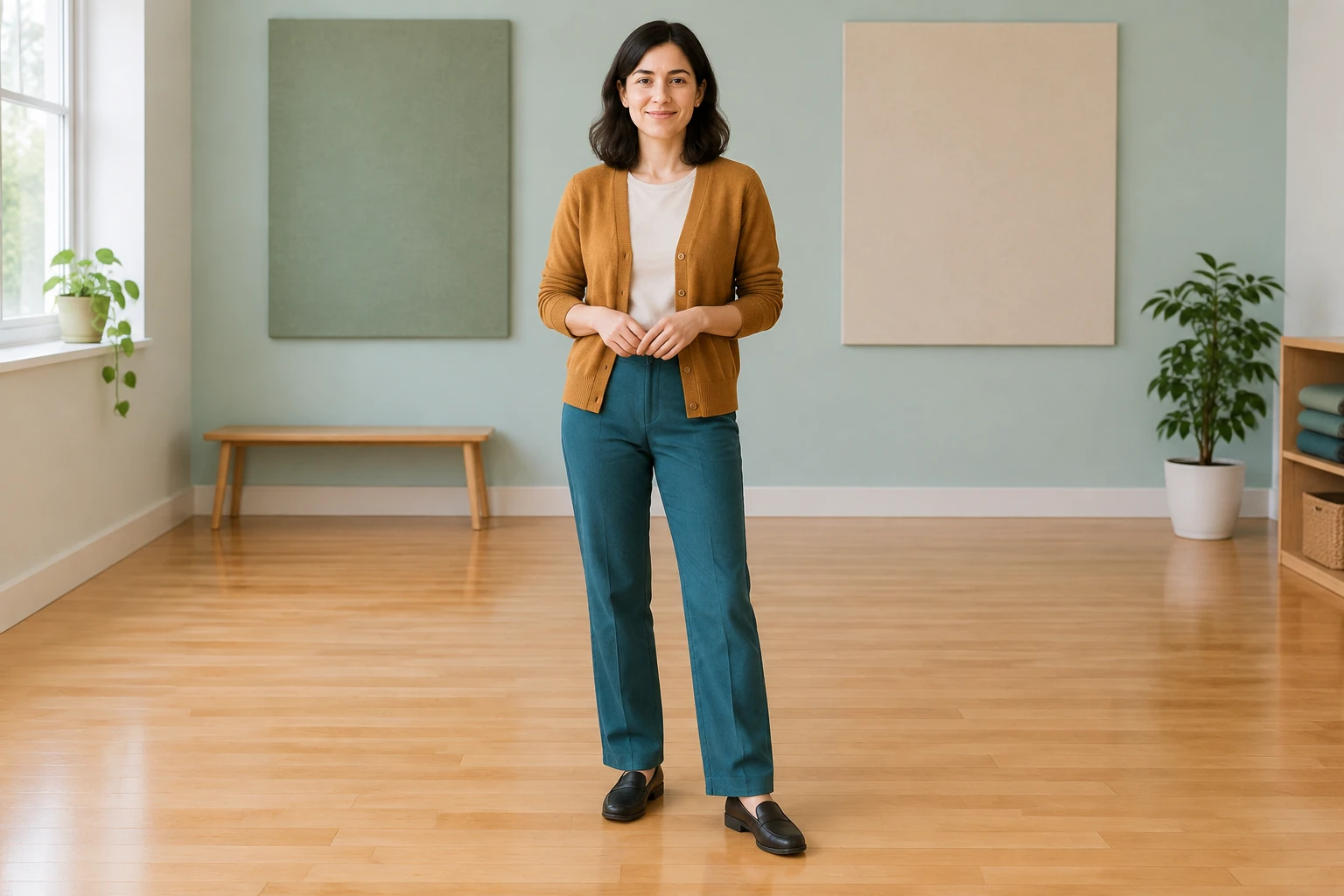
Watch the small step from beginning to end. Check that the feet stay connected to the floor and that knees and shoulders turn in a plausible direction. Follow the raised hand, then inspect the calm final pose. Compare face, hair and clothing with your input photo. If the motion becomes crowded, try a clearer photo with more room around the body and keep extra notes focused on one change.
Use one permitted adult photo with a clearly visible face. A full-body or three-quarter view is preferable, especially when hands and feet are also in frame, so you can review those details in the result.
The described native workflow calls for exactly one permitted adult photo and one person. It does not call for a second image.
No. The workflow includes a complete written 8-second direction: relaxed stance, small side-step out and back, light shoulder accent, a small open-hand gesture near the chest, and a calm balanced finish with a steady full-body camera.
No. Optional visual notes start empty. The built-in written direction is already provided.
This page prepares an 8-second clip. Review the available aspect-ratio, resolution and audio settings, then check the live credit quote and paid-account eligibility. Follow the task in History and open the ready clip when processing finishes; waiting time varies.
Check whether the face, hands, and feet are clear, then review the full-body framing, movement, and calm finish. The separate filmed study has feet outside the crop, so it is not a template for full-body framing.
southparkcharacter.com · Updated