What is GTA Style AI Photo Generator?
Turn a photograph into an original illustrated portrait with strong outlines, sunlit color blocks and a graphic urban setting. Try it for podcast episode art, with your own setting and a clear visual intention.

an original character idea
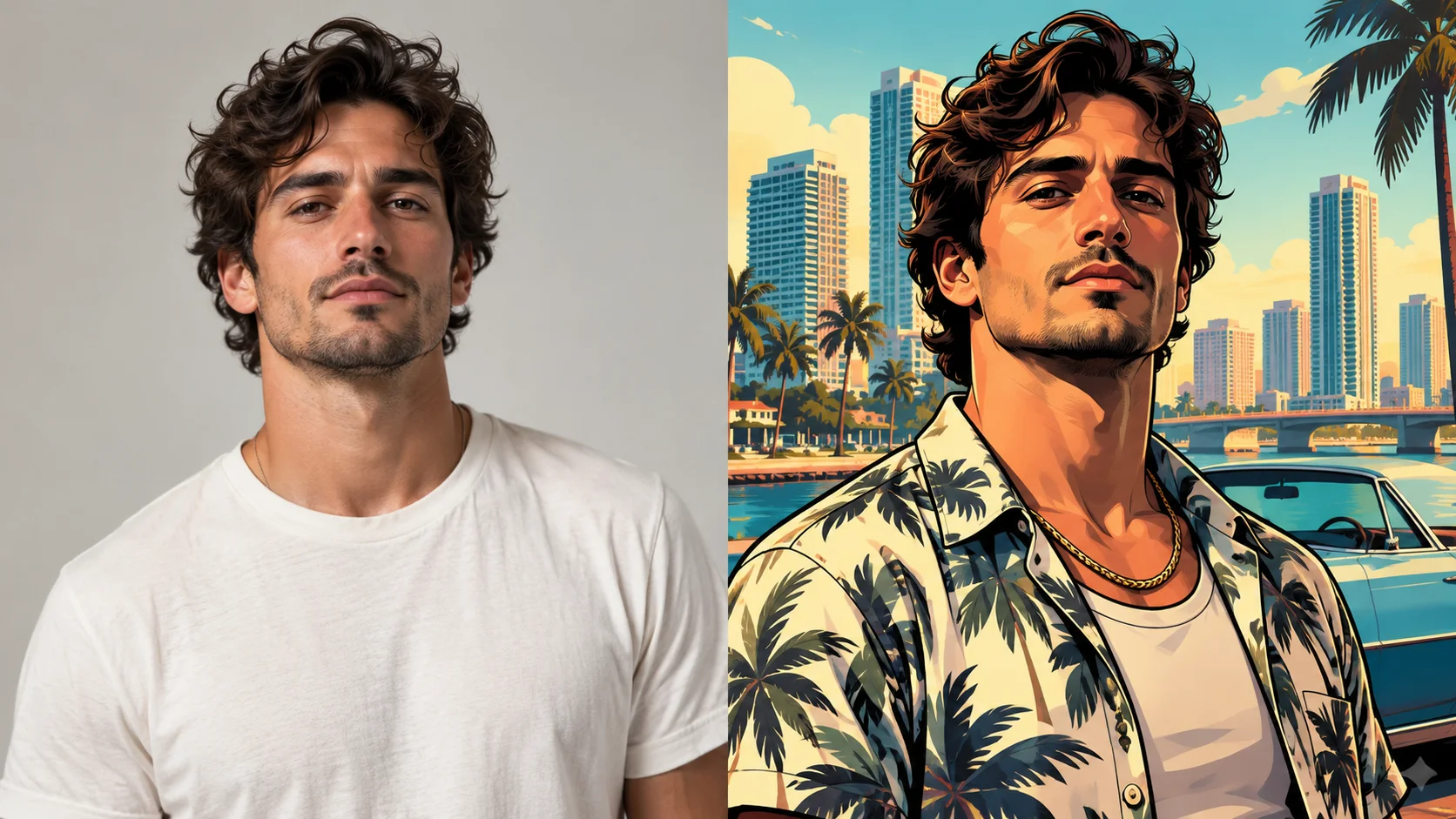
Turn a photograph into an original illustrated portrait with strong outlines, sunlit color blocks and a graphic urban setting. Try it for podcast episode art, with your own setting and a clear visual intention.
Choose Text to Image or Image to Image, prepare the matching inputs and describe one useful direction. Check the settings and quote, then submit and review the result in History.
Check your current account credits and the selected model’s access conditions. When the available balance covers the quoted job, you can generate without buying more credits.
Choose one adult portrait with a clear face and shoulder outline in Image to Image. A simple pose is easier to read as bold shapes.
Read the live credit quote for the selected model and settings before submitting your illustrated urban portrait. Preparing inputs or editing a description does not start a generation.
Follow the submitted job’s estimate and progress. The model, settings and queue affect waiting; History keeps the completed image available for review and download.
Turn a photograph into an original illustrated portrait with strong outlines, sunlit color blocks and a graphic urban setting. Direct the pose, clothing and background through your description. On southpark character, approach it as an original character idea: a bold silhouette and an expressive finish. Give the character one readable visual hook that still works when the image is small.
Generate a portrait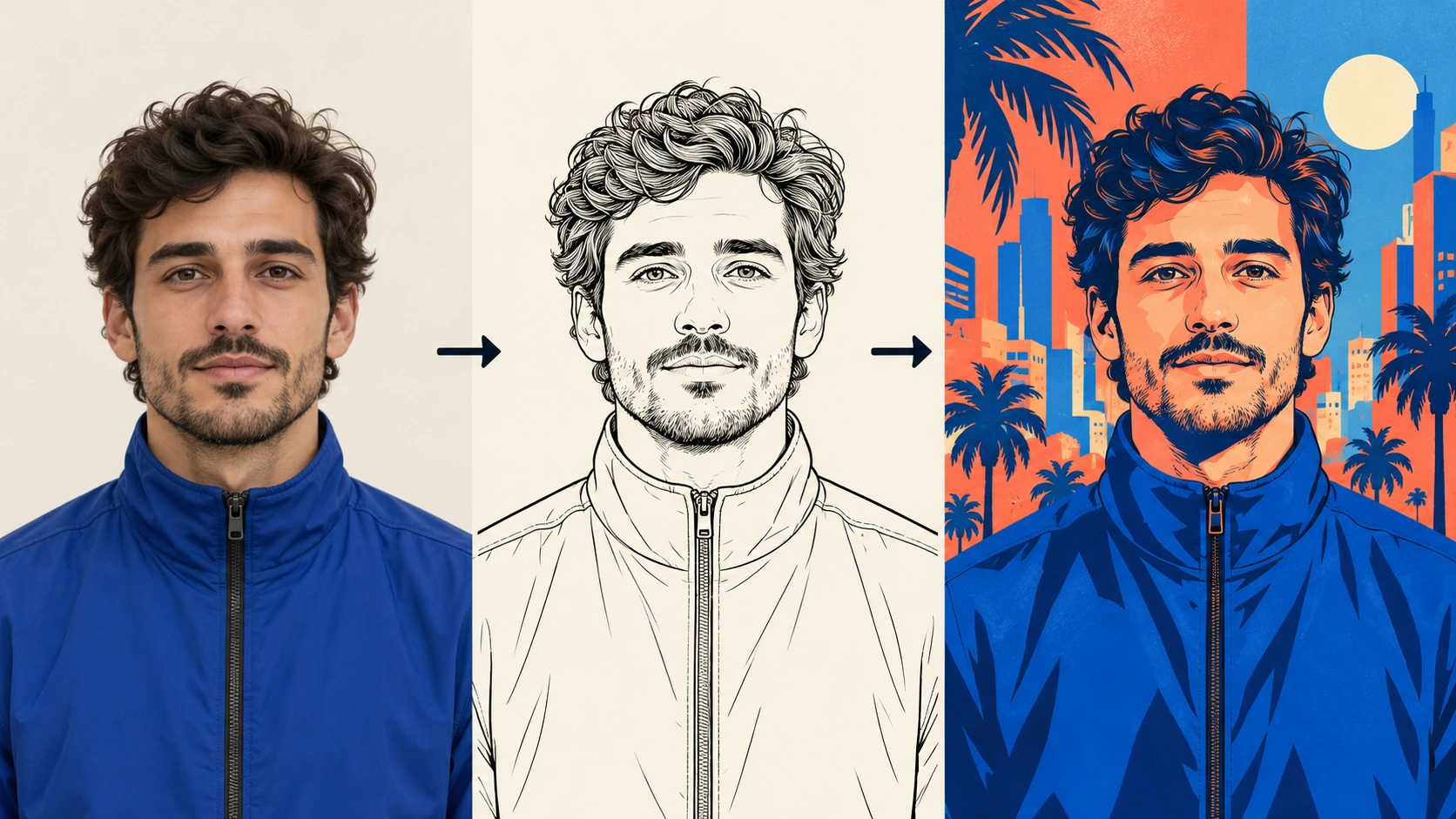
Prepare a clear subject and a focused direction before submitting a generation. Crop the photo to the subject's head and shoulders before uploading so the poster framing has room to work.
Describe the portrait you want in the editable prompt. Ask for thick outlines, sunlit urban color blocks and poster composition. Adjust the model controls to suit your reference. Switch to normal mode if you want text-to-image instead. Keep the prompt specific and skip any request for official artwork or logos.
Read the live credit quote before starting the generation job. Then review the result against your prompt: outline weight, color blocking, framing and likeness. Open History to compare earlier attempts. Decide whether to share, revise the prompt, or upload a different photo.
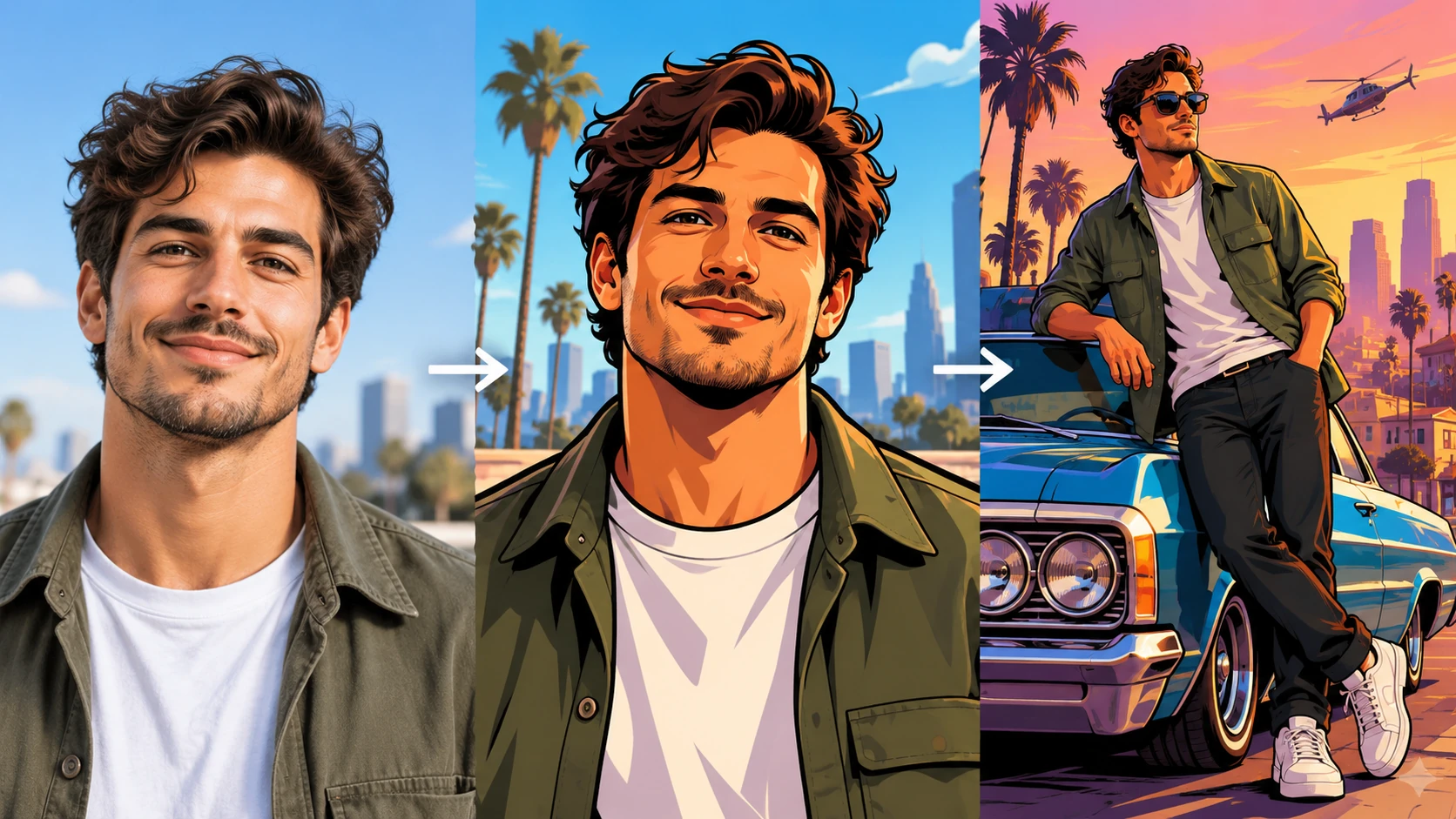
Pick a photo with a clear, front-facing subject. Check that the face is sharp and lighting is reasonably even. Avoid heavy filters, busy backgrounds and cropped heads. Upload the file through the photo upload field, then confirm the subject reads clearly before you write anything.
Each output aims for a game-loading-screen look: thick outlines, flat sunlit color blocks and poster framing. It is an illustration, not a photo filter, so expect stylized likeness rather than a perfect copy. The original background keeps the result yours to use.
The prompt field lets you steer the scene, mood and composition. You can name a setting, a color palette and a pose. Editing the text is the main way to fix a result that feels off. Keep changes small so you can tell which edit helped.
Every generation job is recorded, so you can return to earlier attempts in History. That makes it easier to compare prompt versions and pick the strongest result. You need to log in to keep that record tied to your account.
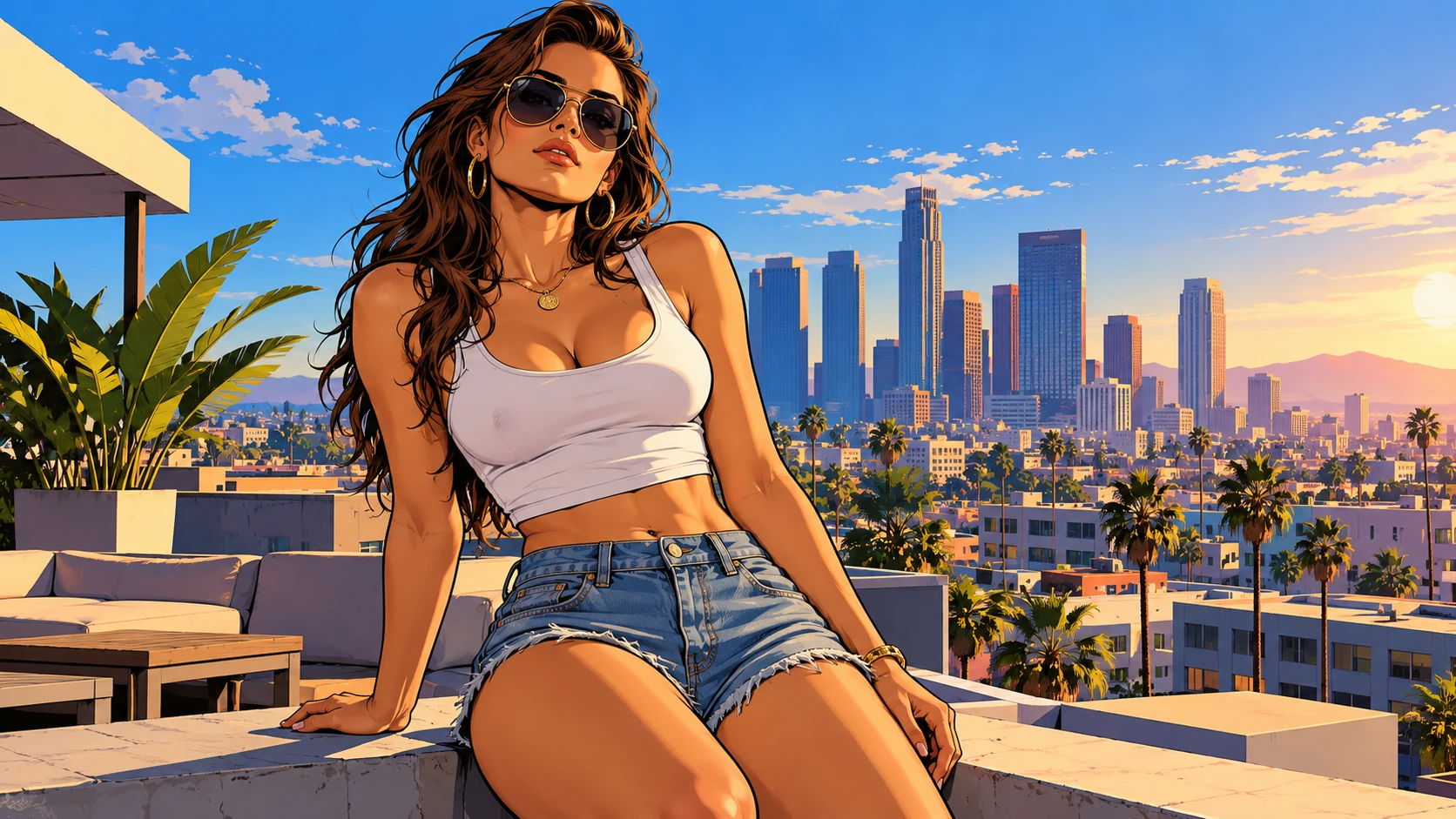
A host uploads a photo and asks for a poster-style portrait with warm city light. The result can sit beside an episode title on a show page, giving a scripted series a consistent visual voice across weeks.
A streamer prepares a wide, illustrated portrait for a channel banner. Strong outlines and color blocks stay readable at small sizes, which helps the profile look deliberate rather than crowded with mismatched assets.
An organizer turns a speaker photo into a loading-screen-style panel for a meetup page. The poster composition works for a single feature slot, and the original background avoids any borrowed branding.
Yes, if the subject is sharp and evenly lit. Crop to head and shoulders, remove heavy filters, and check the face is not partly hidden. A plain source photo generally gives a cleaner illustrated portrait.
Upload a photo when you want a specific person's likeness in the portrait. Use normal mode for text-to-image when you need a generic character or a scene that does not depend on a real face. Both paths use the same prompt field.
They adjust how the generator interprets your input and prompt. Small changes are easier to judge than large jumps. Generate one job, review the output, then adjust again. History keeps the sequence so you can see what changed.
Do not request official artwork, game logos or recognizable branded characters. The generator is for original illustrated portraits with an original background. Describe the style in general terms such as thick outlines and poster composition instead.
Choose Text to Image for a new illustrated urban portrait made entirely from your description; it uses no uploaded reference. Choose Image to Image when one photo should guide the person, subject or composition. Select the mode first so the visible inputs match your intention.
You can prepare the illustrated urban portrait before submitting. To generate, check your signed-in account’s current credits and the selected model’s access conditions. If the available balance covers the displayed quote, you can proceed without buying more; no fixed free quota is promised.
Your illustrated urban portrait has a live credit quote based on the model and settings you choose. Check it before submitting. Editing the description or reviewing an idea does not start a job; submitting another generation creates a separately quoted attempt.
Use the estimate and progress shown for the submitted illustrated urban portrait job. Model choice, settings and queue conditions affect waiting. Check History for the completed image, and keep the existing task in progress instead of resubmitting the same request while you wait.
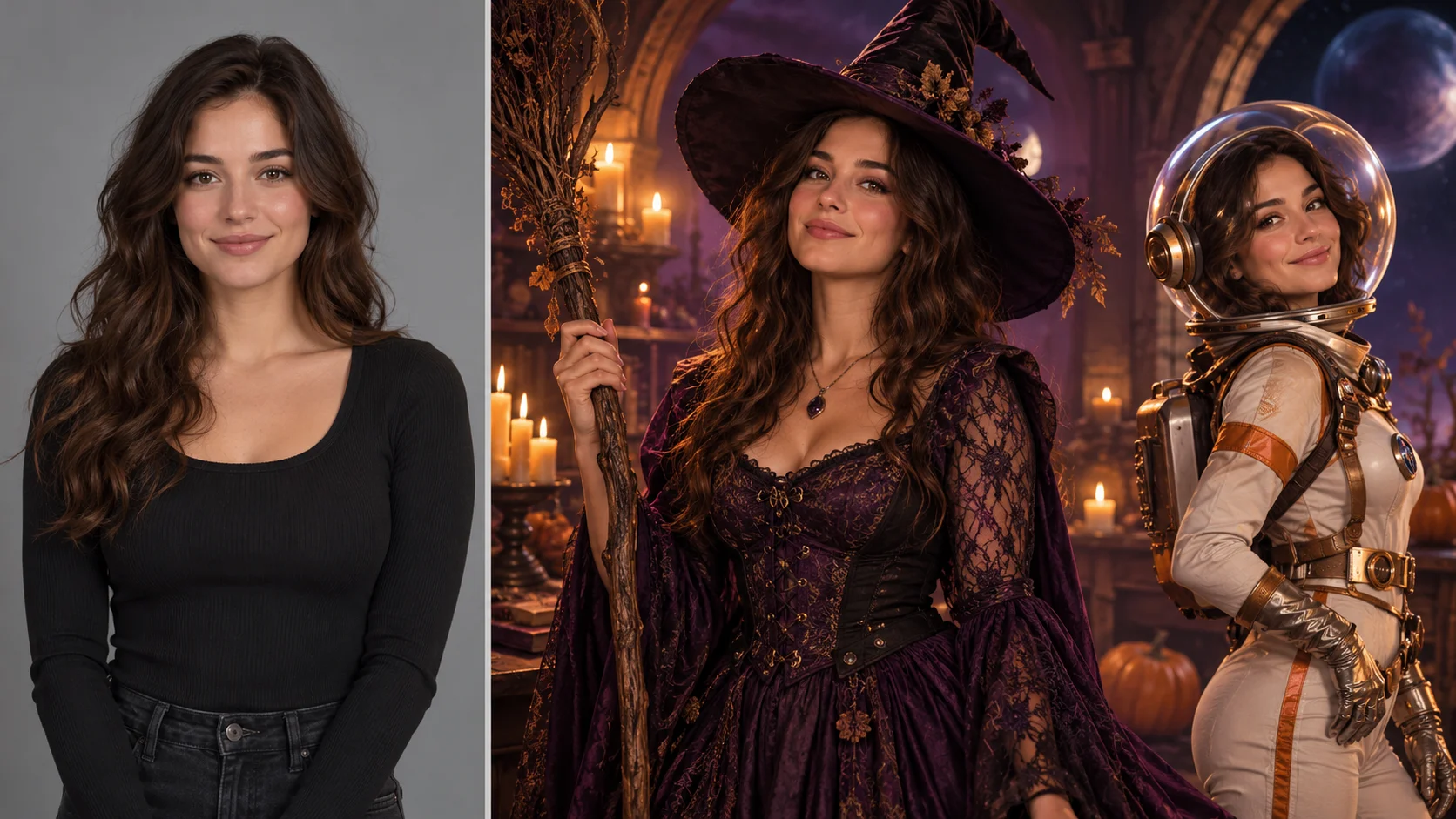
Explore AI Halloween Costume for a different visual direction. This guide explains its input, practical steps and the details to review.
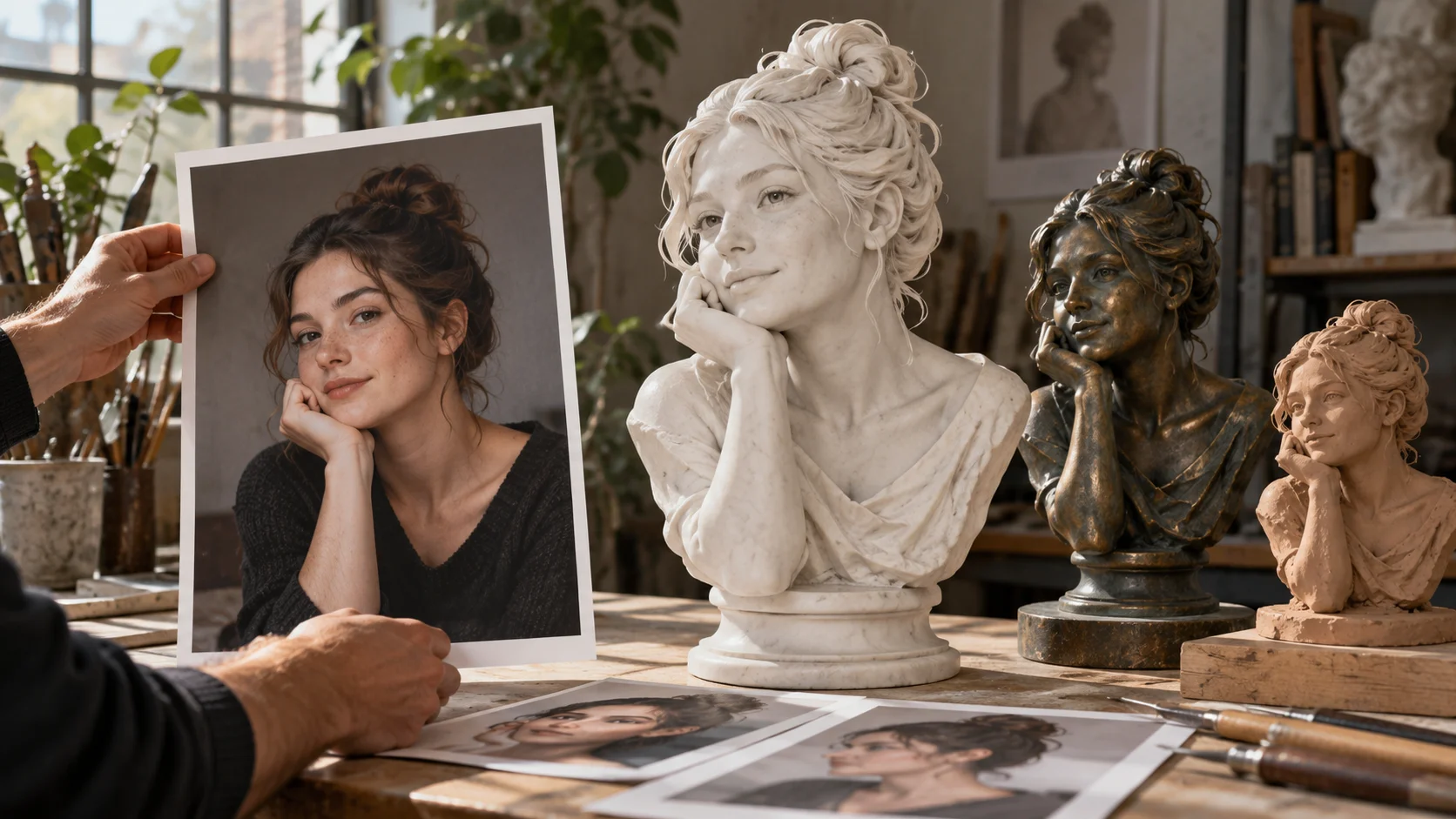
Explore AI Sculpture Filter for a different visual direction. This guide explains its input, practical steps and the details to review.
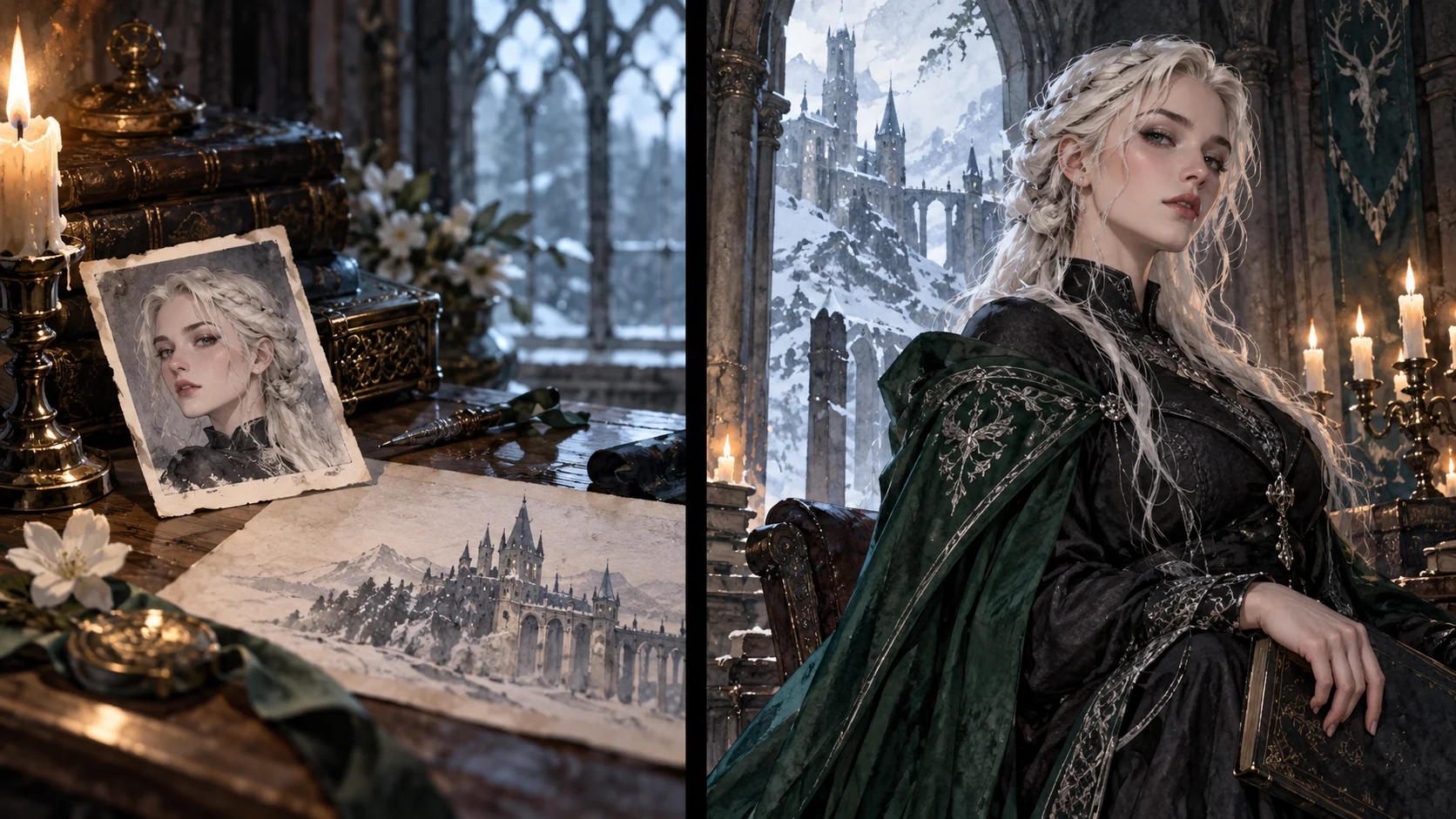
Explore Female Malfoy AI Generator for a different visual direction. This guide explains its input, practical steps and the details to review.
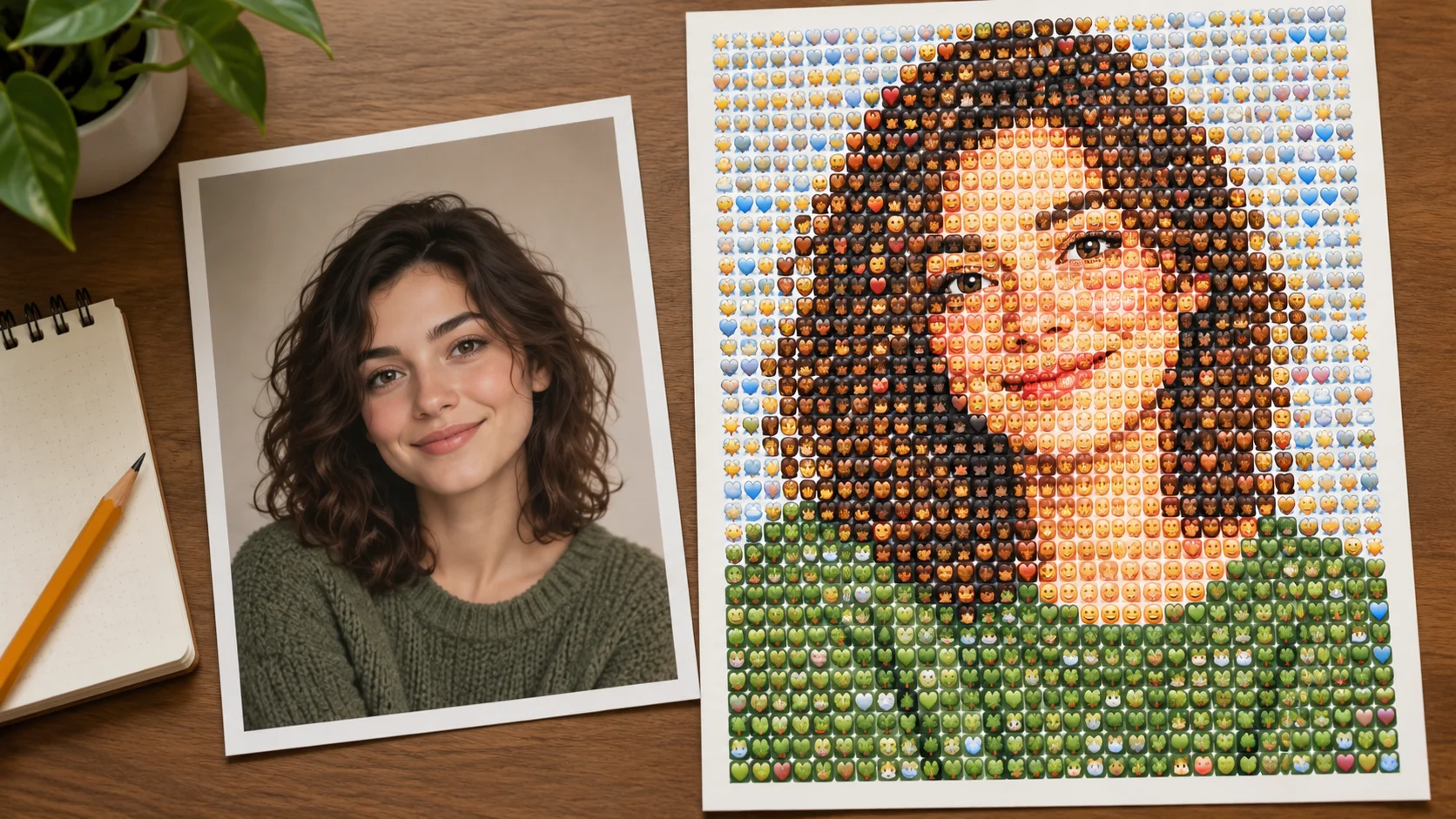
Explore Photo From Emoji Generator for a different visual direction. This guide explains its input, practical steps and the details to review.
Give the character one readable visual hook that still works when the image is small. Prepare the illustrated urban portrait, read the current quote and submit when the direction is clear.
Generate a portraitsouthparkcharacter.com · Updated