AI Image Generator
Open the image generator to create a new image or work from a supplied reference.

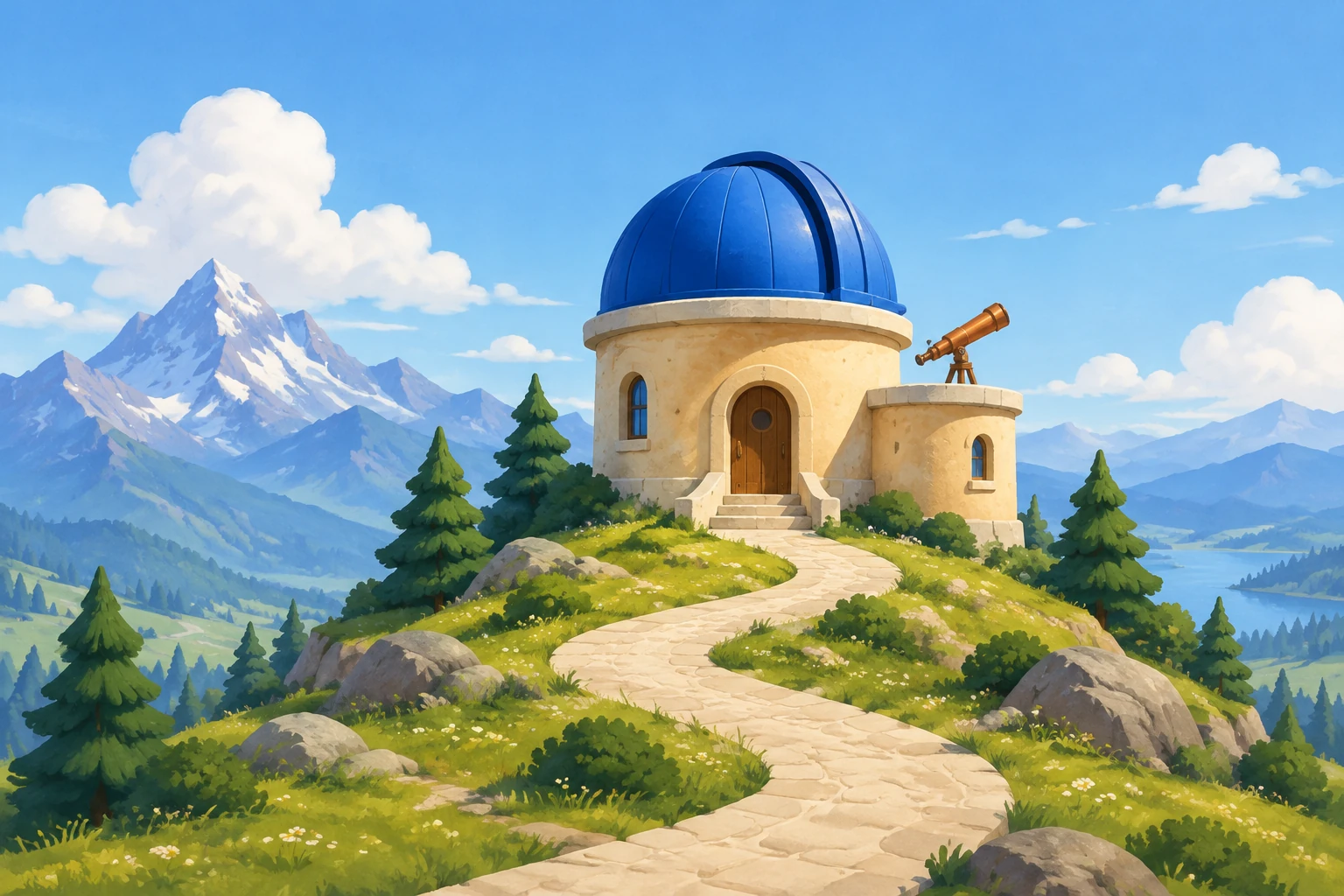
MiniMax H3 Image creates a new still from text or refines one supplied scene reference. Try an original mountain observatory with a blue dome, a small telescope and a winding path. Focus on a clear building silhouette and a coherent palette, then use the reference mode for one lighting adjustment to your own scene.
For a new environment plate, choose Text to Image: its prompt is editable and it uses zero uploads. For a change to an existing scene, choose Image to Image: supply one reference image and an editable prompt. Start from the task, not from an assumption that the two modes accept the same inputs.
Name the setting, main subject, key shapes, palette, and surrounding elements. For the observatory, specify the cobalt-blue dome, rounded sand-colored walls, small copper telescope, and winding cream path. Ask for the complete building to remain visible, with clear space around it and a few simple mountain-setting details.
Choose a clear image that actually contains the subject or scene you want to edit. State what should change—such as a warmer lighting mood—and what should remain: the reference’s own visible subject, layout, colors, and materials. Do not ask the model to replace the reference with the observatory example.
Select MiniMax H3 Image and check the live Required Credits shown for your model and image settings before Generate. Review the ready image for the building outline, telescope shape, proportions, edges, materials, lighting, and unwanted text. History shows job status and ready images, so you can check there when a result is ready.
A useful cartoon plate communicates its setting and main structure at a glance. Give the observatory a simple dome and rounded walls, then separate the small telescope visually from the roofline. A winding path can lead the eye toward the building; a few rounded pine silhouettes and soft clouds suggest the mountain setting without taking over. Keep generous clean space around the complete structure. The sample prompt specifies these elements directly and avoids writing or franchise resemblance. A lavender twilight sky provides a quieter color direction for a separate story scene.
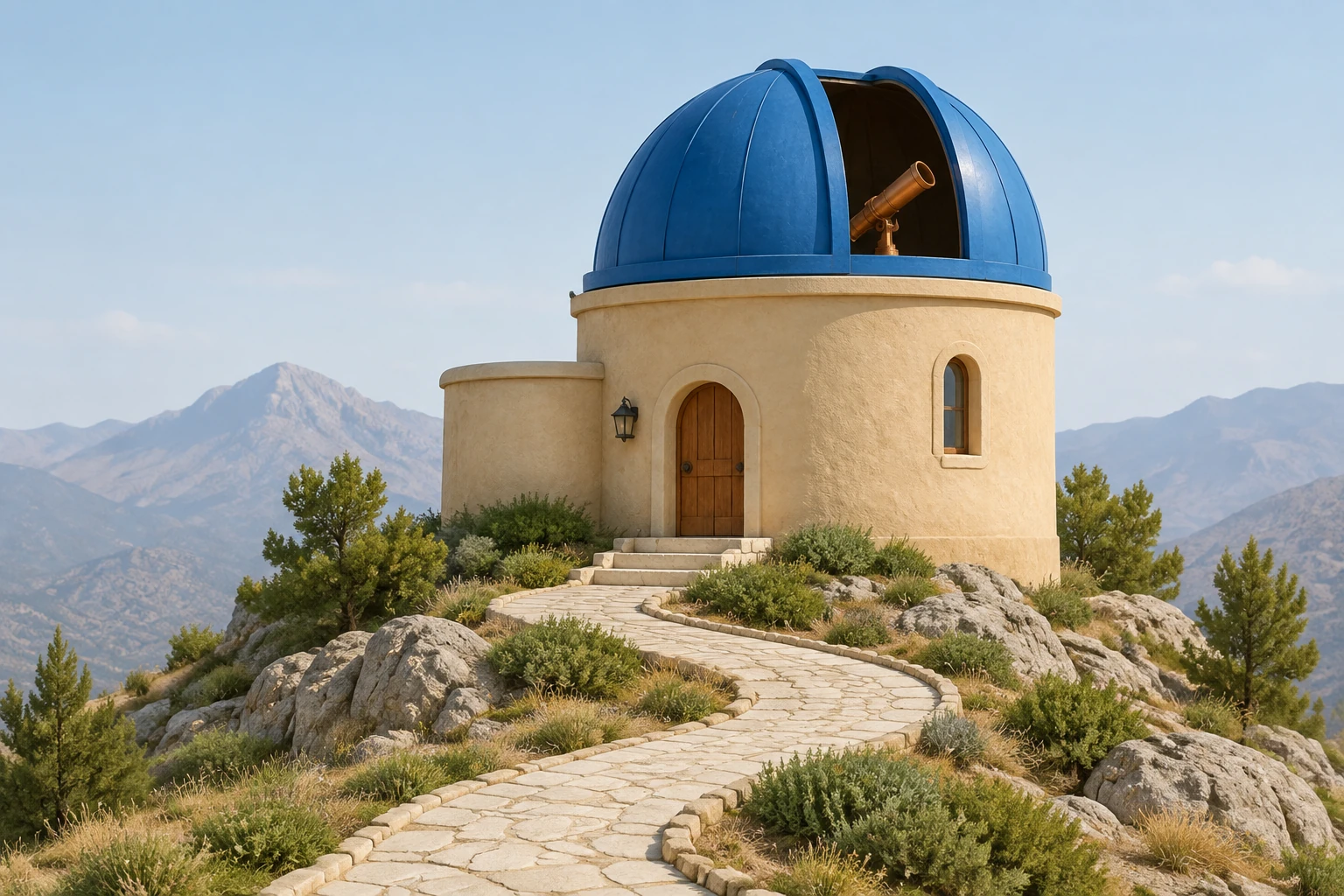
Image to Image is for working from one supplied reference, not for replacing it with the guide’s example scene. First identify the image’s visible subject and layout. Then request one specific adjustment, such as a change in lighting, and explicitly preserve the subject, arrangement, colors, and materials that should stay. On review, check whether the requested change is present without unwanted changes elsewhere. A focused instruction makes it easier to judge whether the image still serves your original purpose.
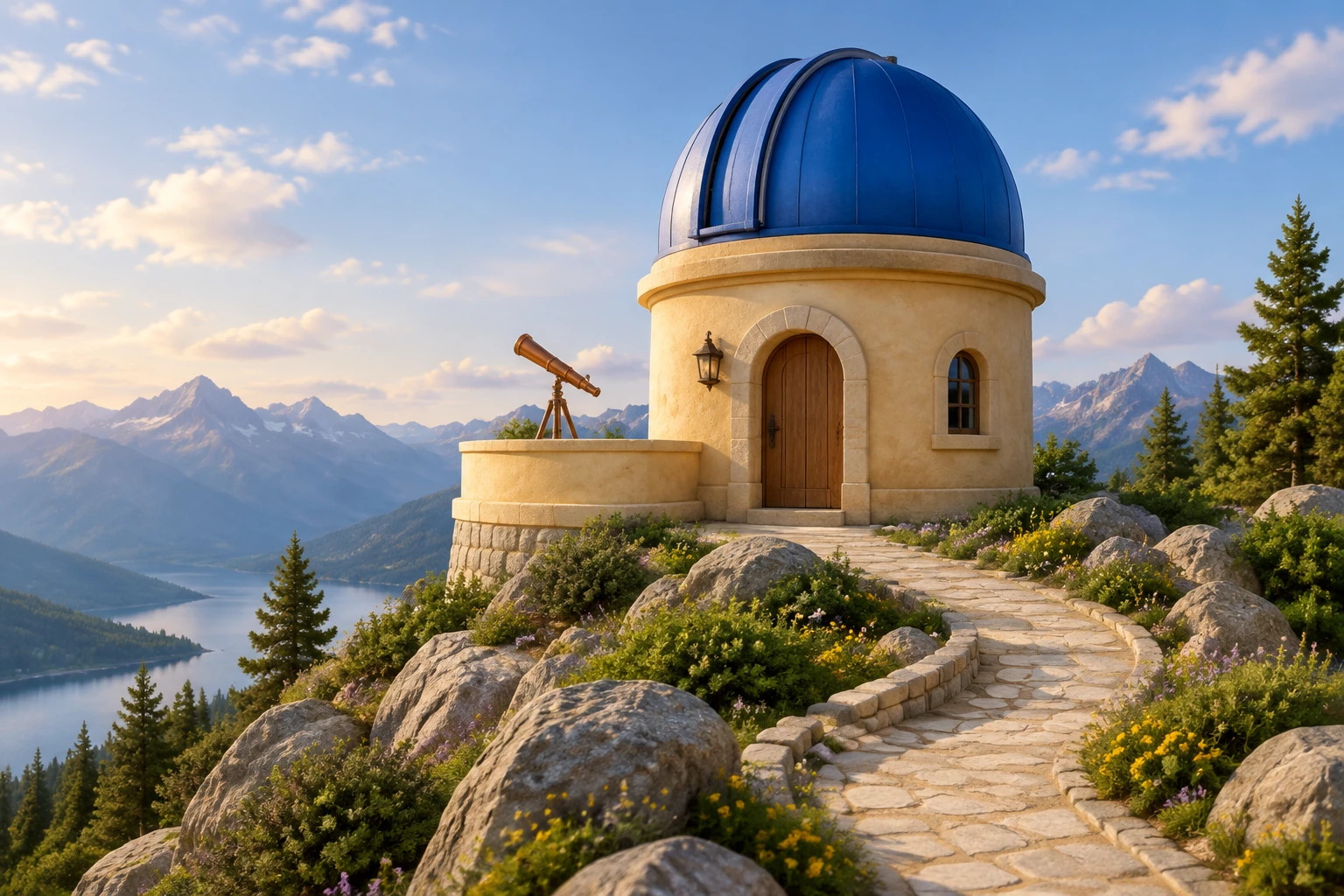
Choose MiniMax H3 Image from the model menu,then select an available aspect ratio and resolution. Other image models may also be available. Check paid eligibility and the current Required Credits quote before generating. Review the ready image for the telescope outline,roof shape,stone path and light before using it as an environment plate;History shows status and ready stills.
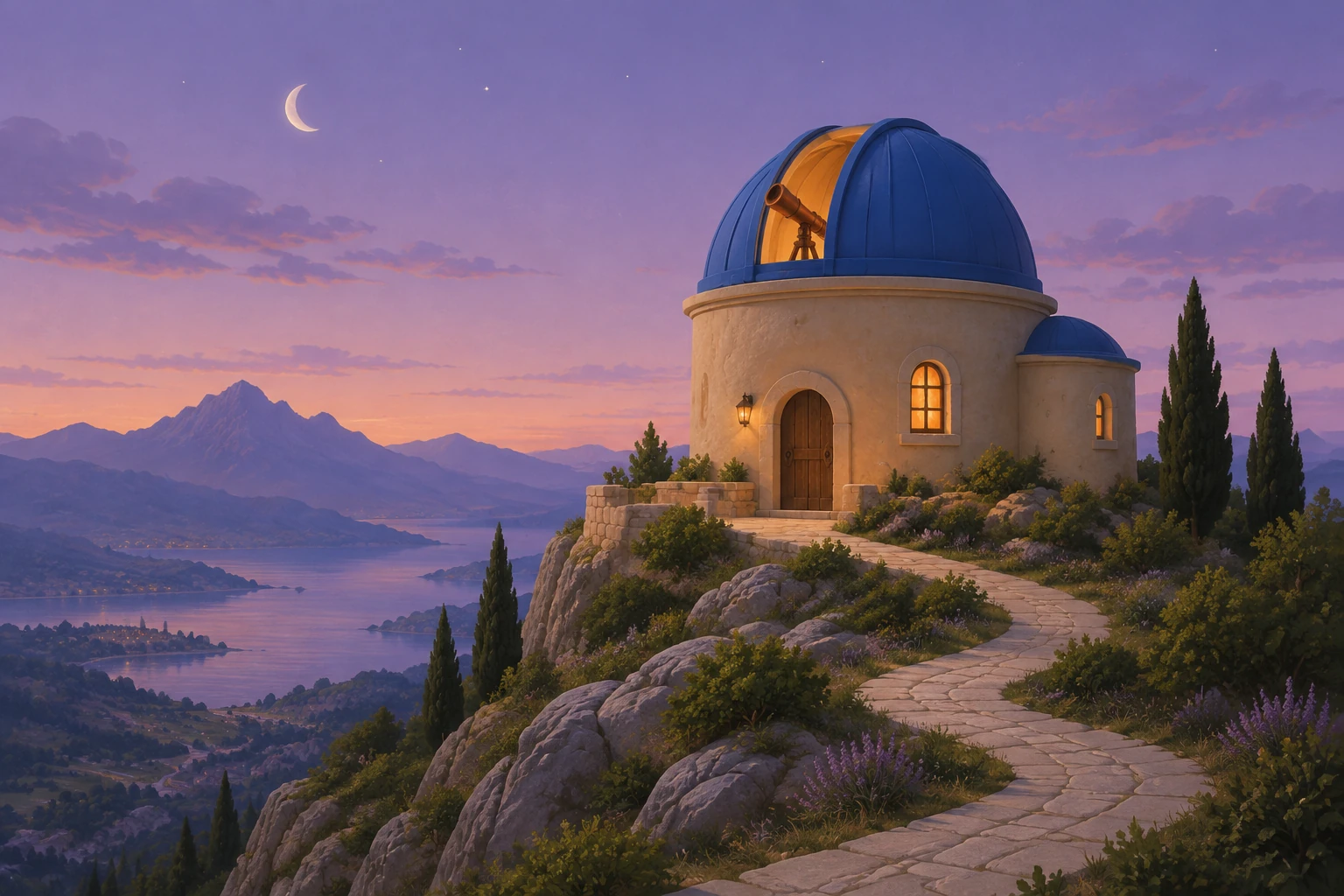
If you are ready to try a new still image, open the image generator and choose Text to Image for the observatory prompt. If you have an actual scene that needs a focused lighting adjustment, prepare that single reference for Image to Image and describe what must stay unchanged. Keep the task concrete: a readable silhouette, a distinct telescope, and a deliberate palette for a new scene; or one specified change that respects the supplied image.
It is the enabled still-image model used here for creating an image from an editable text prompt or editing a supplied reference with an editable prompt. This guide applies it to an original cartoon environment or a narrowly requested change to an existing scene.
Text to Image uses zero uploads. Image to Image uses one supplied reference and an editable prompt.
This model has no free-eligible account access here. Check paid eligibility and the current live Required Credits quote before Generate; the quote depends on model and aspect and resolution settings, so there is no fixed cost stated here.
No exact wait time is specified. History shows the job status and ready images, so check it for updates and the completed result.
Use one actual, clear image containing the subject or scene you want to change. Request one specific adjustment and say what should remain, including the visible subject, layout, colors, and materials. Do not substitute a different scene.
Check that the composition and complete building silhouette are clear, then inspect edges, proportions, materials, and lighting. Look for unwanted text or other details that do not suit your intended use.
Open the image generator to create a new image or work from a supplied reference.
Explore a separate image-generation guide for turning a photo into an animal-style image.
Review available credit plans and account options; the image generator shows the quote for your chosen settings.
southparkcharacter.com · Updated