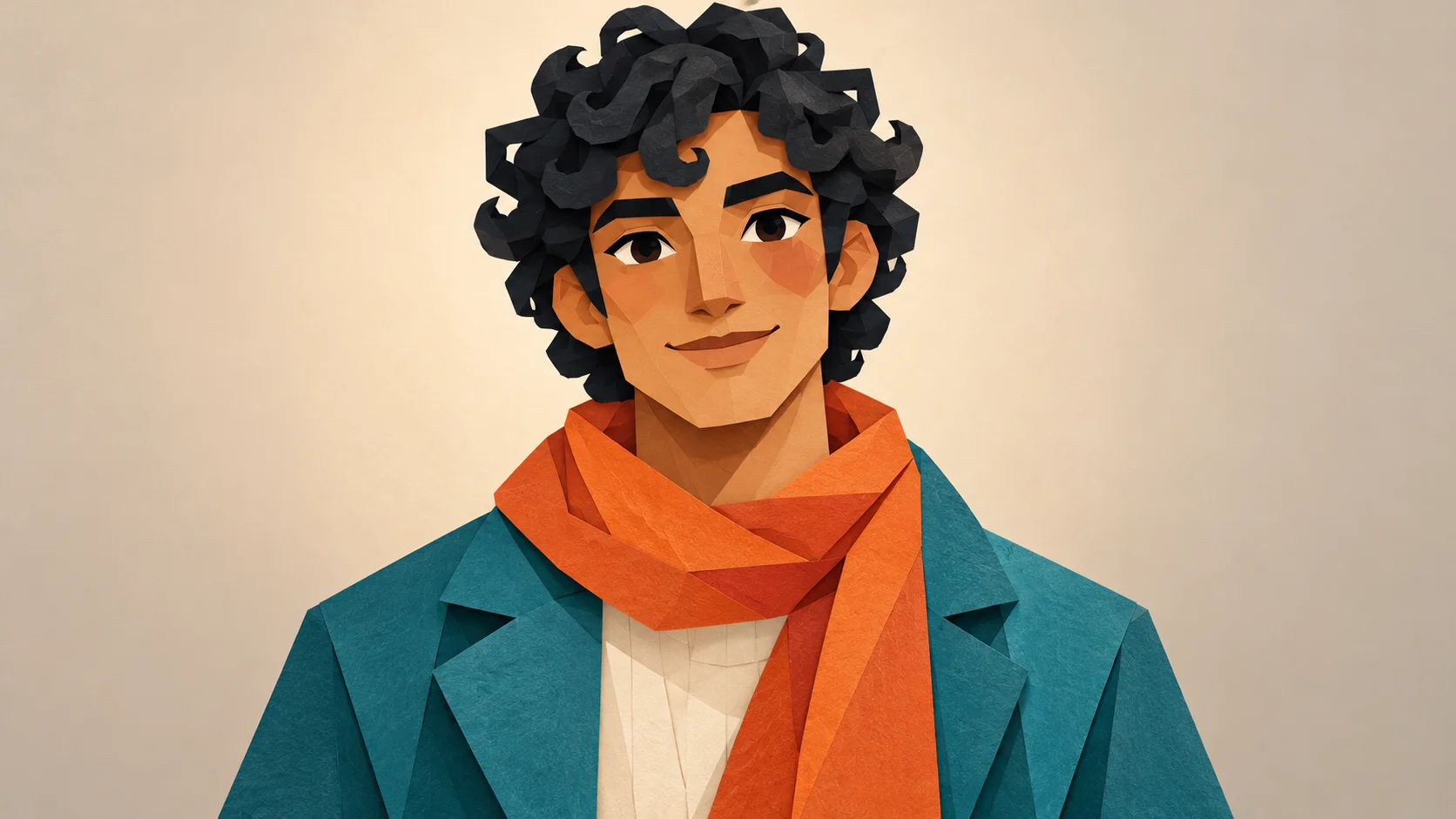
This fixed video supplies the choir performance and camera reveal. Your lead image supplies the central appearance; the optional choir image directs the surrounding cast.
History
Video history
Loading history…
A paper character and a chorus of geometric birds
A bright character does not need a complicated performance to make a memorable scene. Closed On Sunday AI puts one composed lead in front of a lively choir. Our original paper-cut figure uses a teal jacket and orange scarf, while blue birds provide the surrounding rhythm. Choose your own central character, then give the ensemble a separate identity.
Upload one main-character image and, if useful, one choir-character reference. The optional notes describe the surrounding cast and theme. The fixed video supplies the movement setup, and the page begins with a fourteen-second output duration. Keep the lead calm so the difference between the center and the chorus remains easy to read.
Keep the main face and outfit readable before adding movement.
How to create your Closed On Sunday AI remake
1. Choose a readable character view
Use a single subject with visible eyes, mouth and outfit shape. For a flat illustration, keep the facial features large enough to survive motion. A clear front or slight three-quarter view is easier to evaluate than a tiny figure in a complicated background.
2. Give the choir its own design
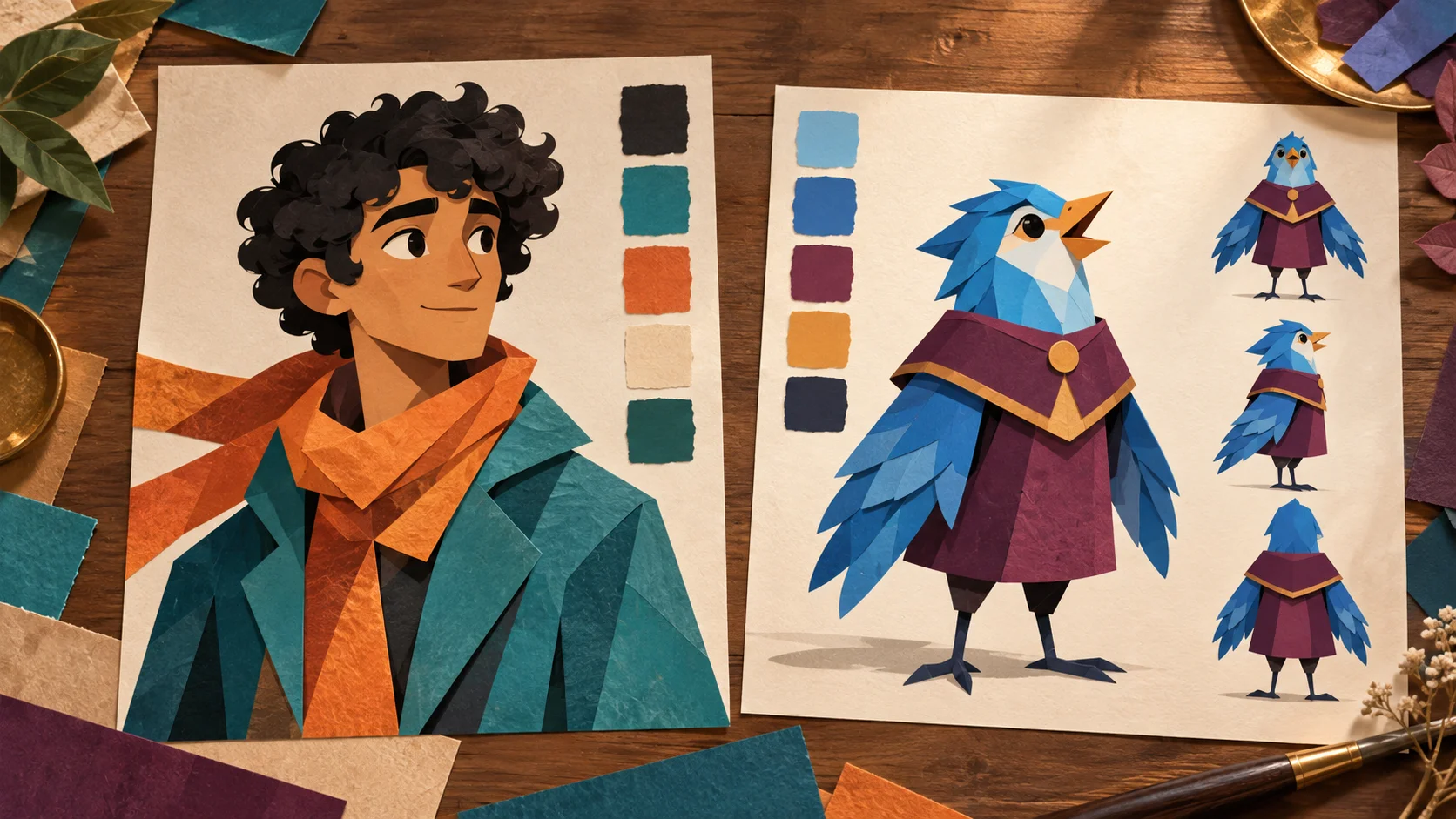
Prepare a separate bird, creature or other ensemble character. Our blue birds and plum tunics contrast with the teal-and-orange lead. Add that image to the choir slot or describe the group in the notes. Do not place the same portrait in both roles.
3. Preview the fixed movement
Watch the supplied reference before submitting. Check which subject occupies the lead slot, review the output controls and read the current estimate. The motion reference is already included, so the extra image describes appearance rather than a second performance.
4. Inspect the completed sequence
Open the finished take in History and watch it from beginning to end. Confirm that the lead remains recognizable while the chorus moves around it. Check the closest faces and limbs, then the wide arrangement. Pick the result that stays readable at phone size.
Separate the roles with shape as well as color
Distinct silhouettes help separate the lead from the choir.
The paper character has a compact human face, dark curls and a long orange scarf. The surrounding birds use beaks, wings and repeated plum tunics. Those differences make the role assignment visible without labels. When planning your own ensemble, choose a similar separation. Two characters with almost identical silhouettes can blend together in a busy shot even when their colors are slightly different.
The paired reference cards are a design exercise. For the form, export each role as its own clean image. Leave room around hair, ears, wings and clothing edges instead of cutting them off at the frame. Avoid uploading a full cast sheet with many competing expressions. One consistent view gives the generator a clearer appearance reference and gives you a fairer comparison when reviewing the result.
Keep a graphic style legible in motion
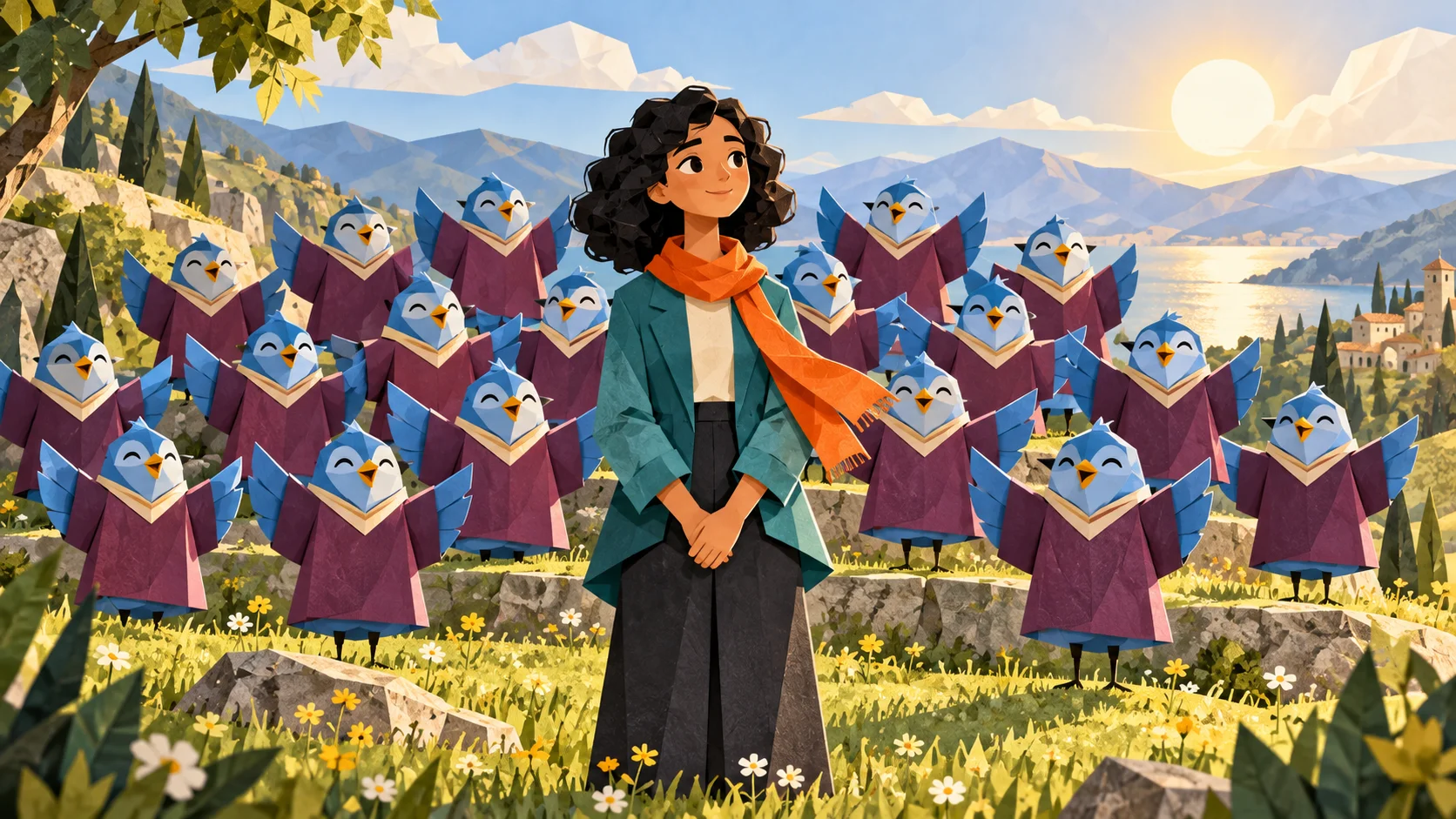
Concept study: a graphic character surrounded by a coherent bird ensemble.
Flat artwork relies on deliberate edges and blocks of color. In the choir concept, the blue birds remain simple enough to read when repeated across several rows. If your source design contains tiny patterns, lettering or very thin lines, those details may change during animation. Prioritize the face, scarf shape and major clothing colors, then use a restrained cast description to support them.
A generated video may add shading, soften paper edges or reinterpret the style. The illustrations explain a direction rather than guarantee an exact rendering method. If the result becomes too busy, reduce the visual demands in the choir notes and try a cleaner reference. A short description of one coherent cast is more useful than mixing several unrelated visual traditions into the same group.
Review the calm pose through the reveal
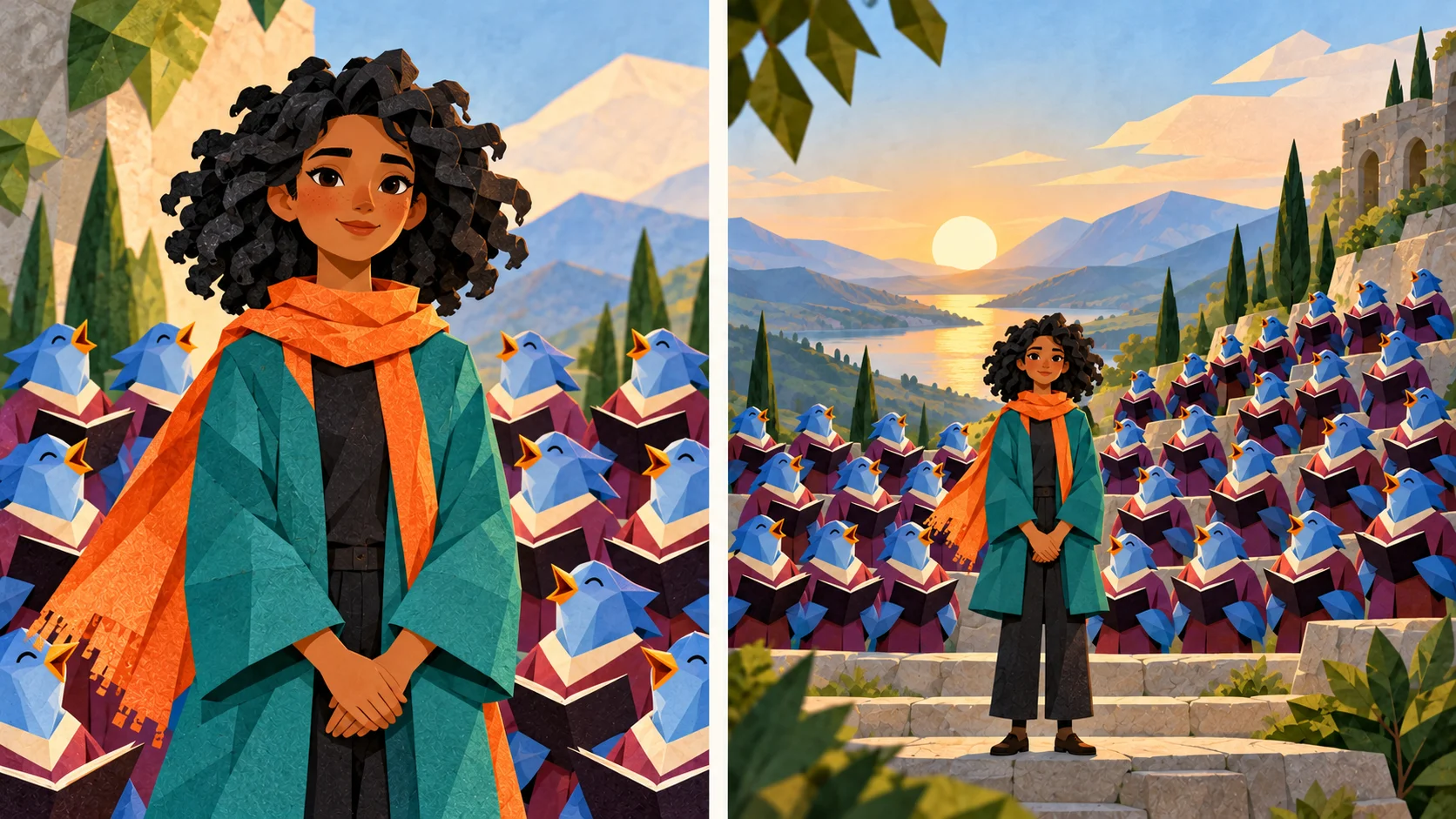
Check that the protagonist stays calm as the view widens.
This scene works through a difference in energy. The central character stays composed while the surrounding performers provide activity. The close-and-wide study keeps the lead facing forward with relaxed hands; it is not a conducting pose. During review, notice whether the face remains stable, whether the scarf stays attached to the same character and whether the lead is still easy to locate in the widest part.
Check the clip without sound first to see whether the visual idea is clear. Then listen before sharing, because the workflow does not guarantee a particular song or exact vocals. Add any caption later in a place that leaves the central expression visible. If a take contains merged wings or a distracting change in the lead, select another result or simplify the inputs rather than treating a single good frame as a complete success.
Input, cost and result questions
Can I use my own character artwork?
Yes. Upload a clear original character image in the lead slot. Exact linework and proportions may change in motion, so review the finished sequence.
What belongs in the optional image slot?
A clear example of the character you want repeated in the surrounding choir. It should be a different role image from the central protagonist.
Can I direct the choir with text alone?
Yes. Use the optional cast notes when you have a description but no second image. Keep the direction focused on one coherent surrounding design.
Does this page make a new dance?
The page follows a fixed performance reference. It is designed around a composed lead and an active ensemble, rather than arbitrary new choreography.
Are credits fixed for every task?
Use the current quote after selecting inputs and settings. Account eligibility and model policy apply, and changes can alter the estimate.
Is the original soundtrack guaranteed?
No. Listen to the actual returned video. Exact music, vocal identity and synchronization are not promised by the guide or the illustrations.