Hotel Lobby AI Video
Explore a video idea built around a hotel lobby setting.

Loading history…
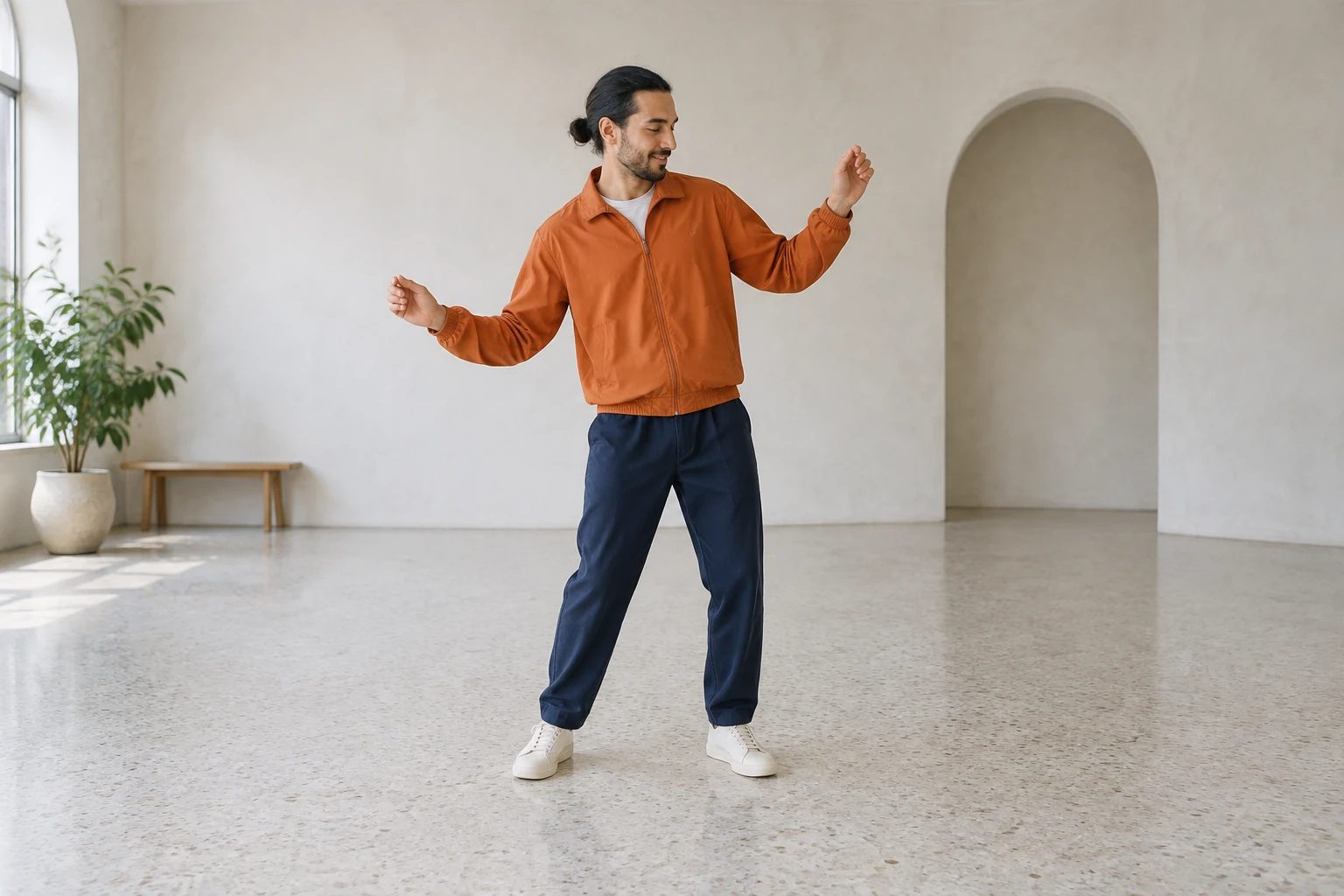
Turn one full-body photo into a playful Puerto Rican Mami Dance idea, with small, readable gestures designed to keep people in frame. Use a photo of one adult or two adults together, then add optional visual notes while preserving the actual people, clothes, and setting.
Upload a single image containing one adult or two adults together. Aim for a standing portrait with the head, hands, legs, and feet visible. Do not upload separate photos for a duo, and do not upload a video.
The dance direction is already prepared. If helpful, add a short note about a visual preference, while keeping the real people, their outfits, and the original setting. The example clothes and studio shown here are illustrations, not requirements.
The output is eight seconds. Aspect ratios, quality, and audio options depend on the model currently available. Check the Required Credits shown near Generate and review your account access and live quote before starting; this is a paid model, with no guaranteed free credits or fixed price.
Follow the status in History, then inspect the completed video before downloading. Check faces, outfits, full-body framing, hands and feet, continuity, and the ending pose; for two people, also confirm both remain distinct. Crop, add captions, or add music separately if desired.
Treat “Puerto Rican Mami Dance” as a search phrase for a playful dance idea, not a claim about a dance’s origin, ownership, or exact performance. The prepared direction favors a small arm raise, gentle side sway, one restrained knee or hand gesture, and a calm standing finish. These modest movements are intended to remain readable without jumps. The goal is a light shared-photo moment, not a recreation of a particular choreography.
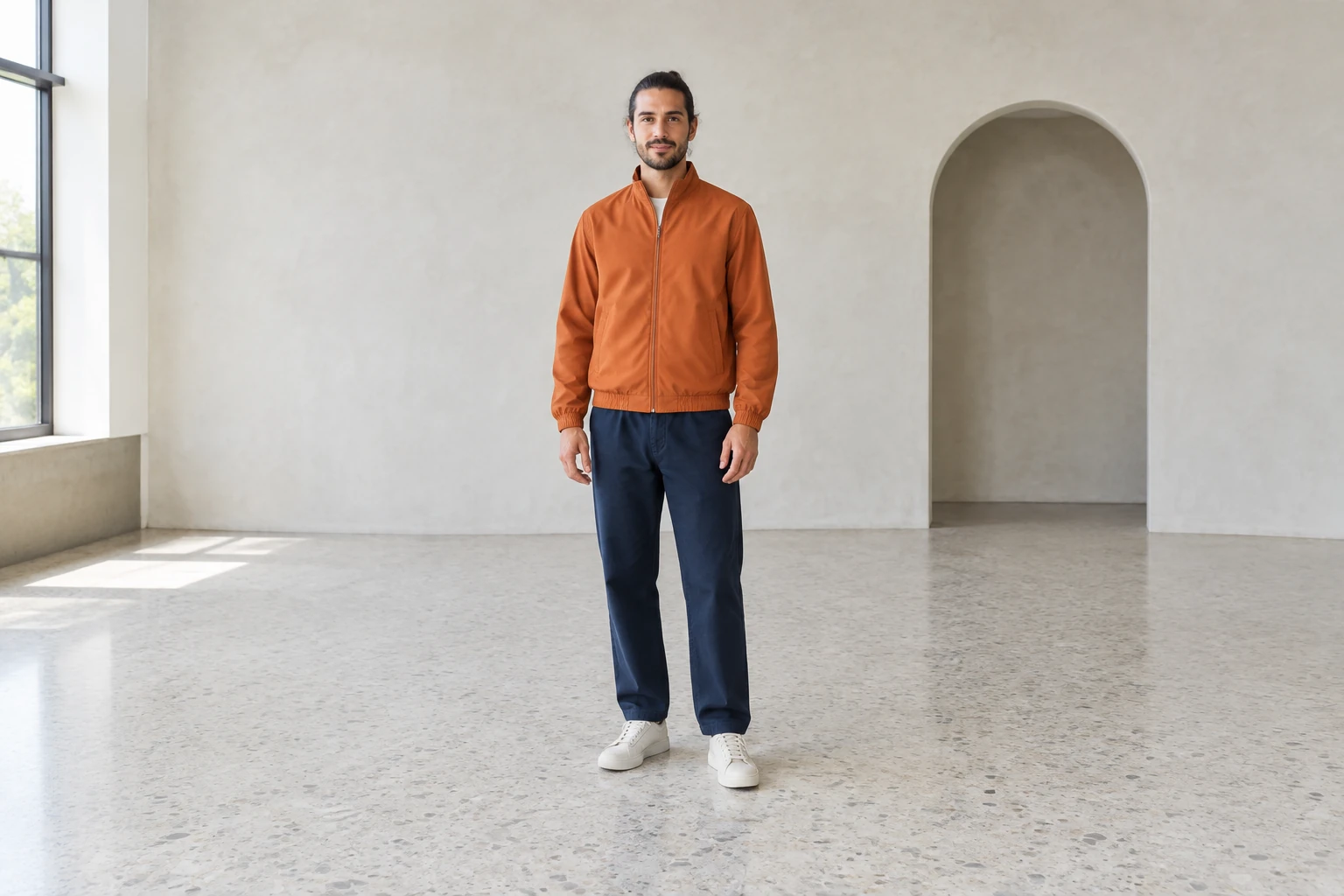
This generator starts with one uploaded full-body image. It can contain one adult or two adults in the same frame. It is not a two-upload workflow, and a separately filmed movement reference is for observation only. Keep the photo’s actual people, appearance, clothing, and background in mind when writing optional notes: the example orange and turquoise outfits, or the community studio, should not be forced onto your image.
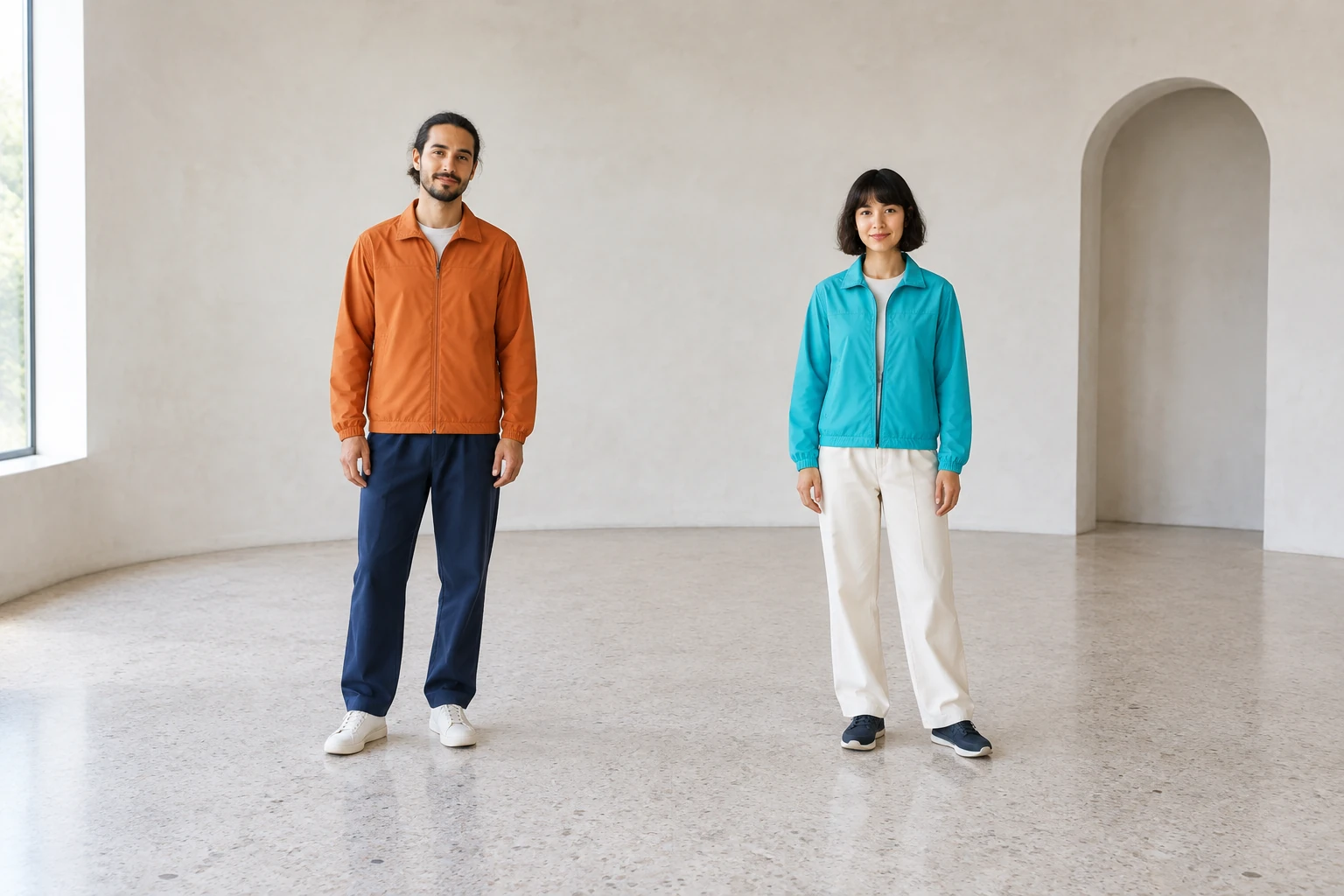
A full-length, well-spaced photo gives the movement room to read from head to toe. The direction asks for clear hands and feet, headroom, controlled movement, and a composed ending. With two adults, it calls for distinct, separated figures and modestly synchronized timing, without crossing or swapping positions. A still photo and brief written notes cannot guarantee exact movement, identity details, or a particular final pose, so review the result carefully.
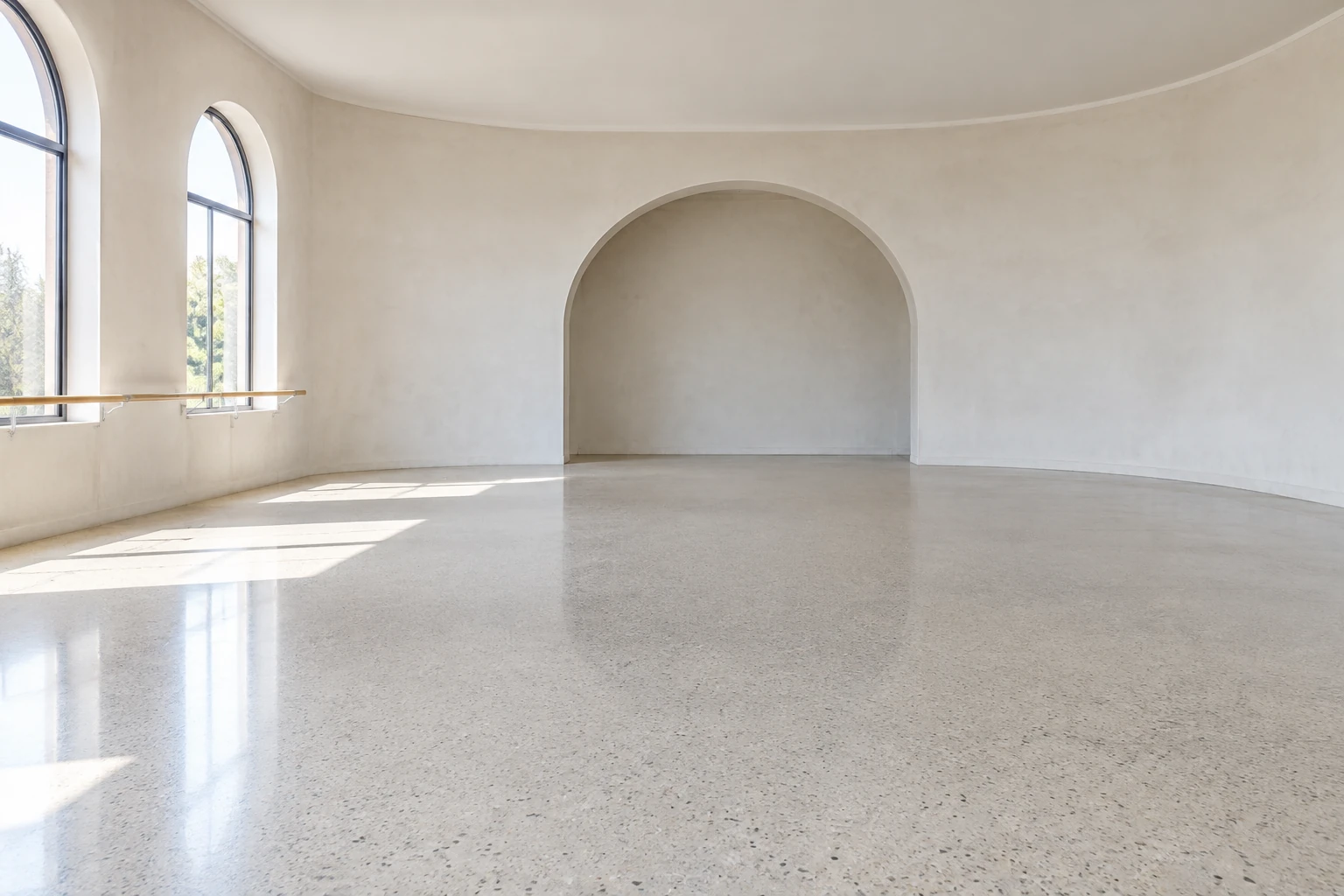
Available aspect ratios, quality, and audio choices depend on the current model options. Check the displayed Required Credits and live quote before generating; pricing and wait time are not fixed, and free credits are not guaranteed. History shows status and completed videos. Before downloading, look for changes to faces or outfits, missing or unwanted limbs, unclear hands or feet, framing problems, and continuity issues. Cropping, captions, and chosen music can be added separately.
It uses one uploaded full-body image and a prepared written dance direction. You may add optional short visual notes, but no source video, song, or lyrics are required.
Yes. The one photo may show one adult or two adults together in the same frame. For a duo, do not upload separate photos; the direction aims to keep both people distinct and separated.
The current model is paid. Review your account access and the live Required Credits or quote shown near Generate; free credits and a fixed price are not guaranteed.
Wait time can vary, so there is no guaranteed fixed wait. Check History for the generation status and completed video.
The direction asks it to preserve the uploaded people, outfits, and setting, and to use small, readable gestures. Results can vary; check faces, clothing, hands, feet, framing, continuity, duo separation, and the end pose rather than expecting exact identity or choreography.
Open the completed video in History and use its download option. You can crop it or add captions and your chosen music separately.
Explore a video idea built around a hotel lobby setting.
Learn about a separate workflow for creating video from video input.
Browse the available AI video generator guides.
See a distinct AI video concept based on an Earth zoom.
southparkcharacter.com · Updated