Pick a scene with a path
A street, walkway or playground gives the eye a route through the picture. Keep the main building or play structure visible.

Create a setting around your character
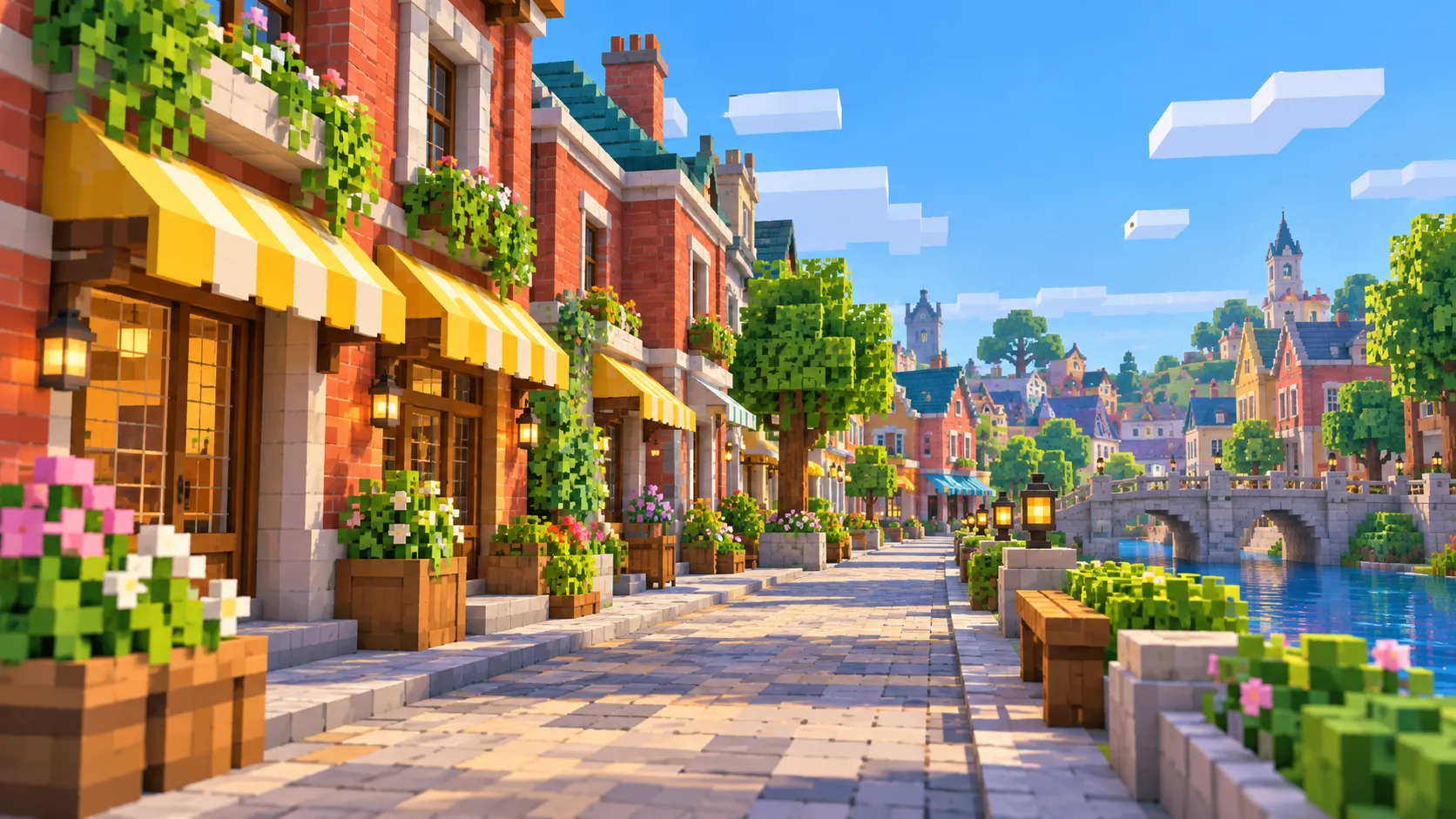
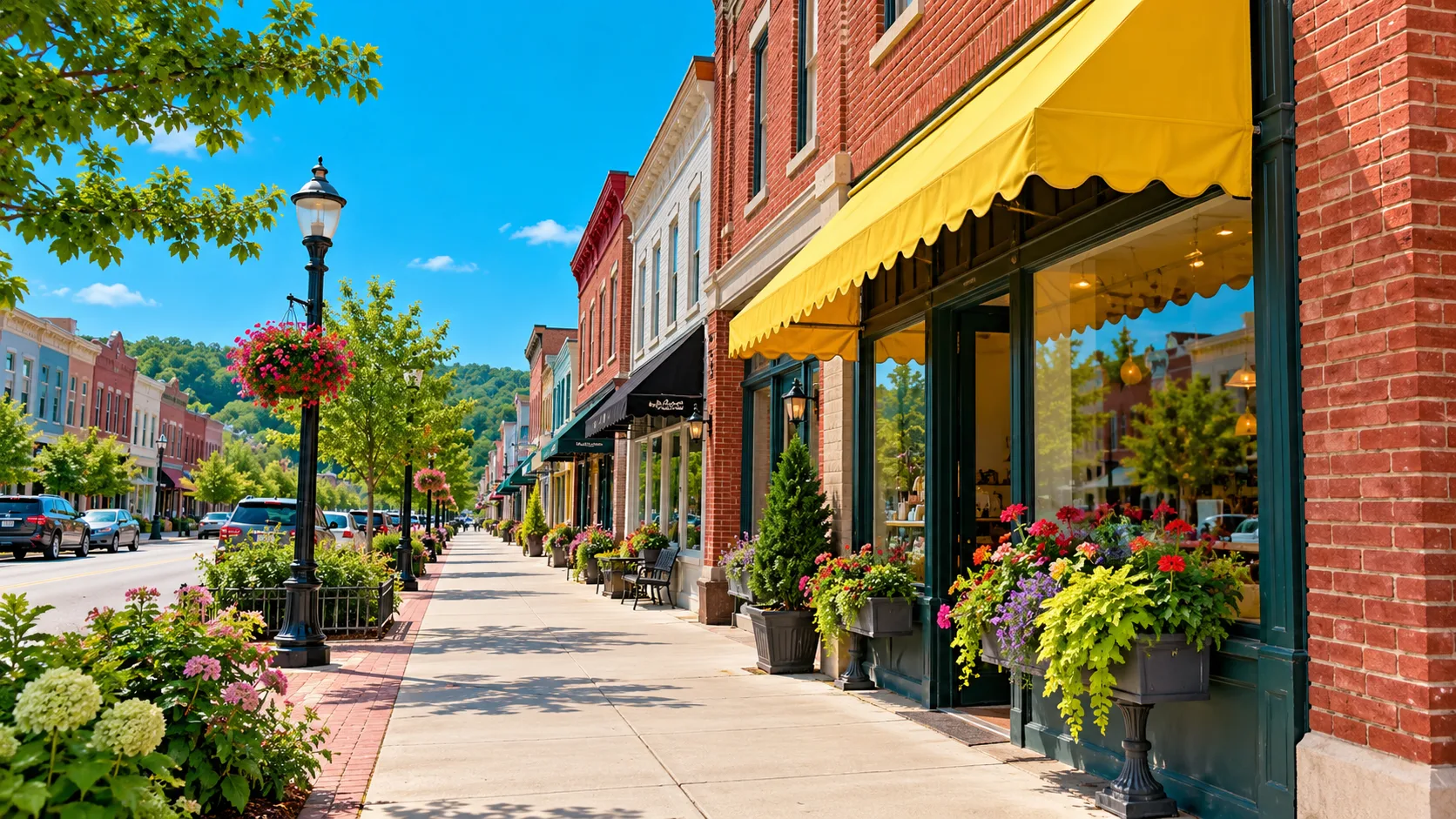
Use a street photo or a short scene description to explore a bright blocky world. This page focuses on large building shapes, a clear route through the scene and colors that leave room for a character to stand out.
Start creatingA street, walkway or playground gives the eye a route through the picture. Keep the main building or play structure visible.
Specify the awning, brick wall and sky before adding small props. Broad color areas help the scene stay clear at a small size.
Review the final composition and its empty space. If every corner is crowded, ask for fewer objects and a clearer focal area.
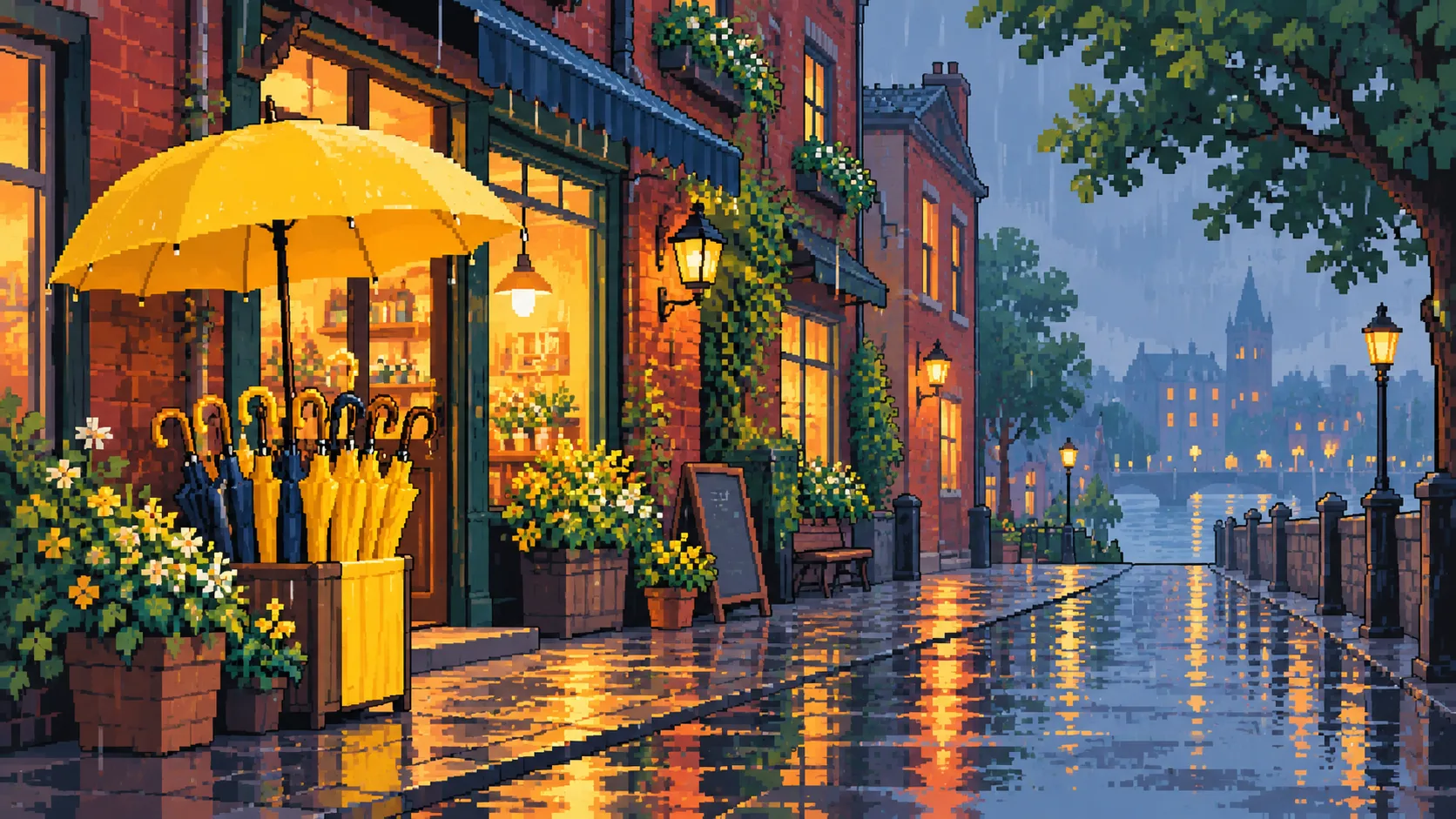
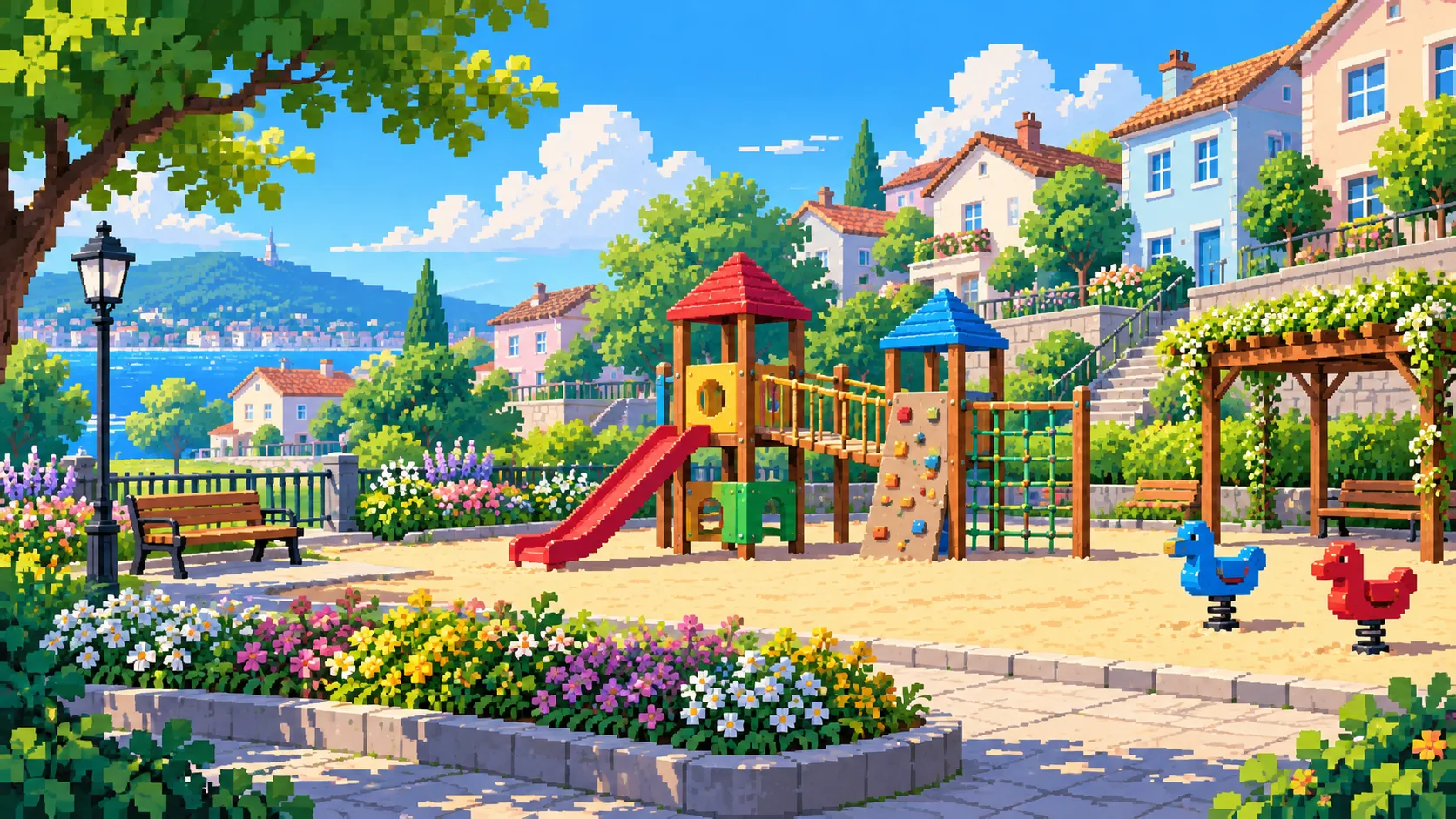
Pair this street concept with a character preview that shares its simple shapes and strong colors.
No. Use Text to Image for a new neighborhood idea, or Image to Image when a photo should guide the scene layout.
This page creates a scene image. It does not export a world file, precise block count or construction instructions.
Ask for one focal structure, a limited palette and open space around the main path. Reduce tiny props if they compete with the large shapes.
Check the current model quote and your available credits before you submit. The job only starts after you choose to generate.
The queue and selected settings affect the wait. Follow the job in History and open the result there when it is ready.
southparkcharacter.com · Updated