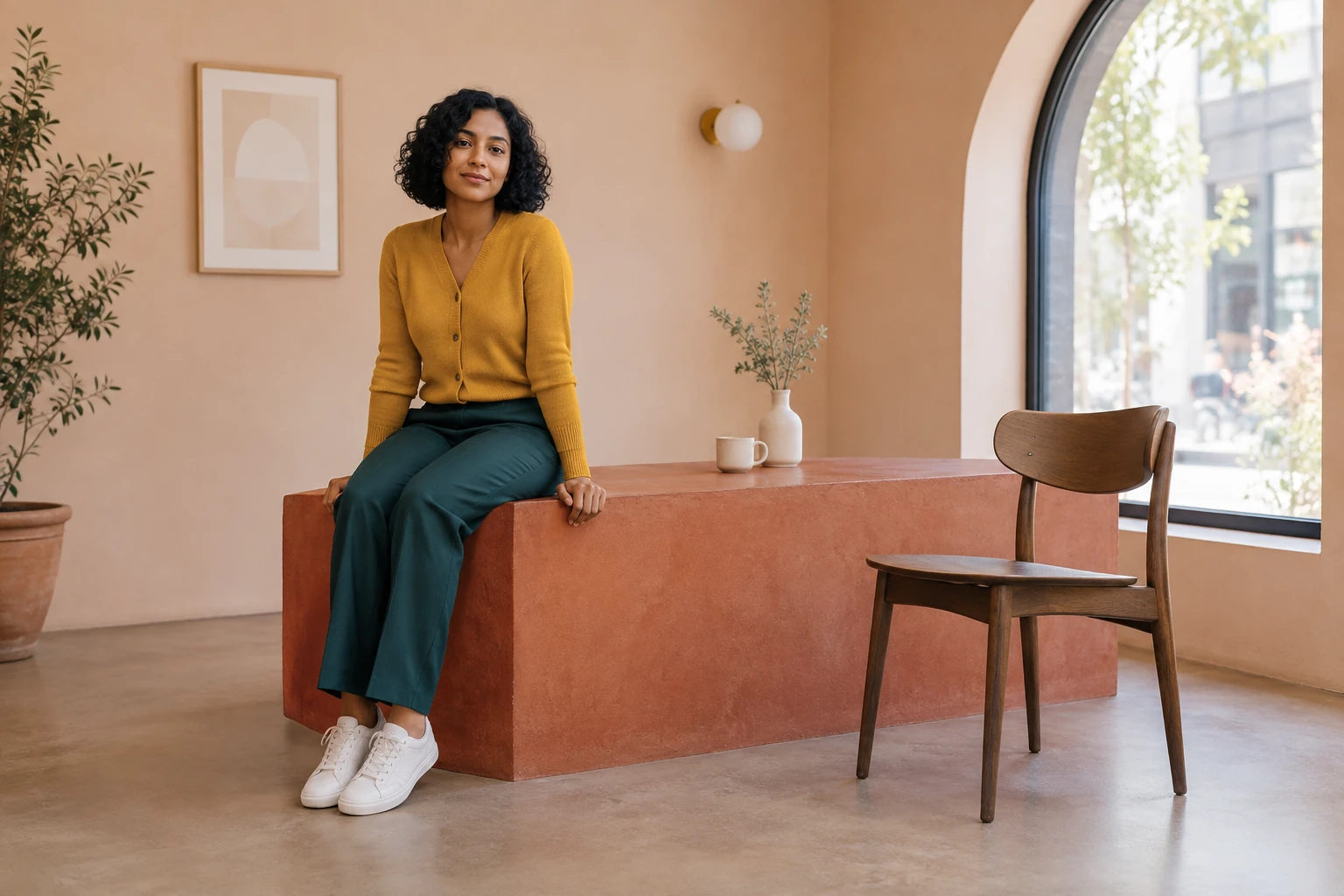
Apartment Dance
Explore a different portrait-led video idea centered on movement.

Loading history…
First Time In A Fancy Cafe AI turns one adult portrait into a small visual misunderstanding: the main customer sits on a low cafe table, notices a cup placed at its far end, and moves to the actual chair. The humor depends on making the furniture and the realization easy to read, not on a fall or an exaggerated reaction.
Upload a solo portrait of the adult who should play the main customer. Choose an image where the face, hair, and clothing are easy to see. Do not use a group photo or upload a user video; the original background will be replaced by the imagined cafe.
Confirm that your account can use the current model and review the available settings. The current request is Seedance 2.0 at eight seconds; aspect ratio, resolution, and audio options depend on the model and account. Check the live Required Credits quote before selecting Generate.
The prepared scene instructions are already included, so optional scene or style notes can be left empty. If you add notes, keep them focused on clarity: a visible separate chair, an unobstructed far end of the table, and a restrained reaction. Then submit the request.
Check History or the displayed status for progress. When the result is ready, review it before downloading: compare the main face and outfit with the portrait, then check the furniture, second adult, cup placement, double take, and move to the chair.
The setup works when viewers can distinguish three things at once: the low rectangular plinth, the separate chair, and the customer sitting at the near end of the plinth. A medium-wide, eye-level view gives those objects room to read without turning the cafe into a wide establishing shot. The cup belongs at the far end, away from the customer, so it identifies the surface as a table. First Time In A Fancy Cafe AI is a small visual misunderstanding, not a dance or a general cafe scene. The comedy comes from the customer's quiet recognition and correction.
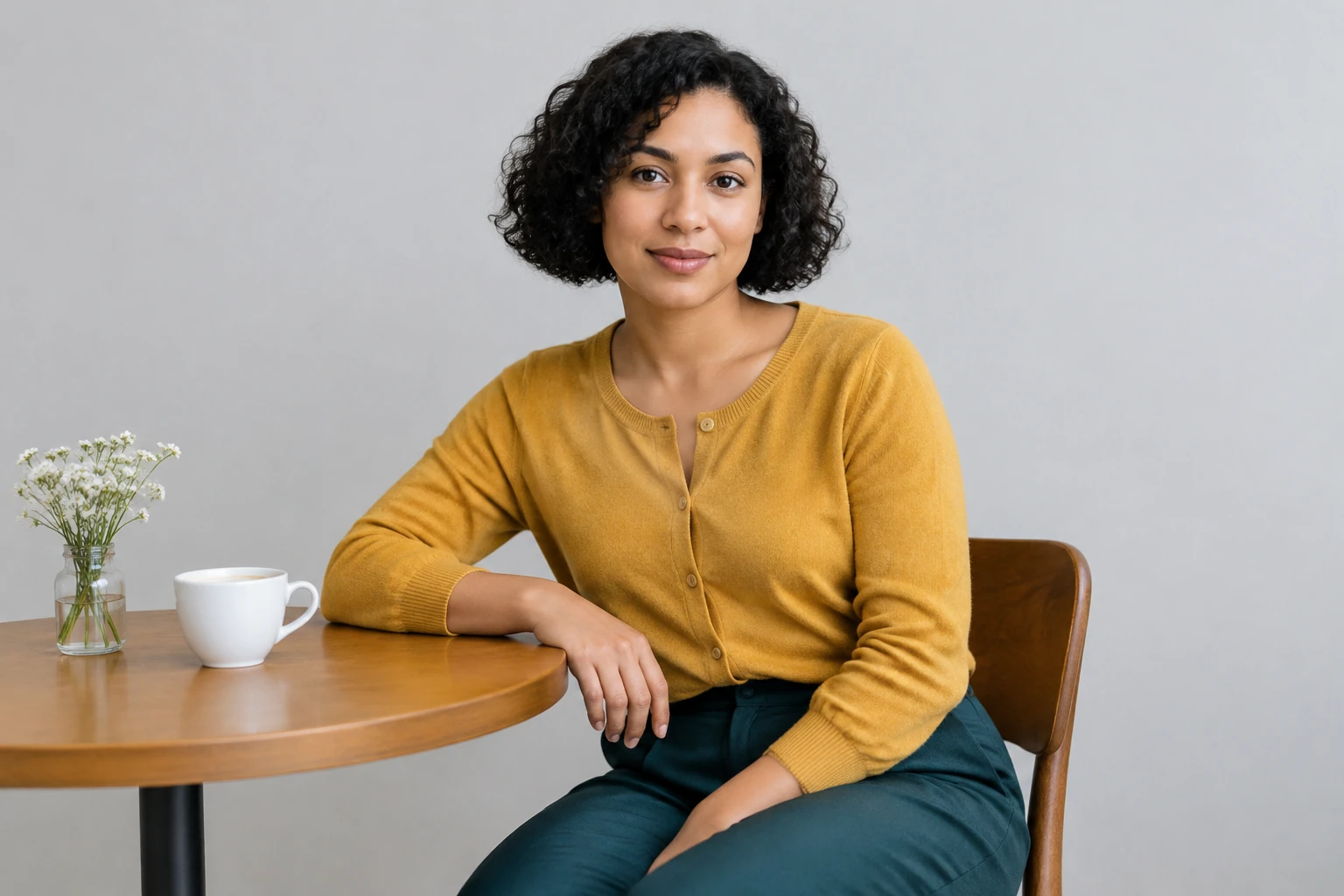
Use one clear portrait of one adult. The portrait supplies the main person's face, hair, and outfit, while the cafe replaces the original background. A neutral pose and unobstructed features make the source easier to read; there is no need to photograph the person in a cafe. The guide illustrations use a fictional woman with a short curly black bob, mustard cardigan, and dark teal trousers, but your uploaded adult can look different. The second customer is requested as a separate fictional person in the scene, not supplied through another portrait.
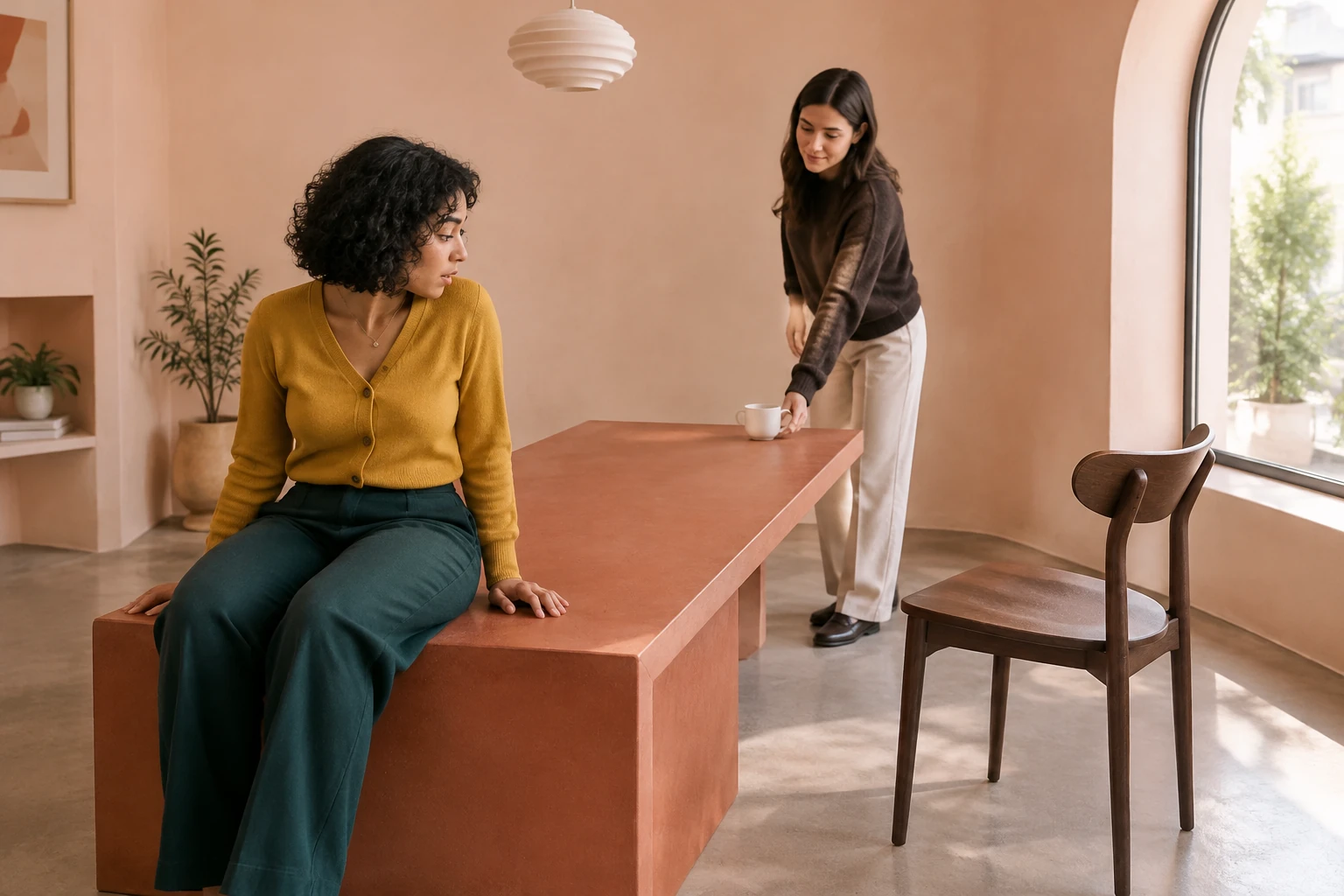
The page includes prepared scene instructions for the scene, so writing a prompt is not required. Optional notes can stay blank. If you use them, reinforce the visible story rather than adding competing actions: keep the table rectangular, the chair separate, and the cup plain. The requested sequence has no dialogue, physical contact, spilled drink, fall, or humiliation. A small double take is enough before the customer moves to the chair. There is no locked reference video or motion-control upload in this workflow.
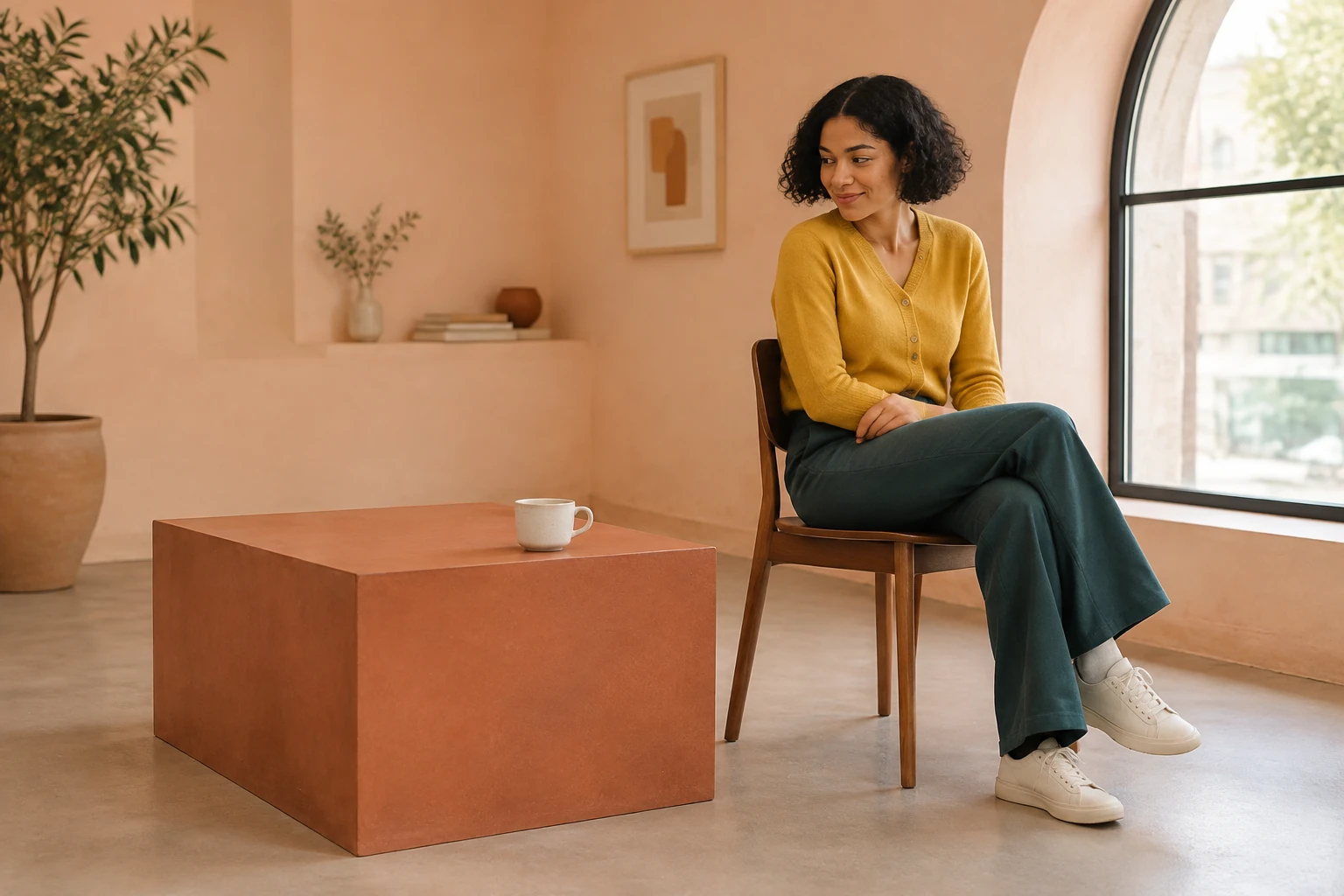
A ready result deserves a close look before download. Check whether the main customer's face and outfit remain recognizable, and whether the table and chair keep stable, distinct shapes. Look for a separate generated adult placing the cup at the table's far end, followed by a readable but subtle reaction and a safe move to the chair. The requested eight-second duration and movement are not guarantees. Review any available audio before sharing, and share only if the result and the portrait subject's permission are appropriate.
The main customer mistakes a low rectangular table for a bench. A second adult places a cup on its far end, making the table's purpose clear; the customer then notices and moves to the separate chair.
No. Upload one clear portrait of one adult for the main customer. The second customer is requested in the written scene as a separate fictional adult, not as a second uploaded or identity-matched person.
No filming is needed, and the page does not require a user video. Prepared scene instructions are already included; optional scene or style notes can be left empty. The filmed cafe reference is not a locked motion source.
The current request is Seedance 2.0 at eight seconds, but the requested duration is not guaranteed. Access and the live Required Credits quote depend on the current model and account. Check the quote before Generate.
Check History or the displayed status after submitting. The status is the practical place to see whether the request is still processing or a result is ready; no particular wait is promised.
Review the main face and outfit, stable table and chair shapes, separate second adult, cup placement, subtle reaction, and safe move. Check any audio available in the result, and make sure you have appropriate permission to share the portrait subject's likeness.
Explore a different portrait-led video idea centered on movement.
Browse another dance-focused video page.
Explore an image-focused page for a different creative workflow.
Visit the pricing page, then check the live Required Credits quote for your request.
southparkcharacter.com · Updated