Earth Zoom Generator
Explore a different kind of imaginative AI video scene built around a zooming view of Earth.

Loading history…
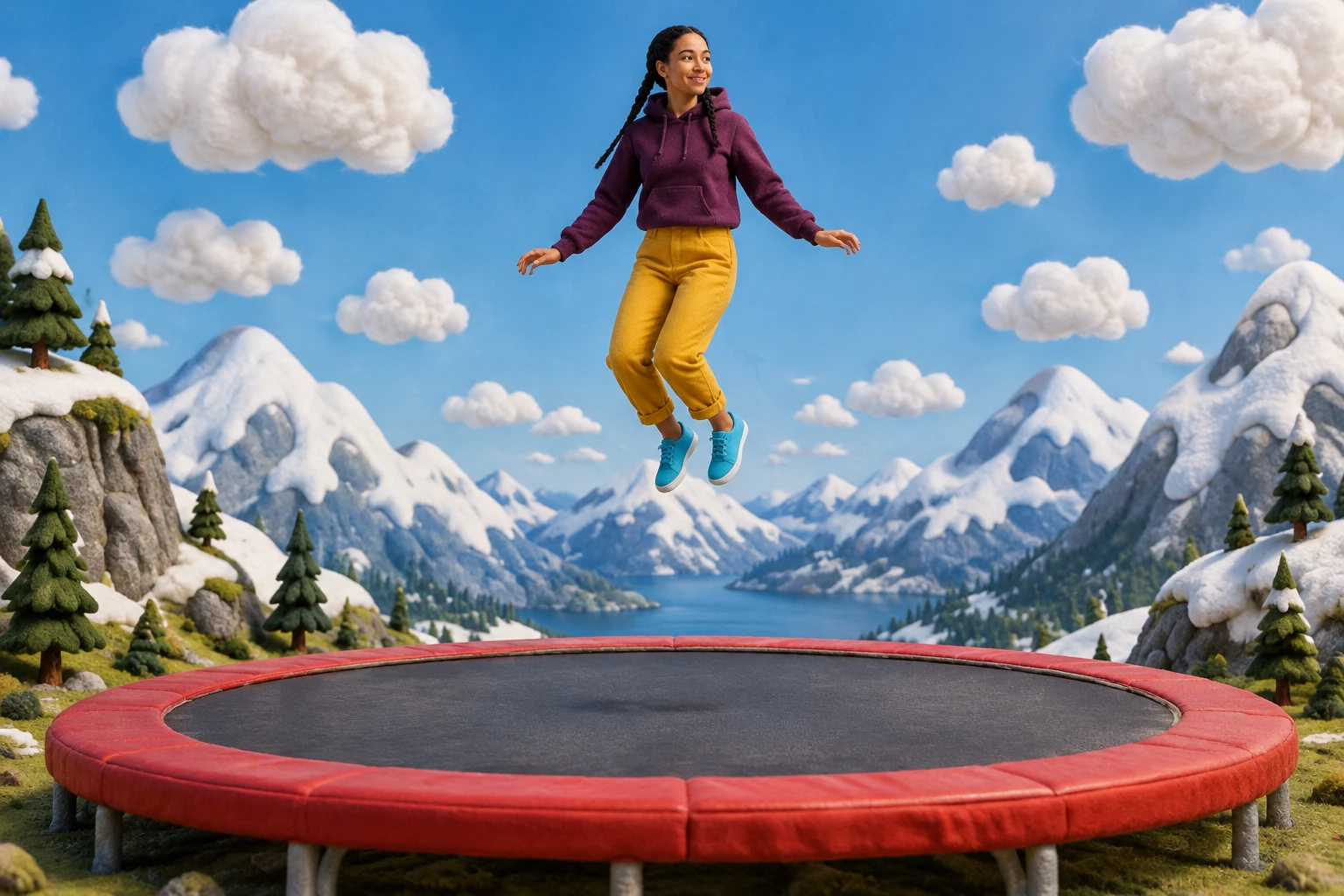
Create an AI High-Altitude Trampoline Video with the feel of a playful alpine diorama. Start from one adult photo, then use the prepared direction for snowy peaks, cotton-like clouds and a broad red trampoline. Keep the figure easy to follow through the requested descent, contact and gentle rebound.
Use one photo showing one permitted adult, ideally with the full body visible and clothing easy to see. The workflow has one photo picker: no second image slot, video upload, or motion-reference input.
Use the prepared jump-scene direction and add optional visual notes if useful. Notes are not required. Keep the setting imaginative; do not treat the prompt as filmed-stunt advice.
The current model is Seedance 2.0 with an eight-second duration. Aspect ratio, resolution, and audio choices follow the live quote. Check paid eligibility and credits there before generating; there is no free-model eligibility.
Queue times can vary. When the result appears in History, watch the entire clip for a continuous outline, visible hands and feet, readable trampoline contact, no duplicated people, and a calm ending. Download only after reviewing; add any captions or audio separately.
A miniature scene reads clearly when the peaks, cloud forms and trampoline have distinct silhouettes. Let the red trampoline anchor the lower frame and leave enough clear sky above the adult. The diorama texture can make the world feel playful without adding extra characters. Check that small trees and rocks remain background details rather than covering the person’s hands or shoes.
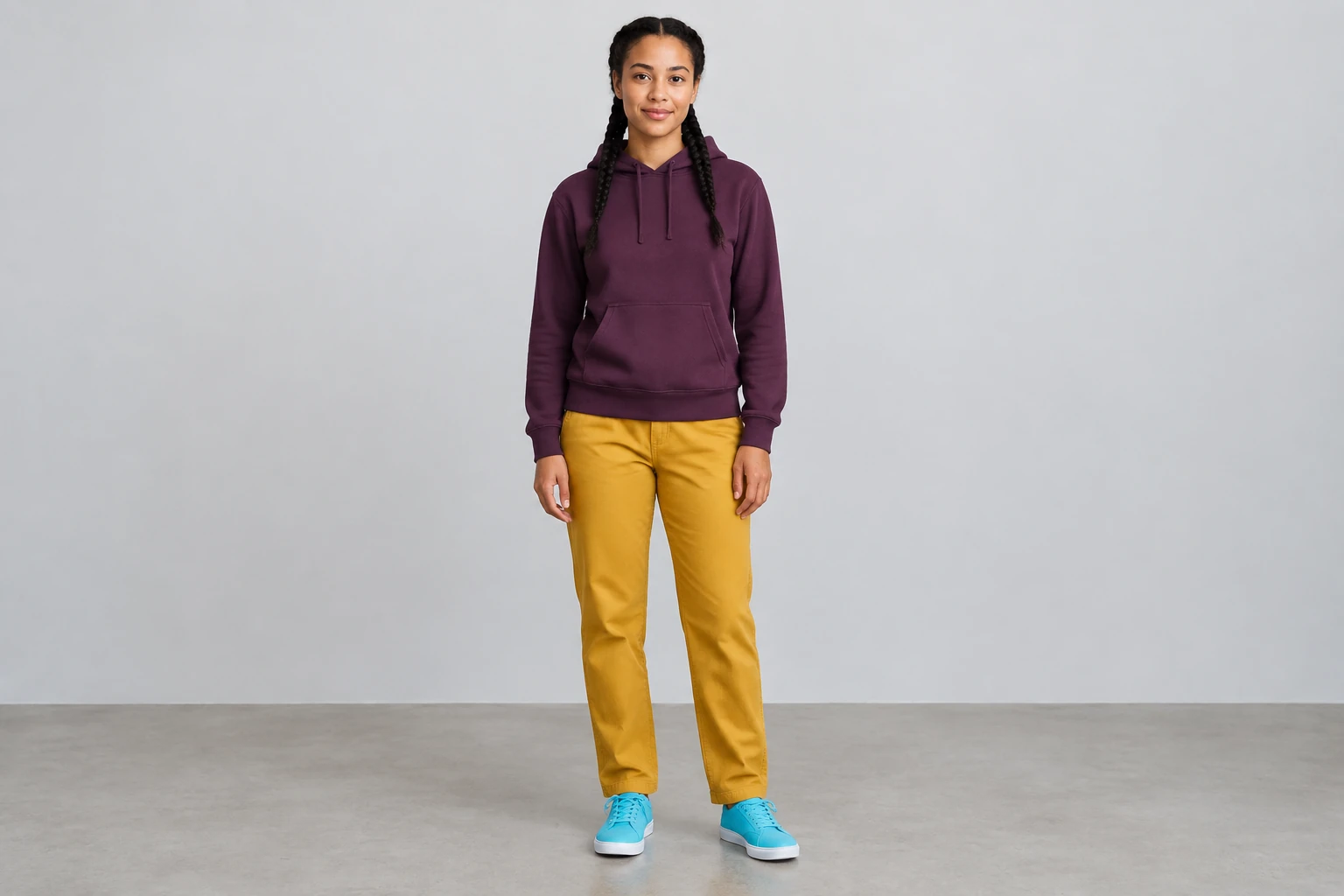
The example character wears a plum hoodie and mustard trousers, but your uploaded photo supplies the adult and outfit to retain. Choose a complete standing view with visible hands and feet. The scene direction intentionally changes the surroundings to an imaginary alpine world; compare the person’s main features and clothing shapes across the finished clip rather than expecting the original background to remain.
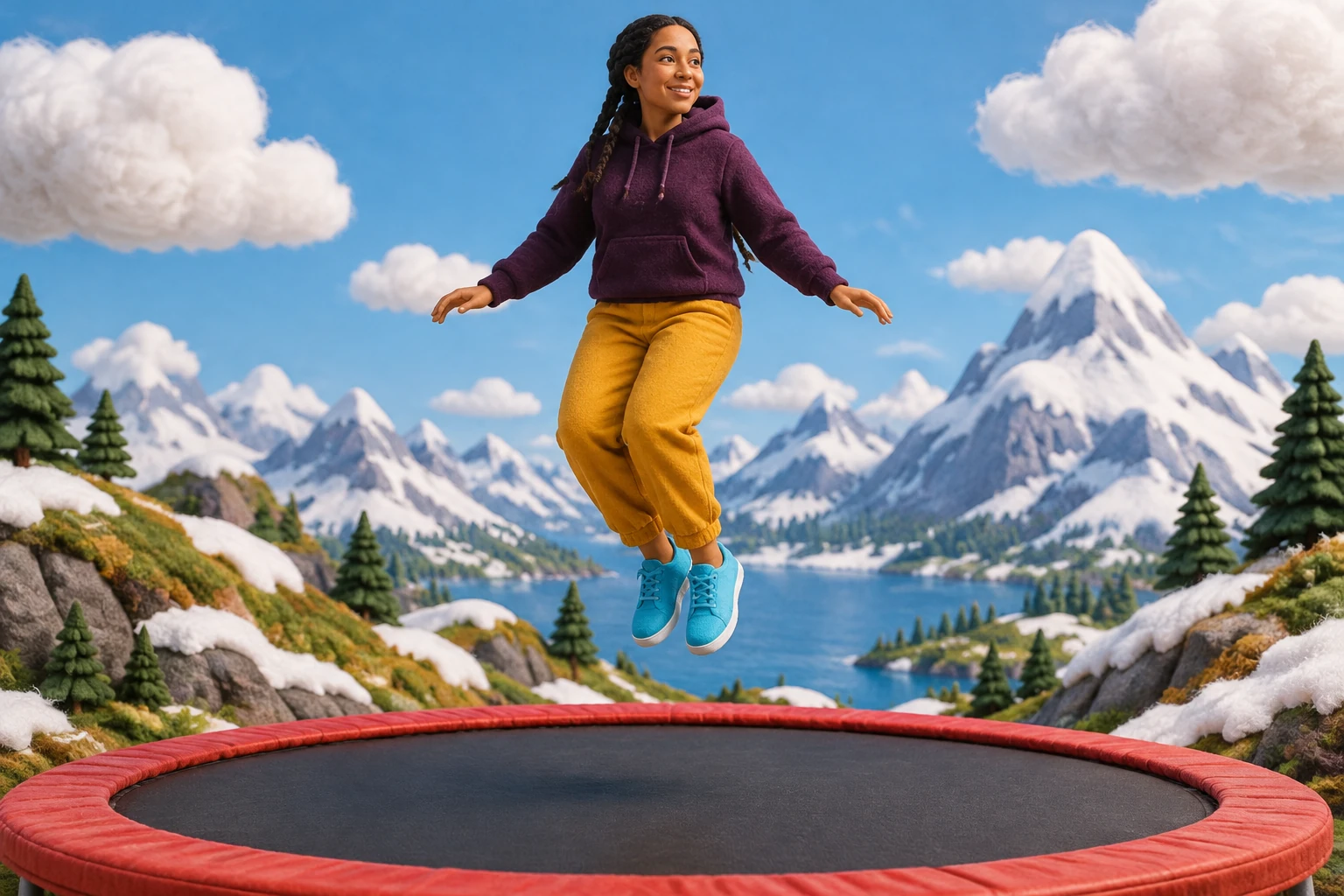
Ask for a brief suspended start, a controlled fantasy descent and soft contact with the broad trampoline. A gentle rebound and calm ending give the short clip a readable finish. Keep the camera stable so the feet and surface stay in view together. When reviewing, pause around contact to check body continuity, the number of limbs and the relationship between the figure and the trampoline.
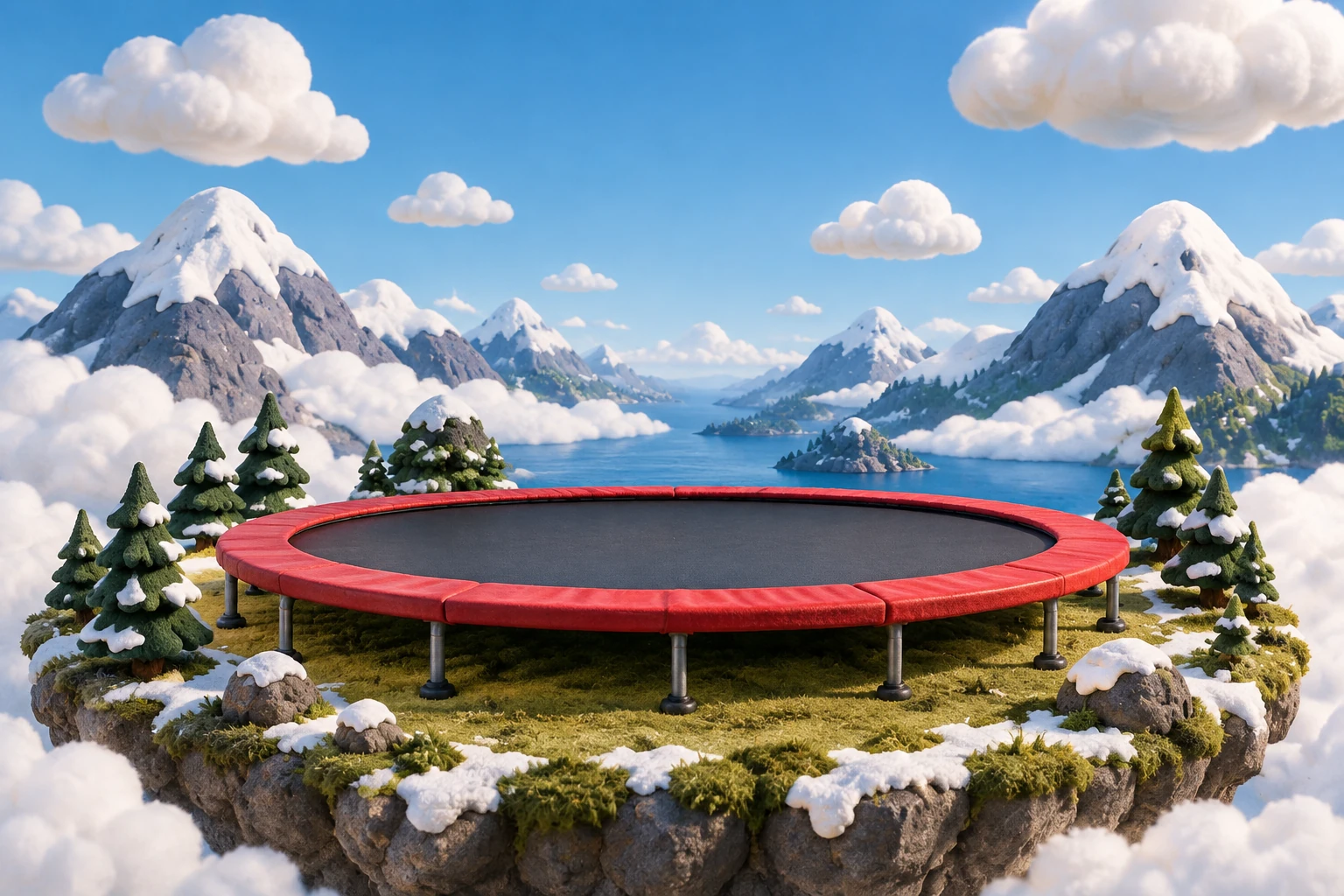
Review the whole result in History, including the first and last frames. Look for one consistent figure, a coherent snowy setting and enough space for any caption you may add separately. Check the live quote before another attempt; the current model uses paid access and an eight-second duration. This is a fictional diorama scene and should not be imitated.
One image showing one permitted adult. A clear full-body photo can make it easier to judge the person’s outline and clothing. There is no second image slot, video upload, or motion-reference input.
No. The prepared scene direction is sent by the generator. Optional visual notes can help describe preferences, but they are not required.
The scene direction intentionally changes the setting to an imagined alpine diorama. The adult’s actual appearance and outfit should remain the reference; the original photo background does not need to carry over.
The current model is Seedance 2.0 and the duration is eight seconds. Aspect ratio, resolution, and audio options follow the live quote.
There is no free-model eligibility. Check paid eligibility and credits in the live quote before generating. Queue time can vary, so check History for the result rather than relying on a fixed wait.
No. It requests a visible suspended start, controlled descent, soft contact, gentle rebound, and calm ending, but exact movement is not guaranteed. Watch the entire clip in History before downloading.
Explore a different kind of imaginative AI video scene built around a zooming view of Earth.
Find another setting-focused idea for shaping a stylized AI video.
Learn about a separate video-to-video workflow; this trampoline guide uses one photo, not a video input.
Review pricing details and check current eligibility and credits in the live quote before generation.
southparkcharacter.com · Updated