Earth Zoom Generator
Explore another guided AI video workflow.

Loading history…
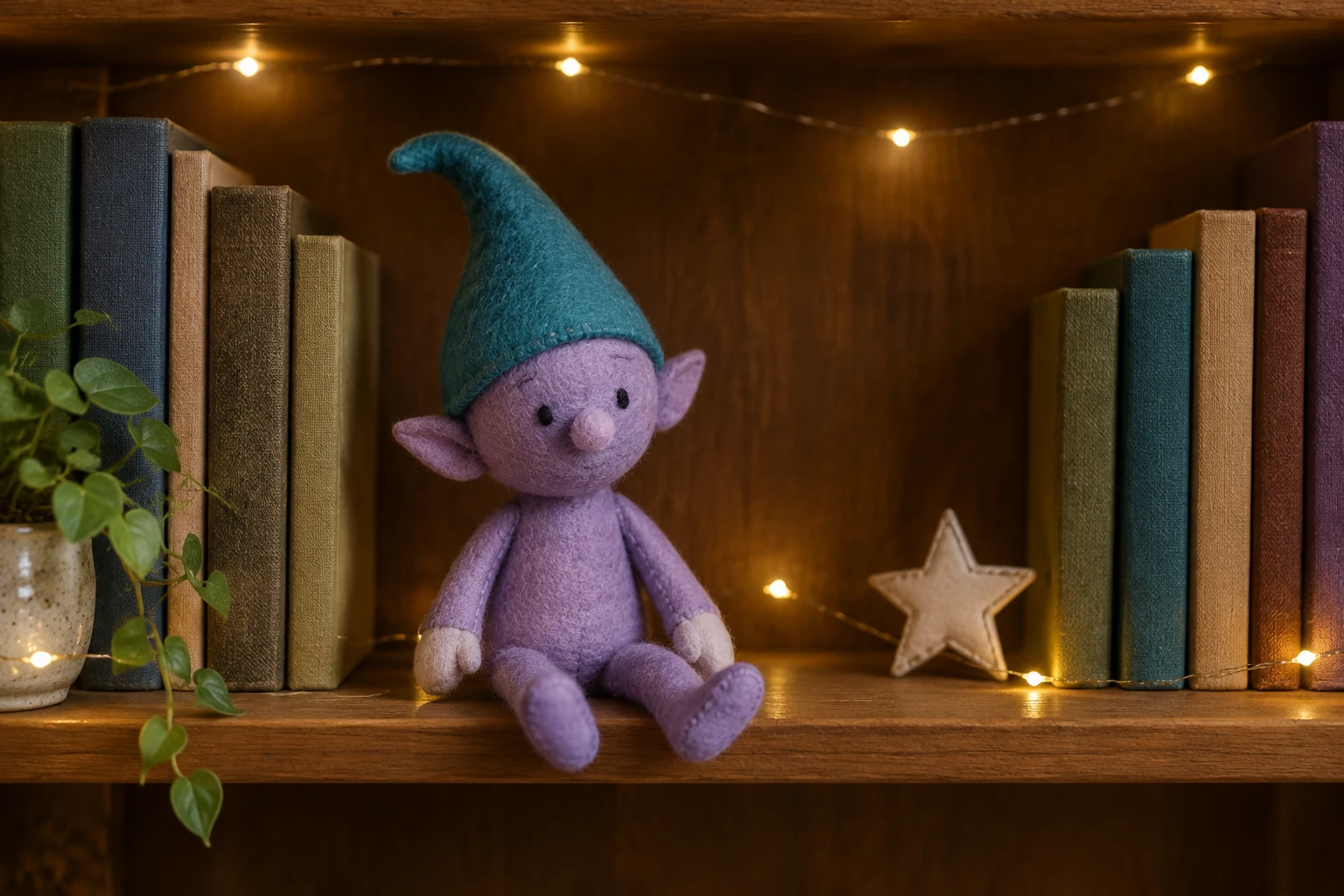
An Elf On The Shelf AI Video can turn one photo of your own physical toy into a short, storybook-style greeting. This guide uses a miniature library as a visual example: an original lavender felt elf-like toy with a teal pointed cloth cap, two simple stitched black eyes, a small rounded nose and short cloth hands rests among unlabelled books, a tiny plain star ornament and warm fairy lights. Those colors and design are examples, not required choices or selected characters. The native workflow uses Seedance 2.0 and exactly one required photo of your toy in its own setting. Its written 8-second routine calls for a small head turn, one friendly hand wave, a calm rest and a steady camera.
Photograph one physical toy in its own setting. Make the face, body shape and hands easy to see, and include enough background to show where the toy is placed. The sample felt toy and library are illustrative only; use your actual toy and surroundings.
Select Seedance 2.0 and provide exactly one required photo. No adult portrait, second image or video upload is required. Keep the source image focused on your toy rather than adding unrelated subjects.
The prepared routine lasts 8 seconds. Choose from the aspect-ratio, resolution and audio options actually available on the page, then review the current credit quote and paid-account eligibility before Generate. Leave visual notes empty for the starting routine or add one short visual preference.
Review the current credit quote and paid-account eligibility before Generate. Follow the task in History; processing time varies. When ready, watch the entire clip and inspect the toy face, cloth hands, cap, seams and background before downloading.
The library example is designed around one readable face and one gentle wave. Warm fairy lights and simple shelf objects help suggest miniature scale without crowding the toy. Keep any source photo faithful to your real toy and setting; the example’s lavender fabric, teal cap, stitched eyes and shelf details are not required.

Use a well-lit, steady photo where the toy is not hidden by books, decorations or its own hands. Leave a little room around the toy so its shape is apparent. For a small face, make sure the eyes and nose are visible in the source image rather than relying on tiny details in a distant shot.
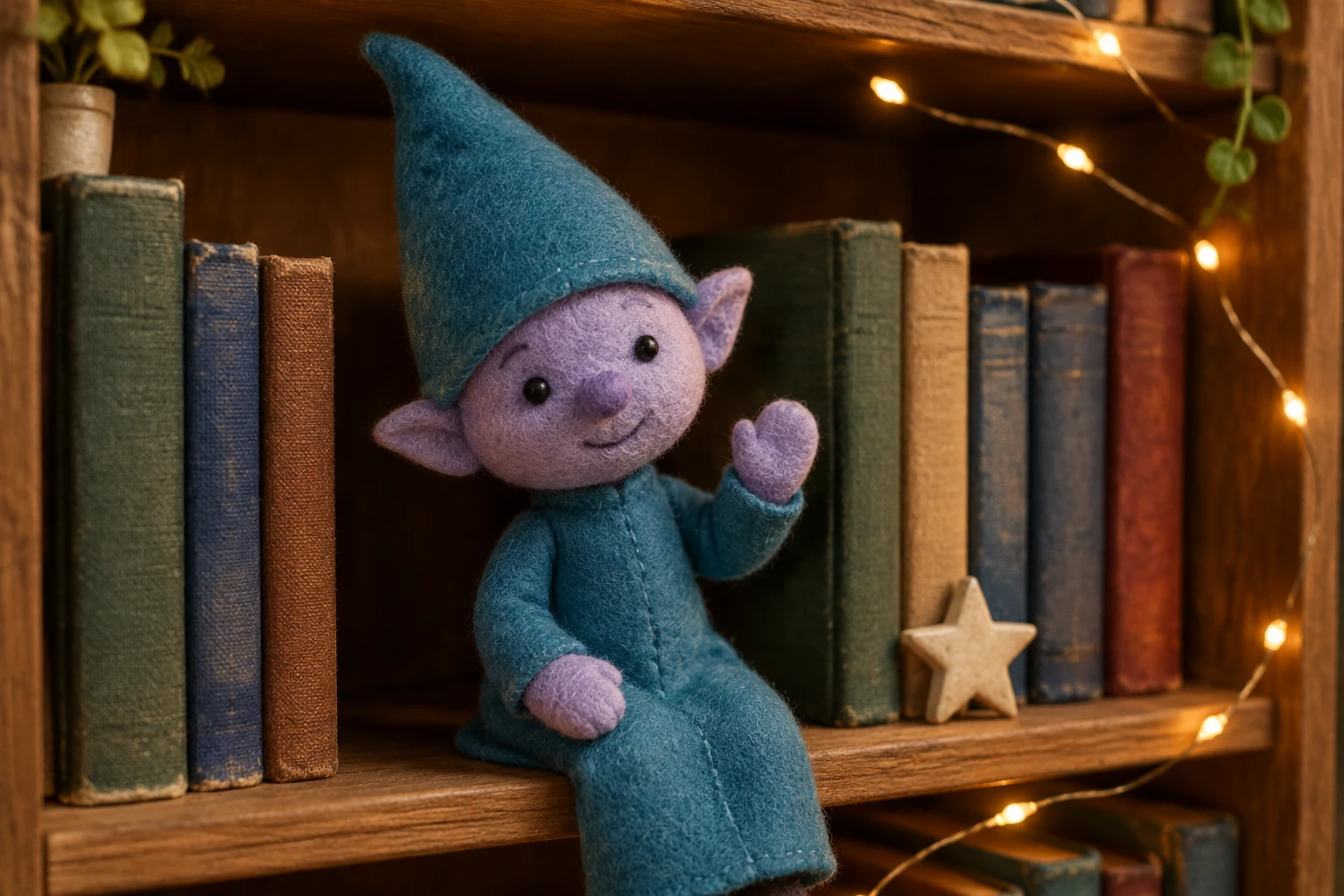
The prepared 8-second direction gives the toy a small head turn, one friendly wave and a calm return to rest. Keep the camera steady so the gesture is easy to follow. Leave Optional visual notes empty for this starting routine, or add one short preference for light or mood. Review the actual aspect-ratio, resolution and audio controls and the live quote before generating. Your photo supplies the toy and setting; choose a clear composition with room around the cap and raised hand.
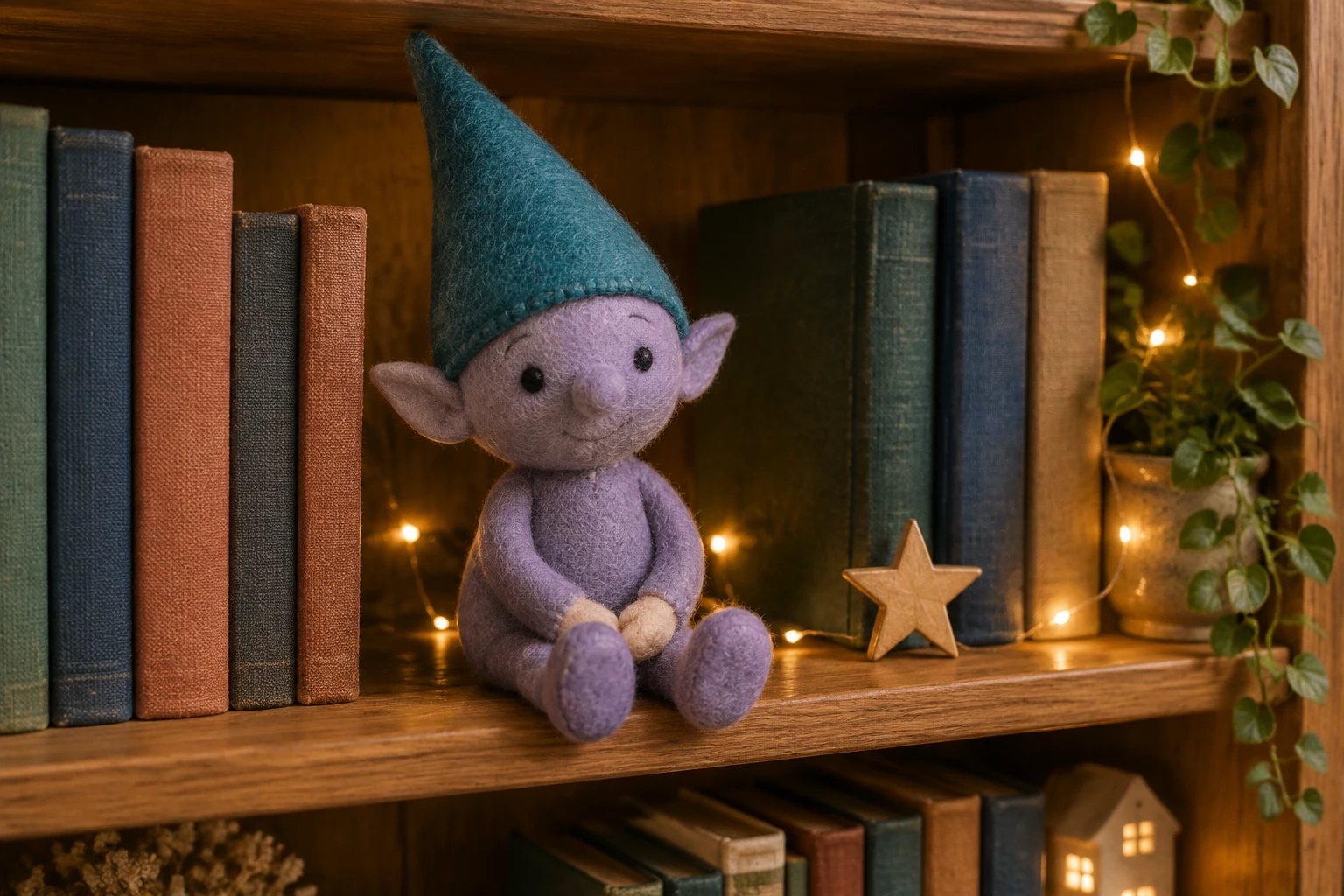
Watch the head turn first: the cap should stay attached and the stitched face should keep a clear shape. Follow the raised cloth hand through the wave, then check both hands and legs at rest. Look along the shelf edge and book spines for unwanted bending or sudden changes. Compare the clip with your own input photo. If too many details shift, choose a clearer photo with fewer objects touching the toy and keep the optional notes short and focused on one visual change.
Use one clear photo of a physical toy in its own setting. Keep the face, body and hands visible, avoid heavy obstruction, and include enough surrounding detail to show the setting.
The native workflow takes your photo as its required image input and is intended to work from your actual toy and background. The lavender toy and miniature library here are examples, not required designs; inspect the finished clip to see how the subject and setting appear.
No. Optional visual notes start empty, and the written routine is already complete. Add a brief note only if you want to clarify a visual preference.
The routine is 8 seconds. Use the duration, aspect-ratio and resolution options actually shown in the workflow; a vertical default or 4K output is not promised.
Check the live credit quote and paid-account eligibility before generating. The required credits depend on the available settings. Processing time varies; use History to follow the task and open the ready clip.
Watch the toy face and cap during the head turn, follow the raised hand through the wave, and check the resting pose. Compare the toy silhouette, cloth seams and shelf objects with your own input photo. Use a clearer, less cluttered photo if the small details are hard to follow.
southparkcharacter.com · Updated