What is Photo to Animal?
Use a photograph as the starting point for an animal-inspired portrait. Try it for profile refresh, with your own setting and a clear visual intention.

an original character idea
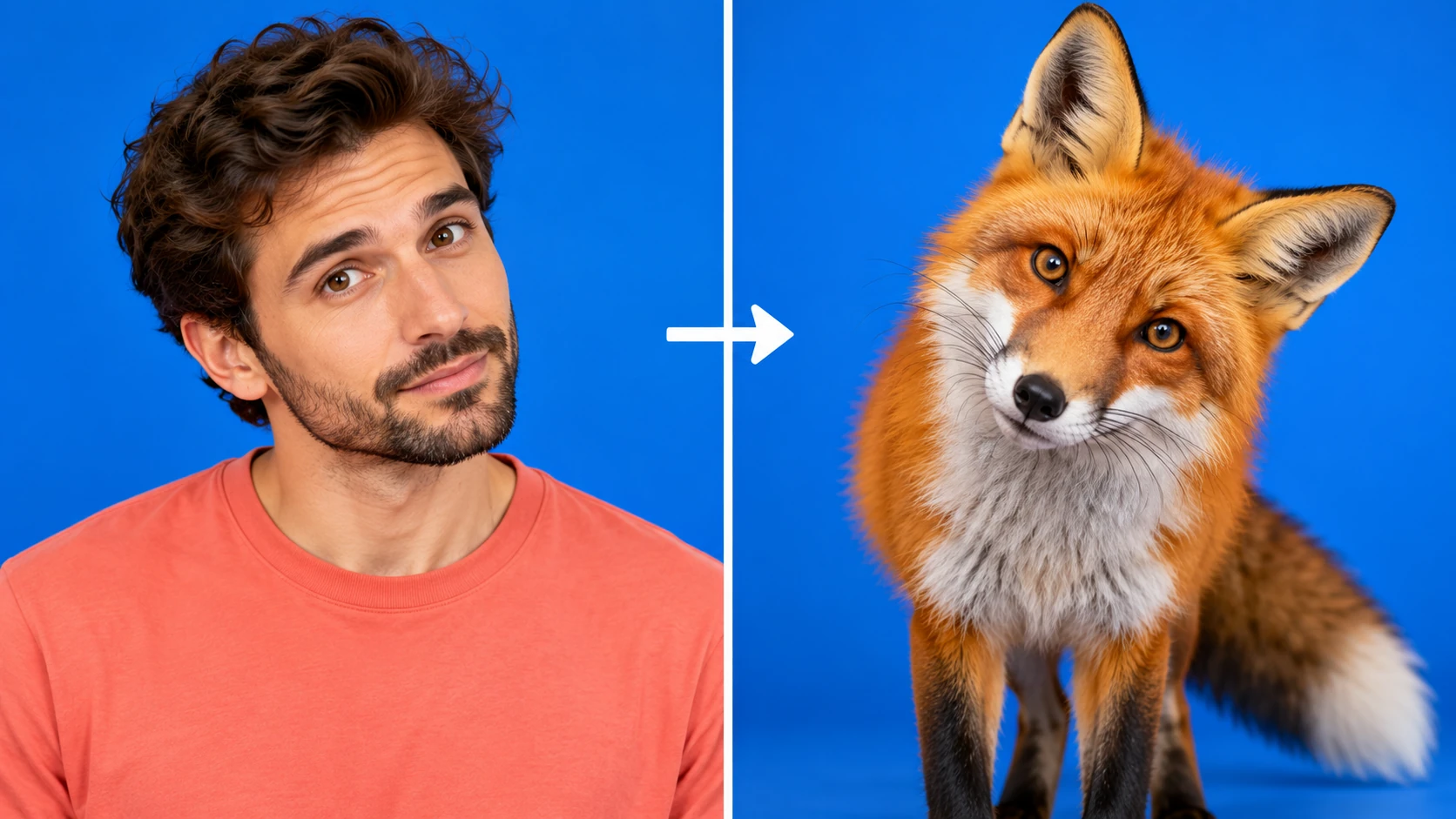
Use a photograph as the starting point for an animal-inspired portrait. Try it for profile refresh, with your own setting and a clear visual intention.
Choose Text to Image or Image to Image, prepare the matching inputs and describe one useful direction. Check the settings and quote, then submit and review the result in History.
Check your current account credits and the selected model’s access conditions. When the available balance covers the quoted job, you can generate without buying more credits.
Use a photograph with one clearly visible subject and a simple pose. A head-and-shoulders crop works well for facial expression.
Read the live credit quote for the selected model and settings before submitting your animal-inspired portrait. Preparing inputs or editing a description does not start a generation.
Follow the submitted job’s estimate and progress. The model, settings and queue affect waiting; History keeps the completed image available for review and download.
Use a photograph as the starting point for an animal-inspired portrait. Name a species, choose a visual style and describe the pose or expression worth retaining. On southpark character, approach it as an original character idea: a bold silhouette and an expressive finish. Give the character one readable visual hook that still works when the image is small.
Create a photo to animal portrait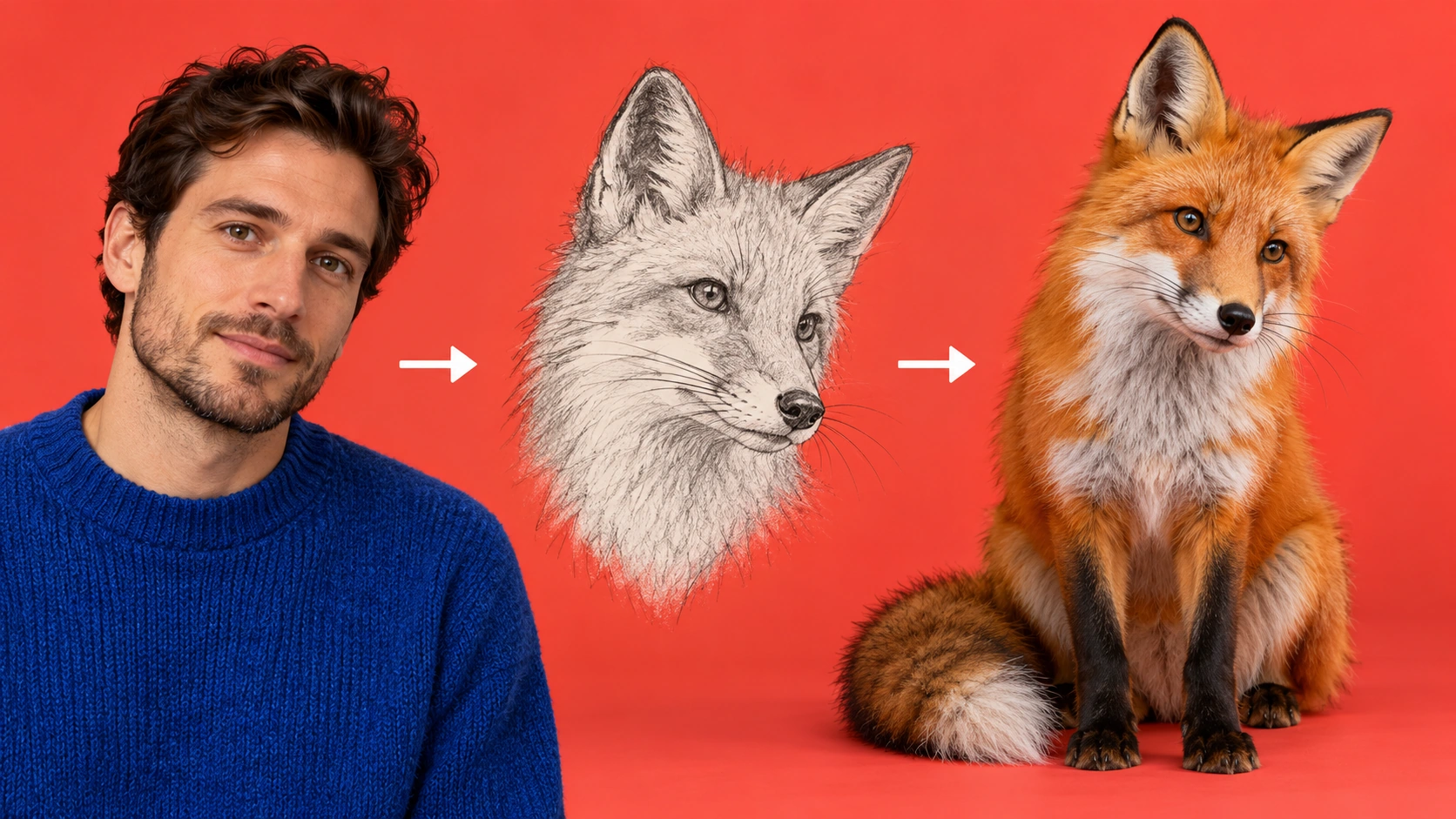
Upload one clear subject portrait; choose the animal in the description rather than adding more reference images. Shoot or select a single-subject photo with even light and no heavy shadows across the face.
Choose an editable animal species that fits the portrait you want. Write a prompt describing fur, ears, markings, or scene mood while keeping the person's pose and expression intact. Adjust available model controls to balance likeness cues against the animal styling you are asking for. Save note of your settings before generating.
The live credit quote is displayed before you commit. Read it, confirm your account, and run the job. Open History to compare the result with your reference photo. Check that the pose and expression remain recognizable, and note any changes you would request on the next prompt before deciding to share.
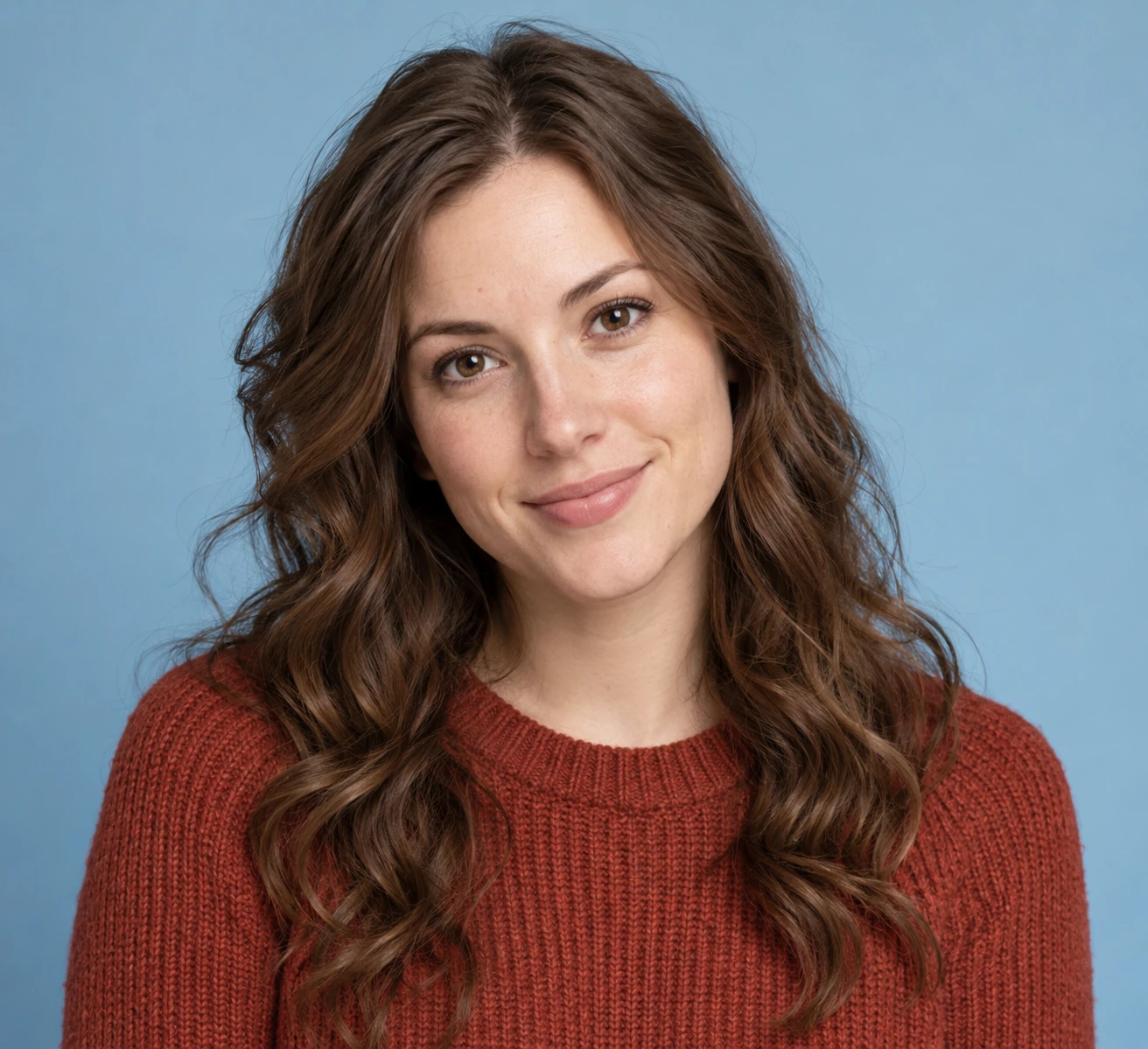
Start with a single person in the frame. A clean, front-facing photo with even light and an unobstructed face gives the model more to work with. Avoid group shots where the intended subject is unclear. Crop or retake before uploading if the pose is hidden or the expression is ambiguous.
The species is part of the prompt, so you can steer toward a fox, owl, or other animal that suits the portrait. This is a creative stylization, not a biological prediction about the subject. Treat the species choice as an art direction decision, and adjust wording between jobs when a look feels off.
The generation aims to keep recognizable visual cues from your photo, such as head angle, gaze, and expression. Results vary by input quality and prompt. Check these cues in History next to your reference before sharing. When they drift, a tighter prompt or a cleaner photo often helps the next job.
Every generation is a job you can revisit. The live credit quote appears before each run, and History keeps past outputs for comparison. Log in to your account to track jobs. There is no separate billing flow and no promised free allowance, so plan credits from the displayed quote.
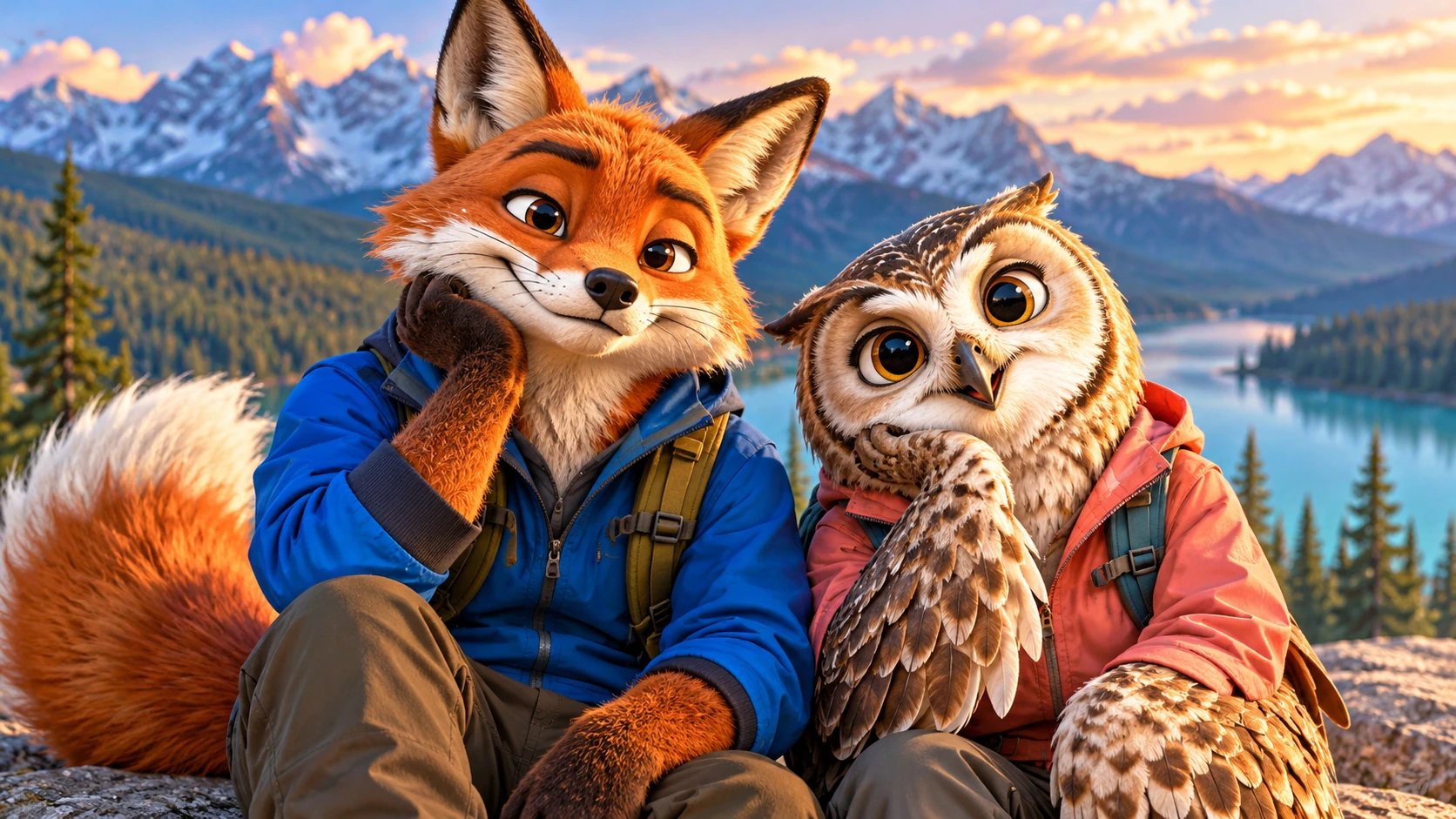
Test two species directions from the same headshot, compare them in History, and pick the one that keeps your expression most recognizable before updating a personal profile image.
Use a neutral photo to sketch an animal-inspired character idea for a story or animation pitch. Keep the pose from the reference and let the prompt handle the species styling.
Turn a clear portrait of a friend into an animal-inspired print concept. Review the output with them first, and only share or print once they approve the likeness cues.
It produces an animal-inspired portrait based on your uploaded photo and your prompt. The species is editable, and the model aims to preserve recognizable pose or expression cues. It is a creative stylization, not a scientific or biological prediction about the person in the photo.
One clear subject works best. Use a photo with a visible face, even lighting, and an unambiguous pose. Group photos or heavily obscured faces give the model less to work with, so crop or retake before uploading to improve the chance of recognizable cues.
Yes. The species is editable in the prompt, so you can direct the portrait toward a specific animal look. Pair the species with notes on markings or mood, and use the model controls to balance likeness against stylization before generating.
Not exactly. The output preserves recognizable visual cues where possible, but it is an animal-inspired stylization. Fine details, exact proportions, and identity markers may shift. Review each result in History and decide what to keep private or share.
Choose Text to Image for a new animal-inspired portrait made entirely from your description; it uses no uploaded reference. Choose Image to Image when one photo should guide the person, subject or composition. Select the mode first so the visible inputs match your intention.
You can prepare the animal-inspired portrait before submitting. To generate, check your signed-in account’s current credits and the selected model’s access conditions. If the available balance covers the displayed quote, you can proceed without buying more; no fixed free quota is promised.
Your animal-inspired portrait has a live credit quote based on the model and settings you choose. Check it before submitting. Editing the description or reviewing an idea does not start a job; submitting another generation creates a separately quoted attempt.
Use the estimate and progress shown for the submitted animal-inspired portrait job. Model choice, settings and queue conditions affect waiting. Check History for the completed image, and keep the existing task in progress instead of resubmitting the same request while you wait.
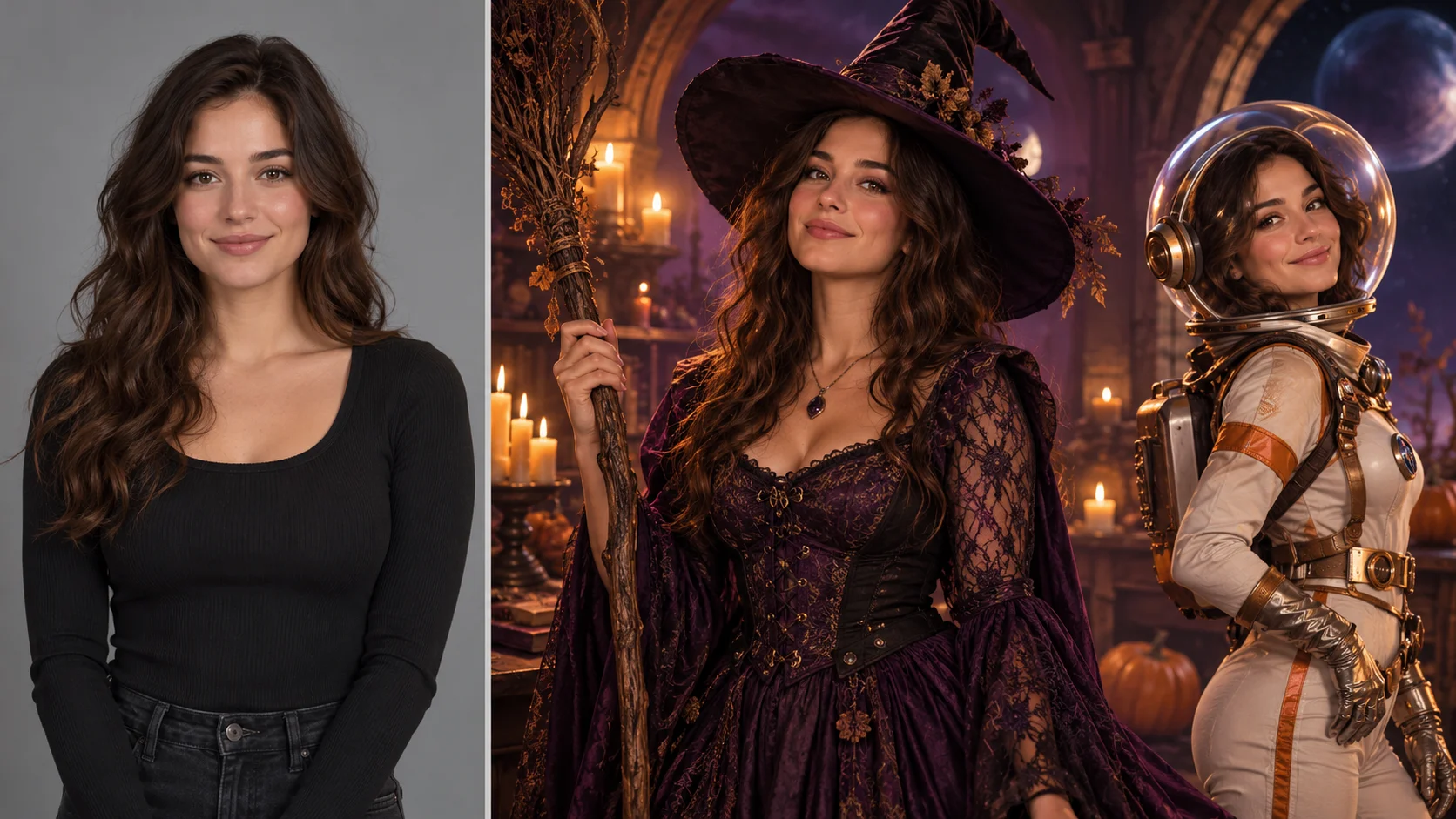
Explore AI Halloween Costume for a different visual direction. This guide explains its input, practical steps and the details to review.
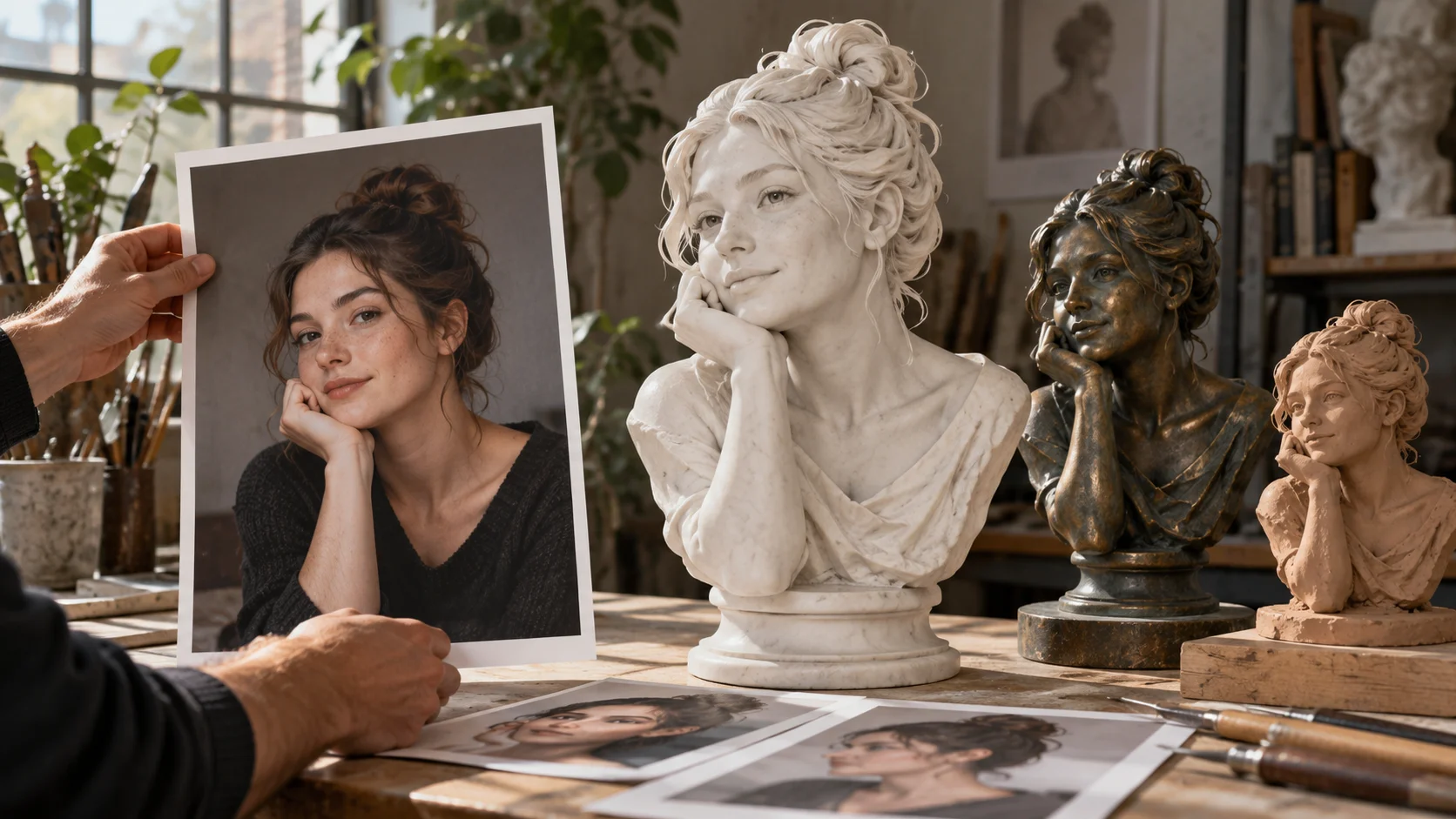
Explore AI Sculpture Filter for a different visual direction. This guide explains its input, practical steps and the details to review.
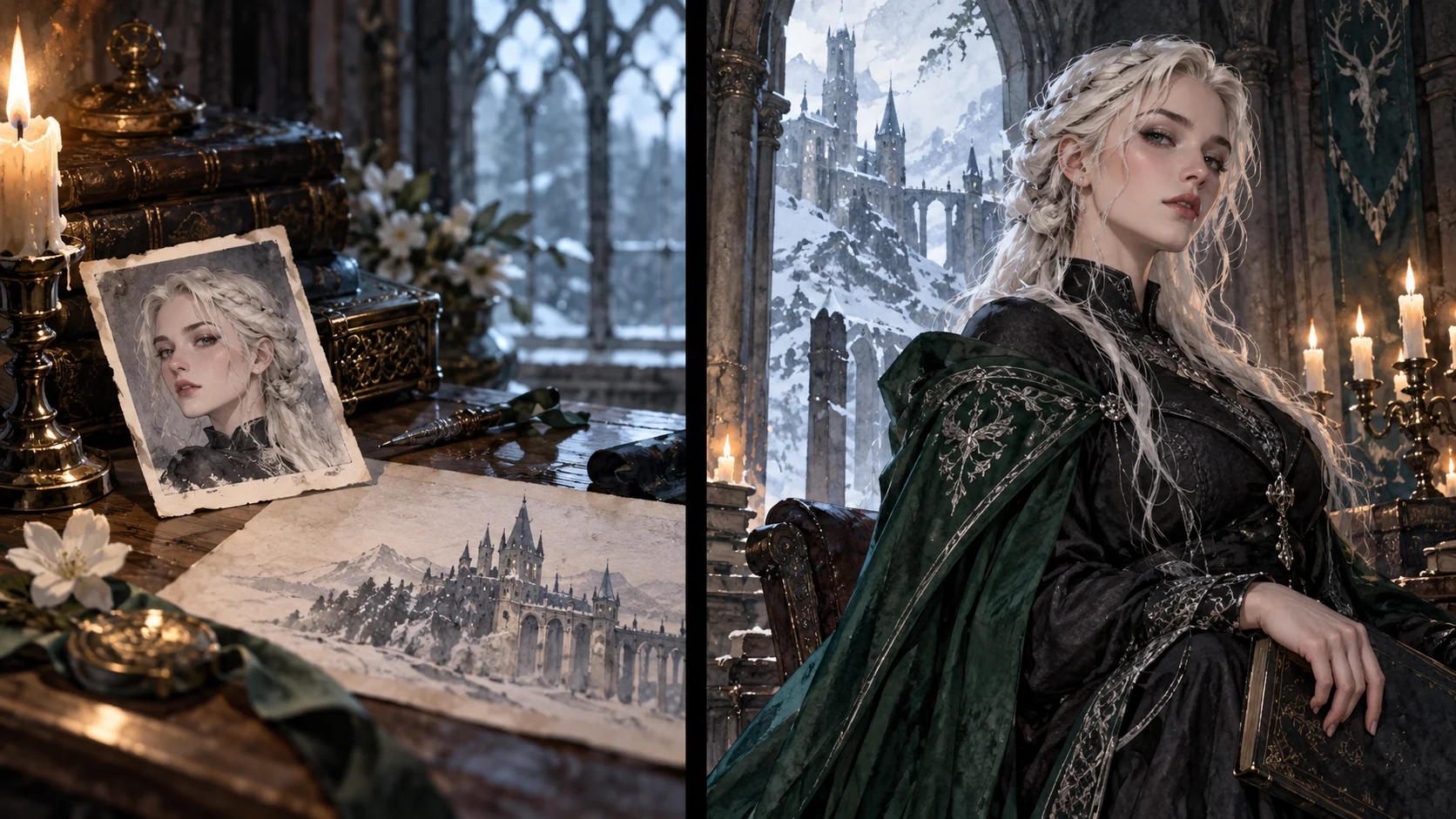
Explore Female Malfoy AI Generator for a different visual direction. This guide explains its input, practical steps and the details to review.
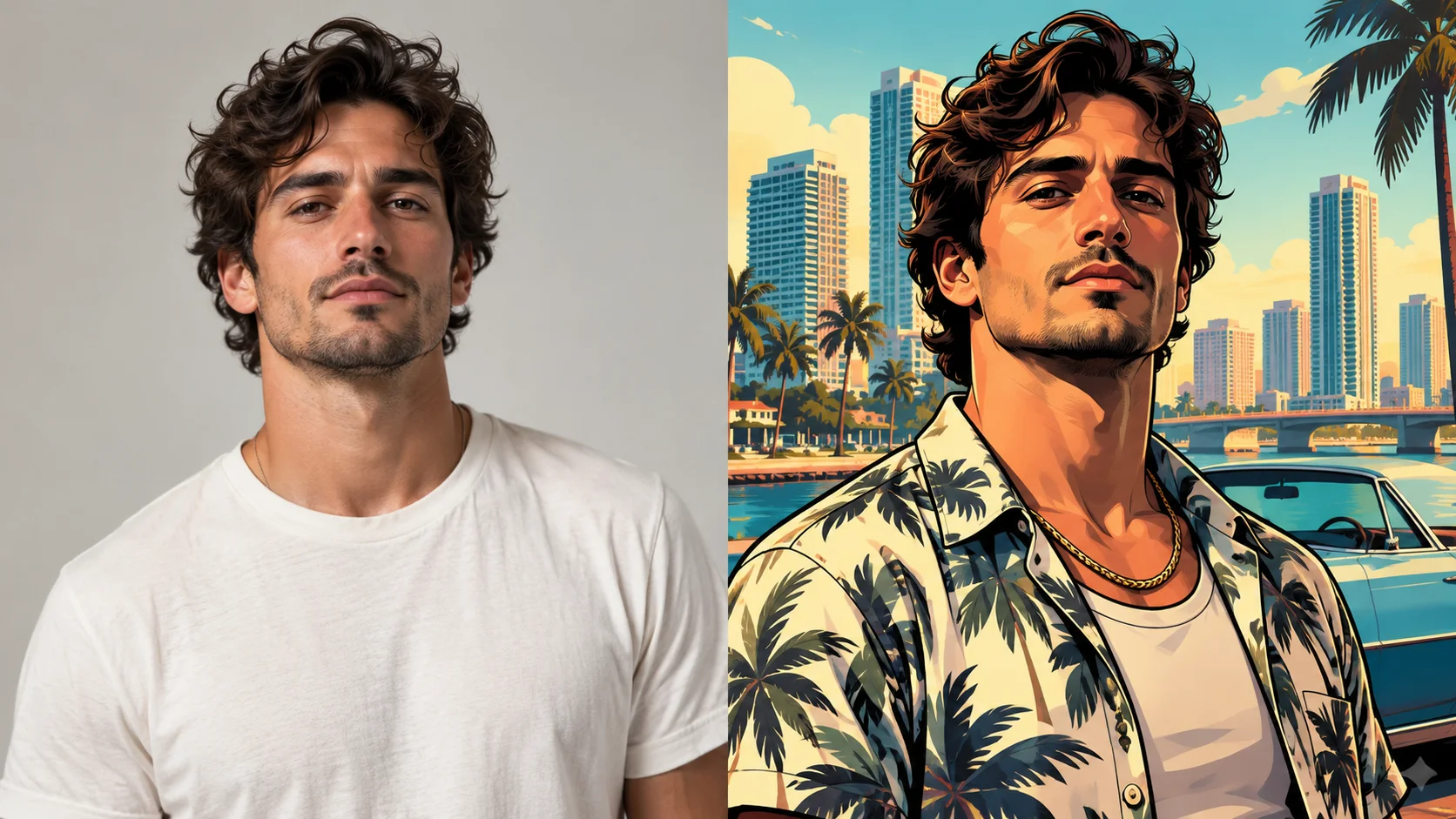
Explore GTA Style AI Photo Generator for a different visual direction. This guide explains its input, practical steps and the details to review.
Give the character one readable visual hook that still works when the image is small. Prepare the animal-inspired portrait, read the current quote and submit when the direction is clear.
Create a photo to animal portraitsouthparkcharacter.com · Updated