Explore AI video tools
Browse the video creation options and choose a workflow that fits your next scene.

Loading history…
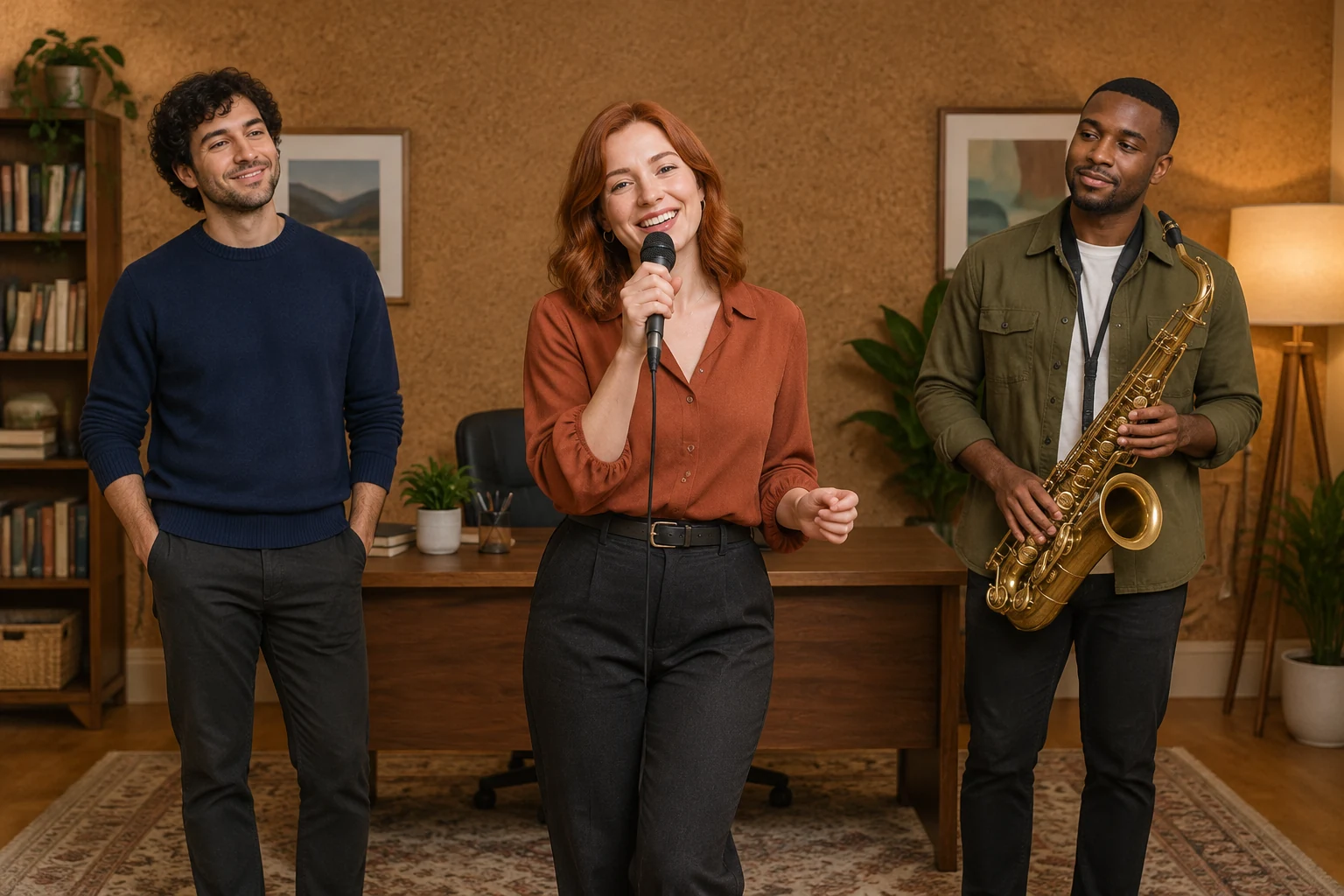
The Outstanding Tiny Desk AI Video Generator guide helps you plan a recognizable fictional trio through distinct clothing, a cozy office setting, and restrained gestures. Choose Text to Video to describe original performers without uploading an image, or Image to Video to animate one prepared group photograph. This is an independent original desk-band concept, not a supplied concert template or recording.
In Text to Video, describe fictional performers and their setting without uploading an image. In Image to Video, provide one prepared group photograph; it animates that ensemble rather than filling separate portrait slots or automatically assigning band roles. For Image to Video, prepare a photo that already shows the intended people, instruments and arrangement.
Give each fictional performer a clear visual distinction. For example, use an adult man with dark curly hair and a navy sweater, an adult woman with shoulder-length red hair and a rust blouse, and an adult man with close-cropped black hair and an olive overshirt. Keep clothing, placement and posture descriptions straightforward so the group reads as one ensemble.
Describe a cozy small office with a walnut desk, a soft cork wall and a warm floor lamp. Ask for one steady, continuous ensemble shot, a small shoulder sway and a friendly closing wave. Keep performers in place and request plausible hands. Avoid relying on complex instrument playing, cuts, a solo, guaranteed lip sync or musical synchronization.
For Seedance 2.5, check the live duration, aspect, resolution and audio panel rather than assuming fixed settings. Audio follows the options currently shown; no original recording is bundled. Check current credits beside Generate, then follow the generation status in History. Neither a free allowance nor a particular result is guaranteed.
A memorable ensemble needs both shared context and individual distinctions. Keep the performers together in the composition, then differentiate them with specific, visible traits such as hair and clothing. The navy sweater, rust blouse and olive overshirt make the example trio easier to tell apart without turning the scene into three unrelated portraits. In Text to Video, describe the fictional cast directly. In Image to Video, use one photograph that already contains the group you intend to animate; preserve its actual people and arrangement rather than expecting the tool to assign roles.
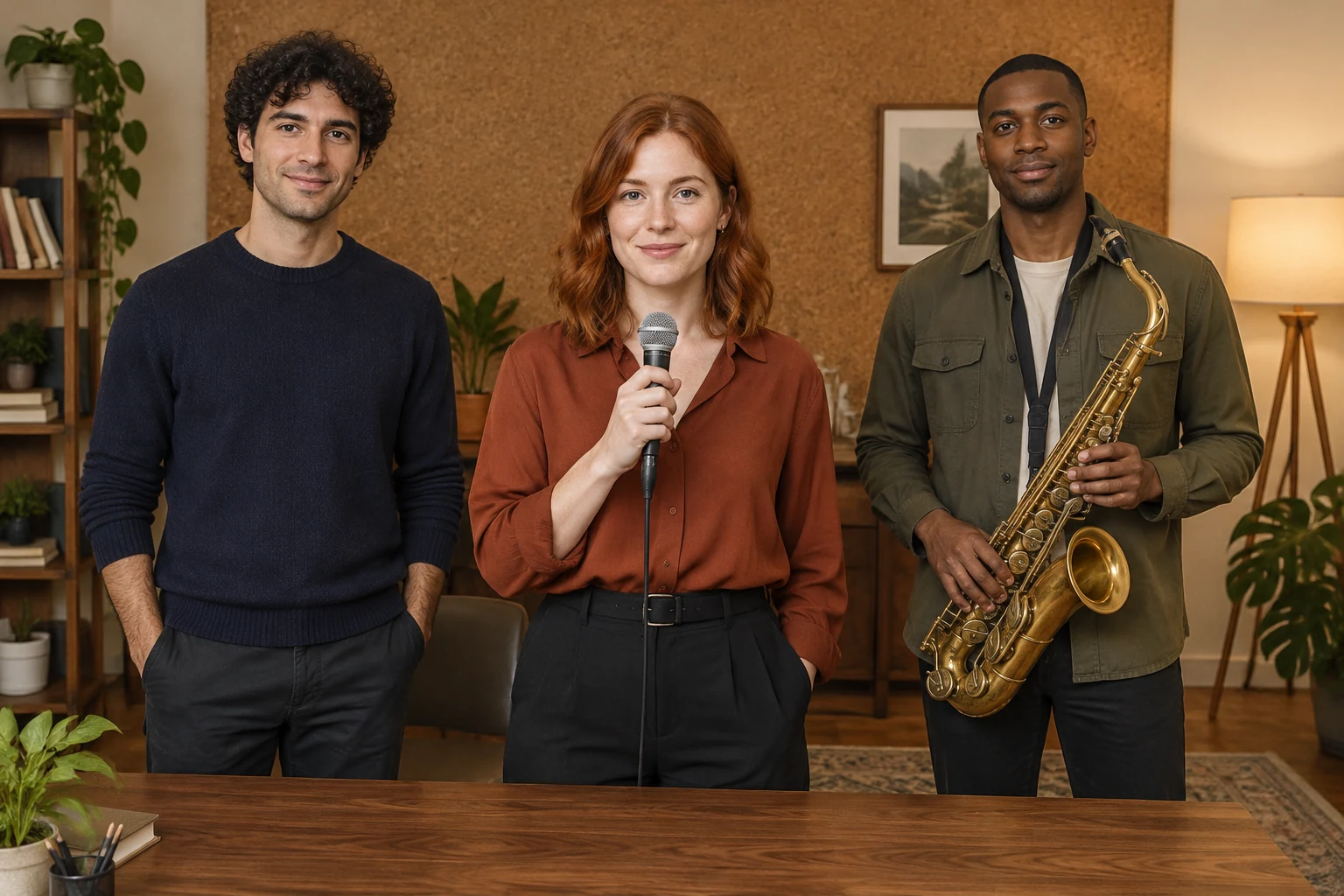
The small office supplies a clear visual frame: a walnut desk, soft cork wall and warm floor lamp. Mention these details in the prompt, but keep the performers as the focus. For an image-based animation, compose the input photograph with the intended room, clothes and instruments already visible. There is no separate portrait-slot workflow or automatic band-role assignment. The image should communicate the full ensemble before animation begins.
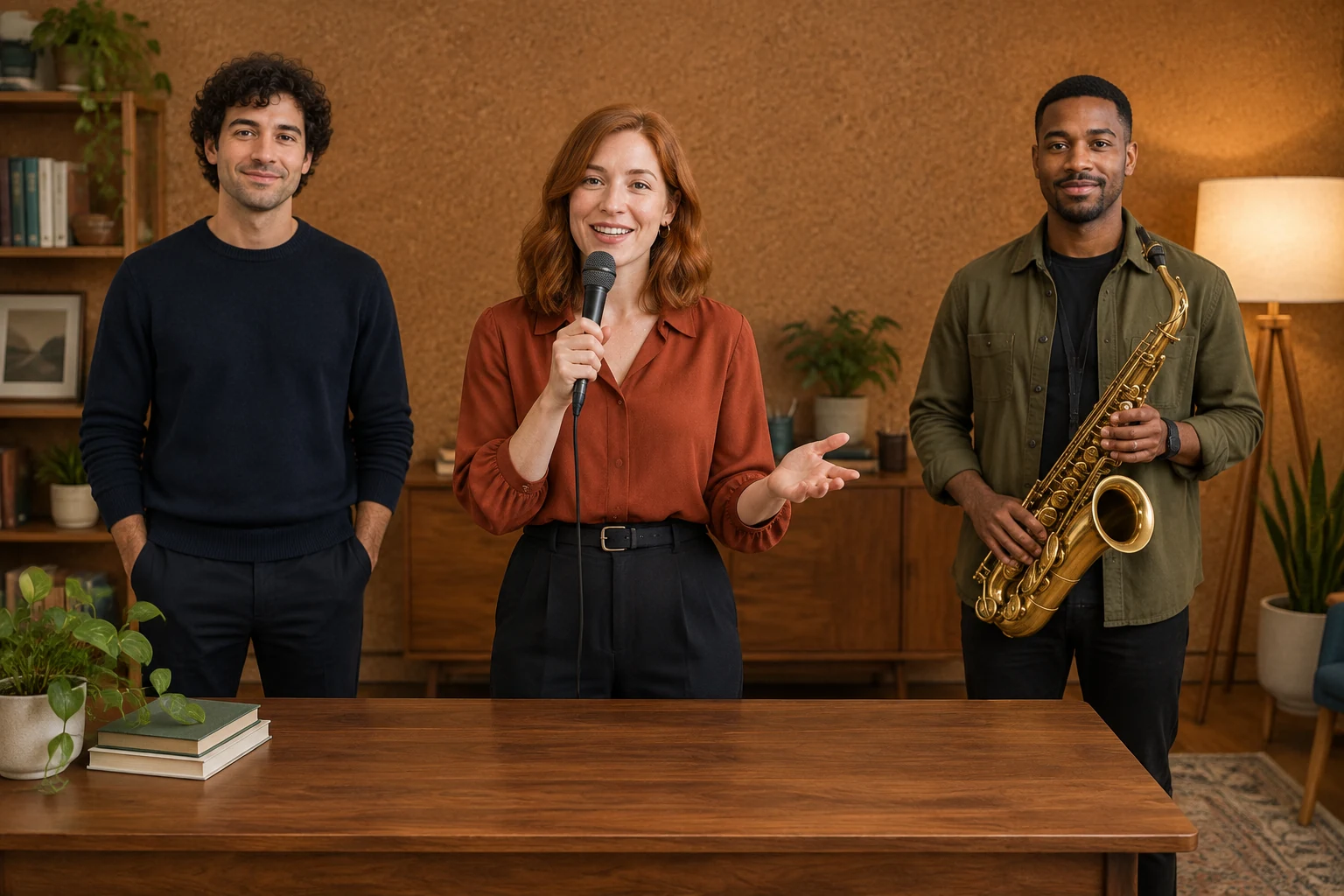
Small movements help the scene feel cohesive: a shoulder sway and a friendly closing wave are enough for this concept. Ask for one steady, continuous shot and for performers to remain in their positions with plausible hands. Do not depend on complex hand playing, a saxophone solo, camera cuts, guaranteed lip sync or exact musical synchronization. Audio behavior depends on the live options in the generation panel, and no original recording is included.
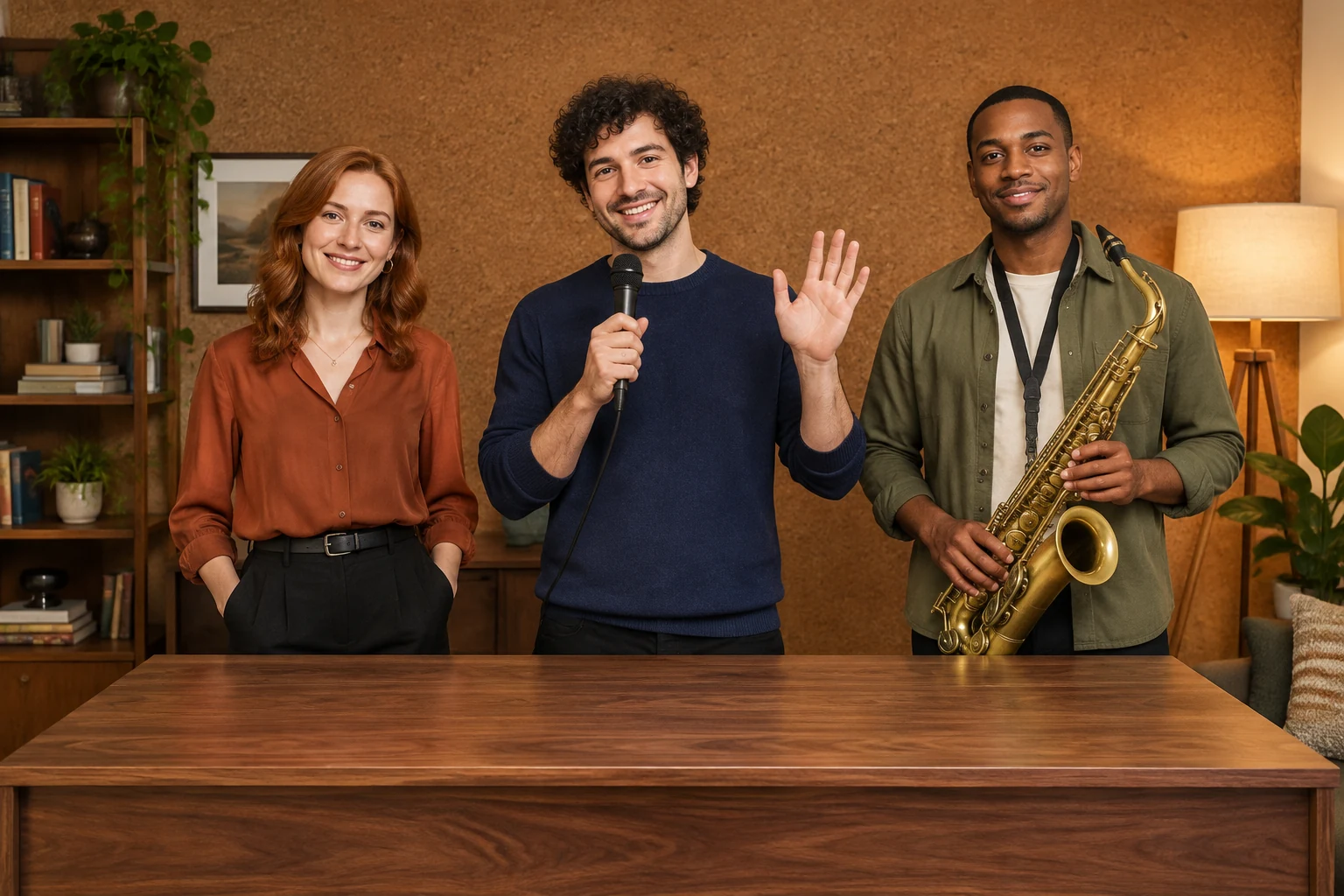
A nine-second silent three-frame slideshow can help you inspect the intended visual progression: the ensemble, a small greeting and a closing pose. It is a planning preview, not a finished generated performance. Use it to check whether the cast remains visually distinct and whether the scene has a clear beginning and ending before moving on to generation. Review the current Seedance 2.5 duration, aspect, resolution and audio controls, check credits beside Generate, and monitor progress in History.
Yes. Choose Text to Video and describe the fictional performers, their clothing, the room and the restrained movement in your prompt.
Use one prepared group photograph showing the actual intended ensemble, room, clothing, positions and instruments. The mode animates that image; it does not provide separate portrait slots or automatically assign band roles.
No. The edit prompt should preserve the uploaded photograph's actual people, faces, hairstyles, clothes, room, positions and instrument arrangement. It should not force the example cast or add, remove or replace people or instruments.
No preset style selector is specified here. Seedance 2.5 uses live duration, aspect and resolution controls, so check the options shown in the panel rather than assuming a fixed runtime.
No original recording is bundled. Audio follows the options currently shown in the live panel, and the prompts do not guarantee lip sync or musical synchronization.
Check the current credit amount beside Generate before starting, then follow the status in History. A free allowance or a particular generated outcome is not guaranteed.
Browse the video creation options and choose a workflow that fits your next scene.
Explore a separate video concept built around a zooming visual transition.
Combine images into a single composition before preparing a group reference.
Explore a distinct image-making workflow using emoji as a visual starting point.
southparkcharacter.com · Updated