Choose a clear character picture
Use an original drawing or photo with one visible subject. Show the coat, shoes or other identifying details without hiding them behind props.

Give an original character a blocky silhouette
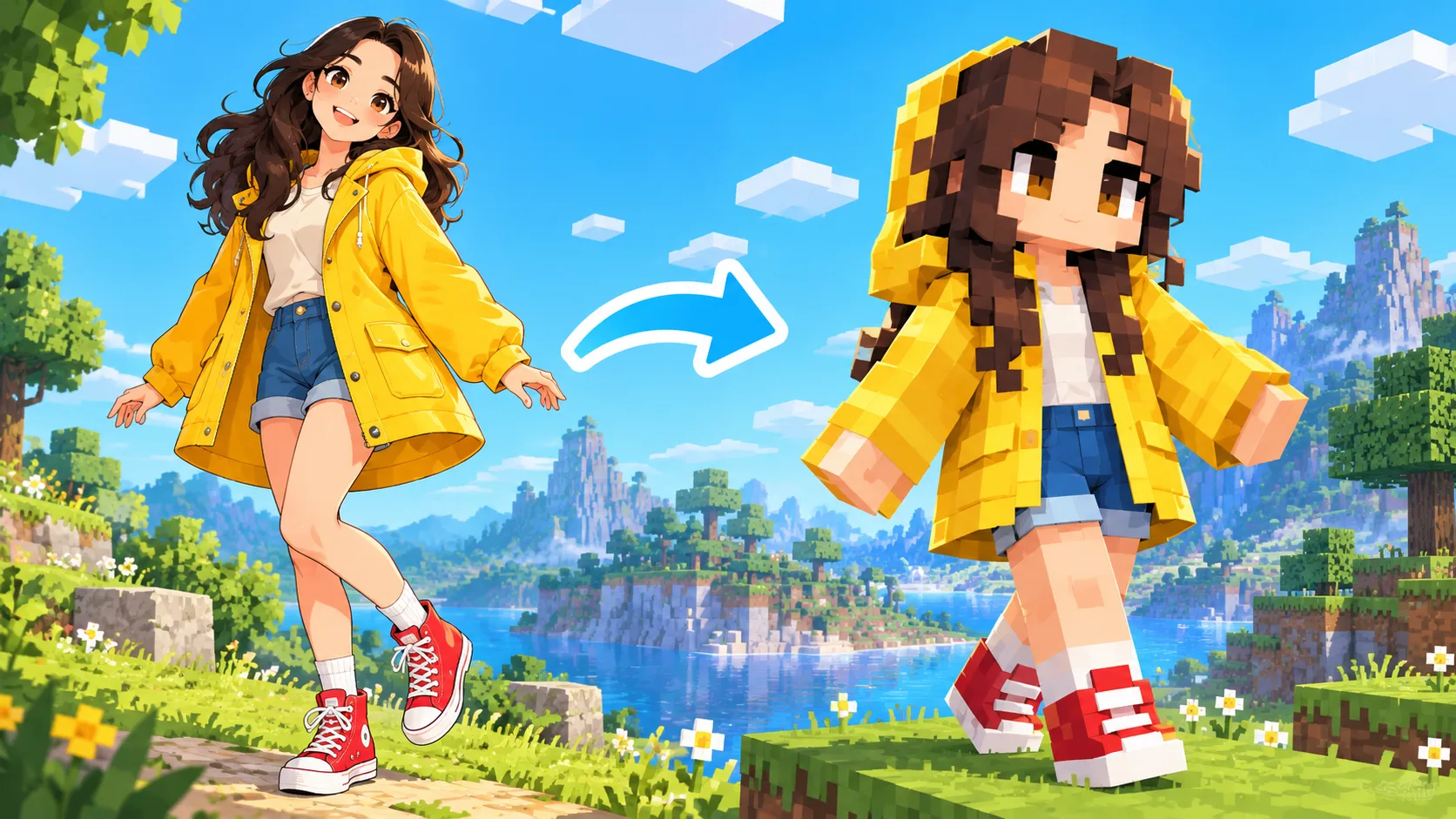
Bring one original character reference into the image editor and explore a blocky pixel interpretation. Focus on the clothing color, simple expression and body shape that make the character recognizable. The result is a character concept picture you can refine or pair with a scene.
Start creatingUse an original drawing or photo with one visible subject. Show the coat, shoes or other identifying details without hiding them behind props.
Name two or three elements that should survive the change in style, such as the yellow hood, red shoes and relaxed expression.
Look at the figure as a thumbnail. If the outfit or silhouette is unclear, simplify the background and ask for a clearer full-body view.
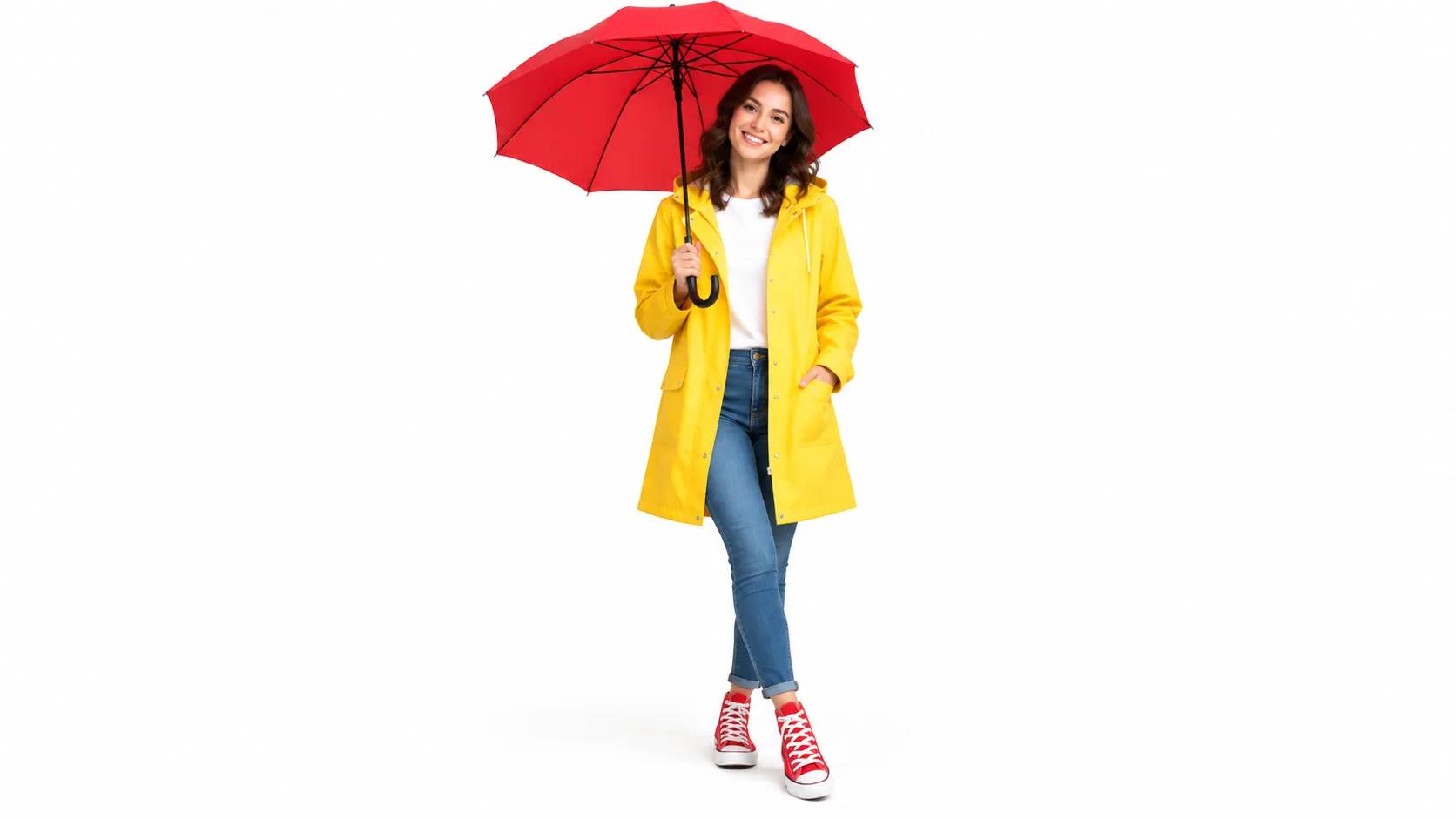
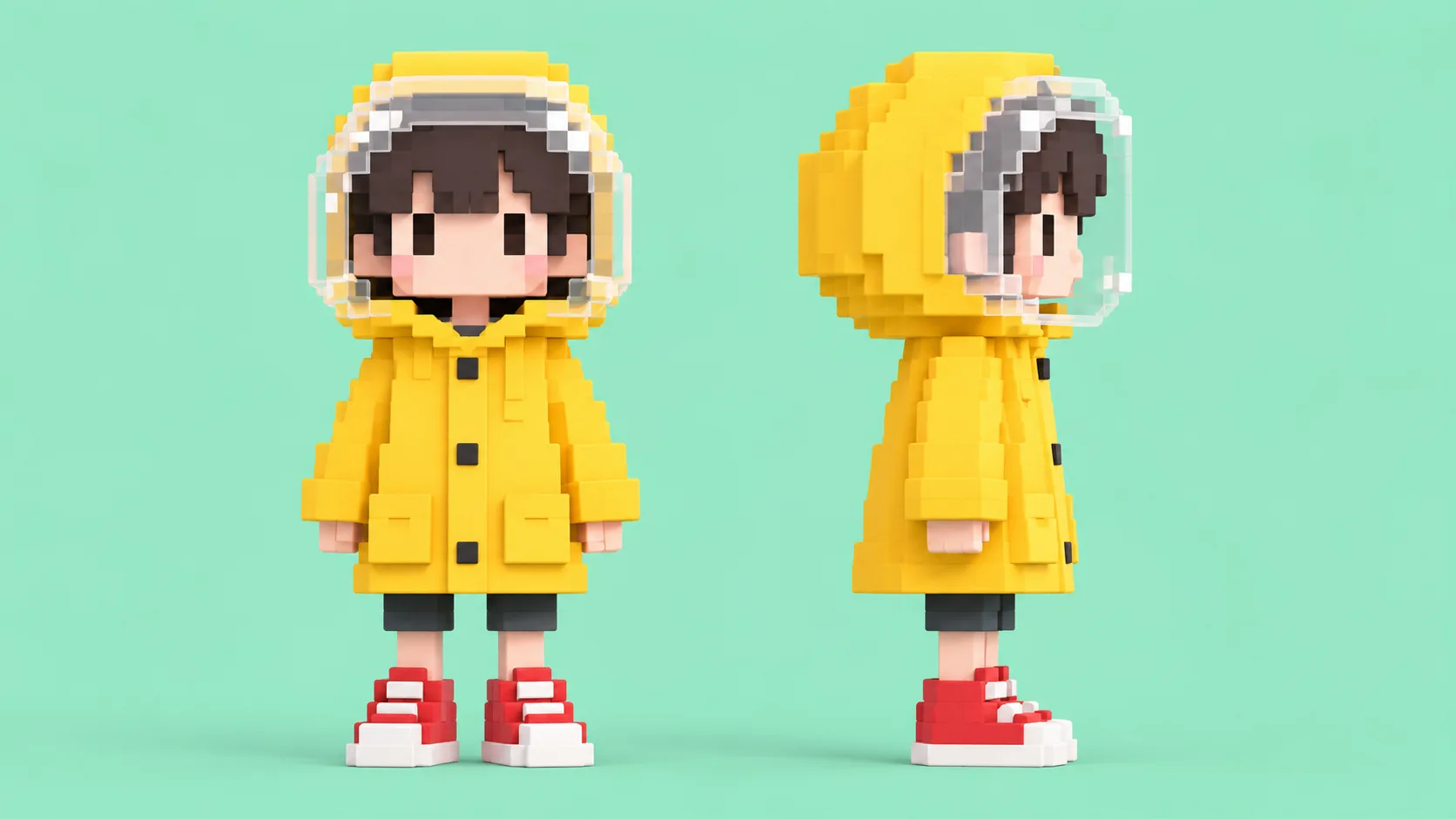
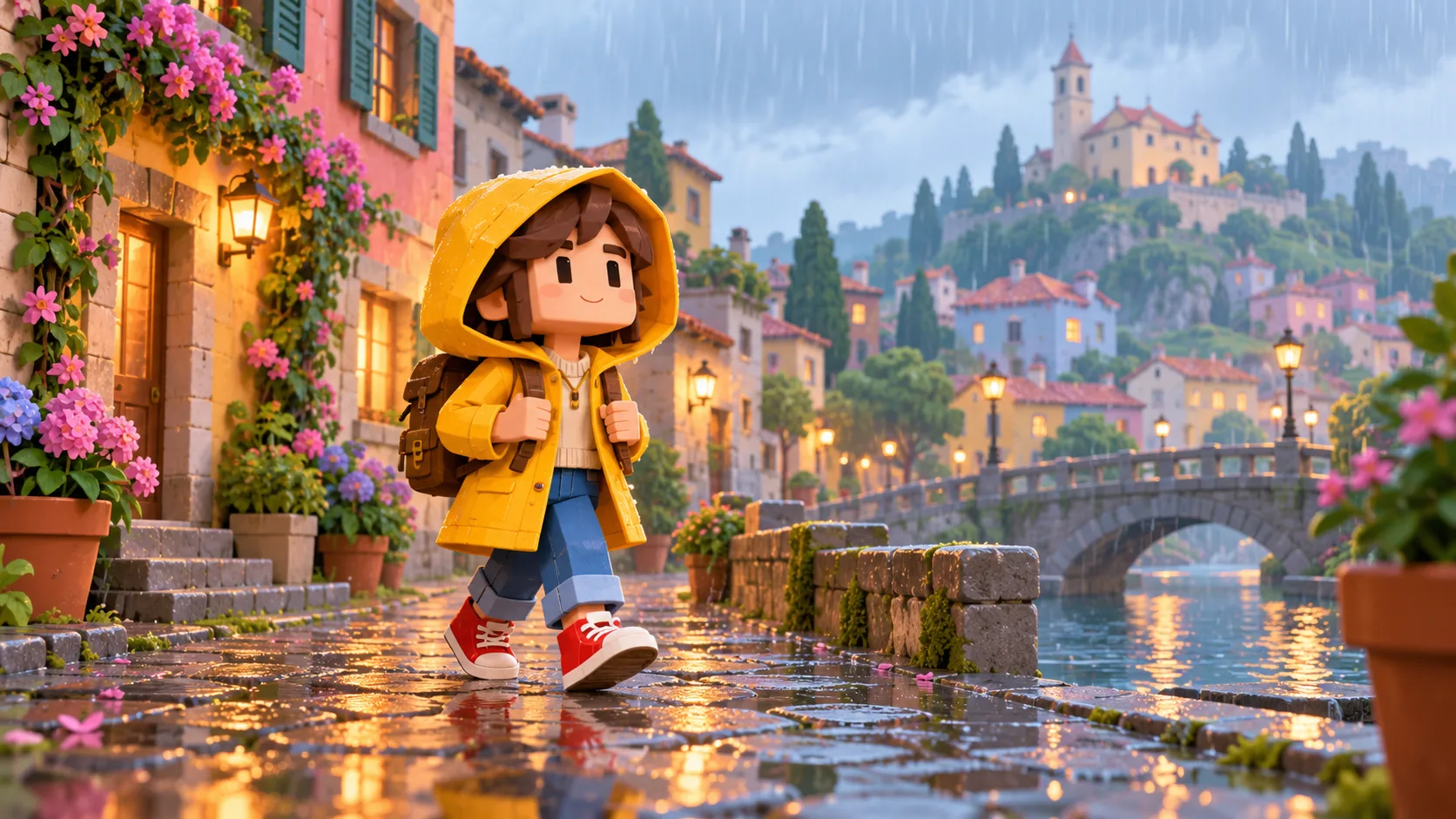
Create a matching blocky street or playground, then compare the character against those colors.
Yes, use a clear original drawing with one subject and specify the traits you want to preserve.
The generated result is a character concept image. This page does not create the exact texture map required for a game skin upload.
Start with the outfit color, hood or hairstyle and the broad body silhouette. Add small accessories only after those large features work.
Check the current model quote and your available credits before you submit. The job only starts after you choose to generate.
The queue and selected settings affect the wait. Follow the job in History and open the result there when it is ready.
southparkcharacter.com · Updated