
Qwen 4: Build a Character Continuity Sheet
Use Qwen 4 as a text-planning assistant for a violet-haired librarian’s continuity sheet, with a reusable prompt, scene checklist and manual review rubric.
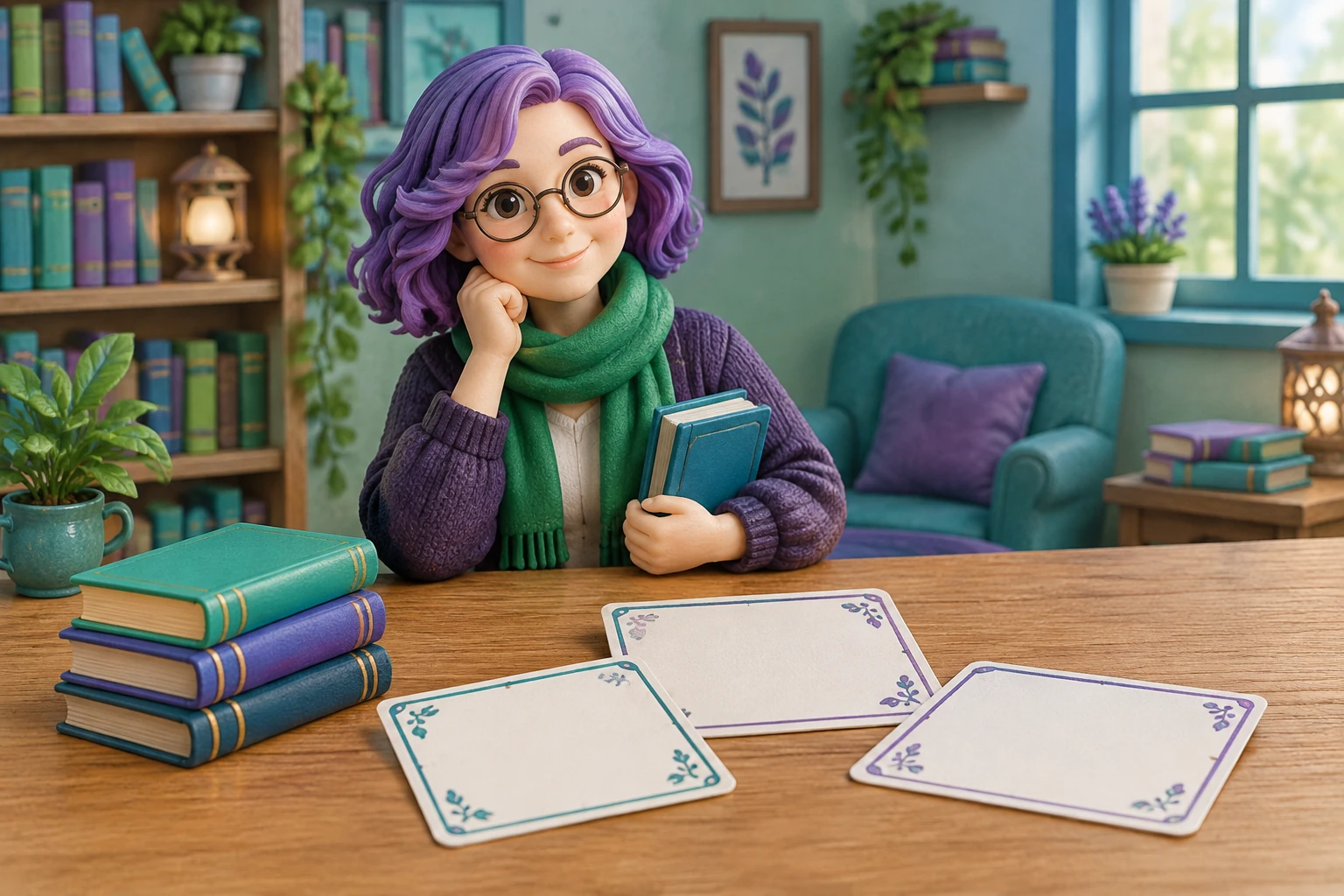
Qwen 4 can support the planning of an original character continuity sheet: use it as an external text-analysis assistant to organize visual observations and proposed story ideas, then review the result yourself. Below, the same violet-haired librarian with a green scarf stays consistent across a compact reference worksheet and three imagined scenes. The worksheet below is a proposed planning exercise for your own reference material.
What's new on this page
- 2026-11-14 — Page published. Added an original librarian continuity sheet, reusable analysis prompt, three-scene checklist and manual review rubric.
The deliverable is a reusable continuity sheet that separates what you can observe in a reference from what you invent for the character’s story. That distinction helps an artist revise the design without accidentally treating a guess as a fixed visual fact.
What Qwen 4 can—and cannot—do here
Alibaba Cloud documents Qwen4-Max-Preview as a text and visual-understanding model available through Token Plan, without pay-as-you-go. The preview ends November 25, 2026 (UTC+8), then retires. Official documentation.
The workflow is deliberately split: an external analysis or planning assistant produces text; a separately selected visual tool creates or edits media. This page does not host Qwen 4, and it does not promise an automatic handoff to an image tool.
Three labels for your notes
| Label | Record |
|---|---|
| Observed | What the reference shows. |
| Story idea | Details you choose to invent. |
| Open question | A decision still unresolved. |
Start with a continuity worksheet
Use the “Observed” entry only for details visible in your chosen reference. Use “Story idea” for story material you decide to add. If a detail is uncertain, mark it as a question instead of quietly turning it into canon.
Hair
- Observed: Violet hair; exact length and style not yet specified
- Story idea: She ties it back while shelving books
- Check before drawing: Choose one repeatable length and silhouette
Scarf
- Observed: Green scarf; exact shade, shape and knot not yet specified
- Story idea: It was a gift from a former mentor
- Check before drawing: Fix the visible shade, width and knot independently of its backstory
Clothing
- Observed: Not established by the brief
- Story idea: She wears practical clothes for work
- Check before drawing: Decide a simple outfit only if the scene needs it
Role
- Observed: Not visually established by the brief
- Story idea: She works as a librarian
- Check before drawing: Treat the occupation as story context, not proof of a particular outfit
Expression and pose
- Observed: Not established by the brief
- Story idea: She is patient but curious
- Check before drawing: Let each scene’s emotion vary without changing fixed design features
This worksheet is intentionally cautious: the brief establishes violet hair and a green scarf, but it does not establish their precise shapes, a face, clothing or a personal history. Fill those gaps from your reference or your own decisions. Don’t ask a text assistant to present an unobserved detail as though it were visible.
Proposed reusable analysis prompt
Copy this prompt into a text assistant when you have a reference image or a written description. If using an image, the assistant’s ability to understand it depends on the tool you select. Keep the response in text; create or edit artwork separately.
Help me prepare a continuity sheet for my original character, a violet-haired librarian with a green scarf. Separate your response into Observed, Invented, and Unresolved. In Observed, include only details I supplied or details you can clearly identify in the reference; label uncertain readings instead of guessing. In Invented, suggest optional story ideas without presenting them as visual facts. Preserve fixed design choices across these scenes: (1) shelving books, (2) helping a visitor at a desk, and (3) closing the library. Make a table of repeatable visual features, identify any contradictions among my notes, and ask questions where a decision is needed. Do not invent extra reference details, claim to generate artwork, or resolve an ambiguity without showing me the choice.
My reference or notes: [insert material]. My confirmed design choices: violet hair; green scarf. My optional story ideas: [insert or leave blank].
Keep observations, inventions and open questions separate so you can review each design choice.
Example: repair an ambiguous design note
Suppose your note says: “Her scarf is green and hangs over her shoulder.” That sentence leaves the shade, length and side unclear. Don’t let those missing details drift between scenes. Rewrite the note as a decision request: “Observed: green scarf; one end appears over a shoulder in this view. Unresolved: which shoulder, how long it is, and whether the reference shows a knot. Please list these as questions, not confirmed design facts.”
Then make your own decisions from the reference or your intended design. For example, you might record: “Invented design choice: medium-green scarf, tied in a small knot at the left side; one short end and one longer end.” This is a proposed example choice, not an observation about a supplied image. Once confirmed, carry it consistently into new drawings.
Three-scene continuity checklist
Use this checklist after sketching or describing each scene. Compare the librarian with your chosen reference and confirmed sheet—not with an assistant’s guess.
- Shelving books: Is the violet hair’s confirmed silhouette still recognizable? Is the scarf still the chosen green and tied in the same confirmed way? Does the pose fit the action without altering the design?
- Helping a visitor: Do the same hair and scarf choices remain intact from another pose or viewing angle? Is the visitor interaction a scene-specific action rather than a reason to change her established design?
- Closing the library: Are her fixed features still consistent in the final scene? Are any changes—such as loose hair or a removed scarf—intentional story events that you have explicitly recorded?
If a scene requires a real design change, note when it happens and whether it carries forward. A temporary pose or expression can vary; a changed scarf knot should not appear by accident.
Small manual review rubric
Review each scene against four questions. Mark clear, needs a decision, or inconsistent—these are practical labels, not test scores.
- Evidence: Can you point to a reference or confirmed choice for each claimed visual detail?
- Separation: Are story inventions visibly distinguished from observations?
- Repeatability: Can you draw the hair and scarf the same way from the sheet?
- Scene logic: Are changes intentional, explained, and carried forward where needed?
A “needs a decision” mark is useful: write the missing choice into the sheet before revising the drawing. For more character-planning ideas, browse the blog. If you’re considering available site options, see pricing; this is not a Qwen 4 price or access offer.
Turn the sheet into an artwork brief
Once the unresolved details are settled, carry only your confirmed design choices into the image generator. Choose an available model and review its current settings and credit requirement. Compare the resulting artwork with your reference and continuity sheet, especially the hair silhouette, scarf and any intentional scene changes. The character worksheet gives you the details to inspect; it does not replace that visual review.